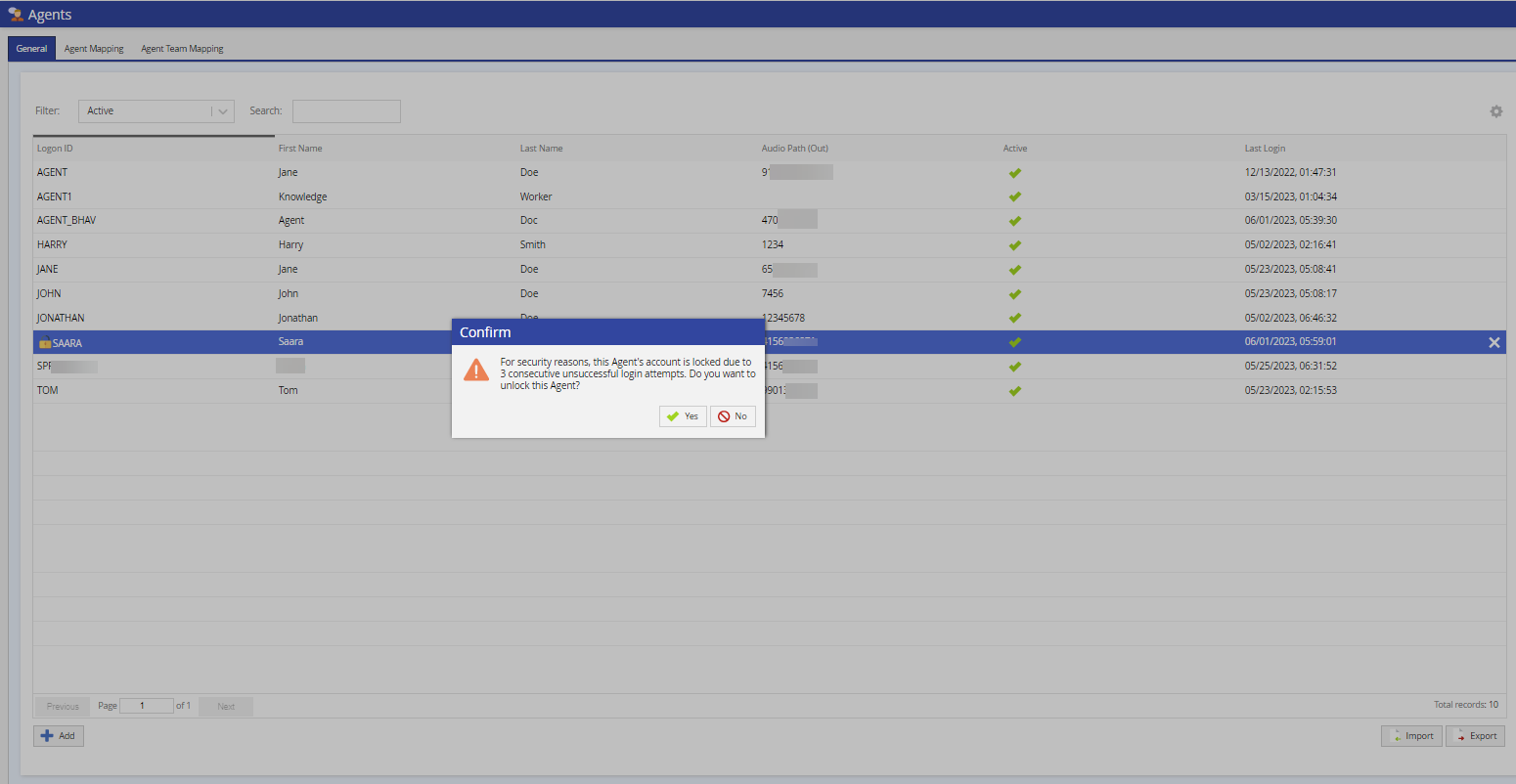
If agents exceed the set number of failed login attempts, they are locked out of their account.You can configure the number of failed login attempts using theClienteditor under theSecuritytab.By default, agents are allowed five failed logins.
To view locked agents, selectFilter>Locked or look for the lock icon next to the agent Logon ID.
To unlock an agent:
Select the agent and double-click on the lock icon next to the agent Logon ID. AConfirmwindow appears.