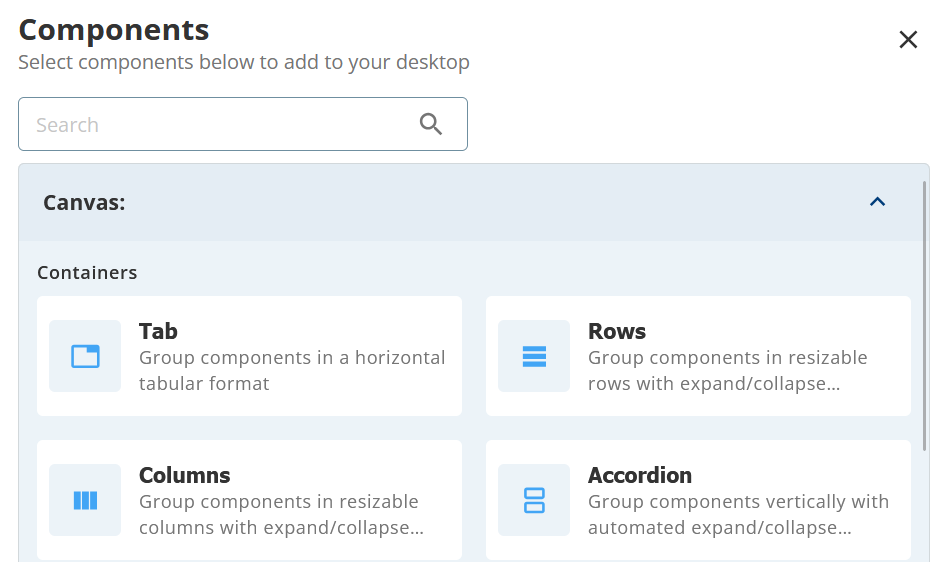
Outbound Engagement (SmartReach) Admin Guide Agent Workspace Contact Center Customer Relationship Management (CRM) Working with a Designer Desktop Designing an Agent Desktop Page Current: Working with the Containers Working with the Containers When designing an agent desktop, you can display the elements on the page in a specific layout using the Containers section on the canvas. To display the elements in a specific layout on the page:Click the Add Component button.From the Containers section, select one of the containers: TabsThe elements appear in a tabular form.RowsThe elements appear horizontally.ColumnsThe elements appear vertically.Accordion The elements appear in a vertically stacked list, enabling an agent to expand and collapse the elements.Click Save.Managing the Properties for Containers If you want to change the container properties, use the Properties tab. For example, if you want to change the Tab title from Tab to Details. On the page, select the Tab container. Click the gear icon. Click the Title field and change the title. To change the position for the title to appear and the color of the title bar, use the Header Position and Theme accordingly from the list. ×