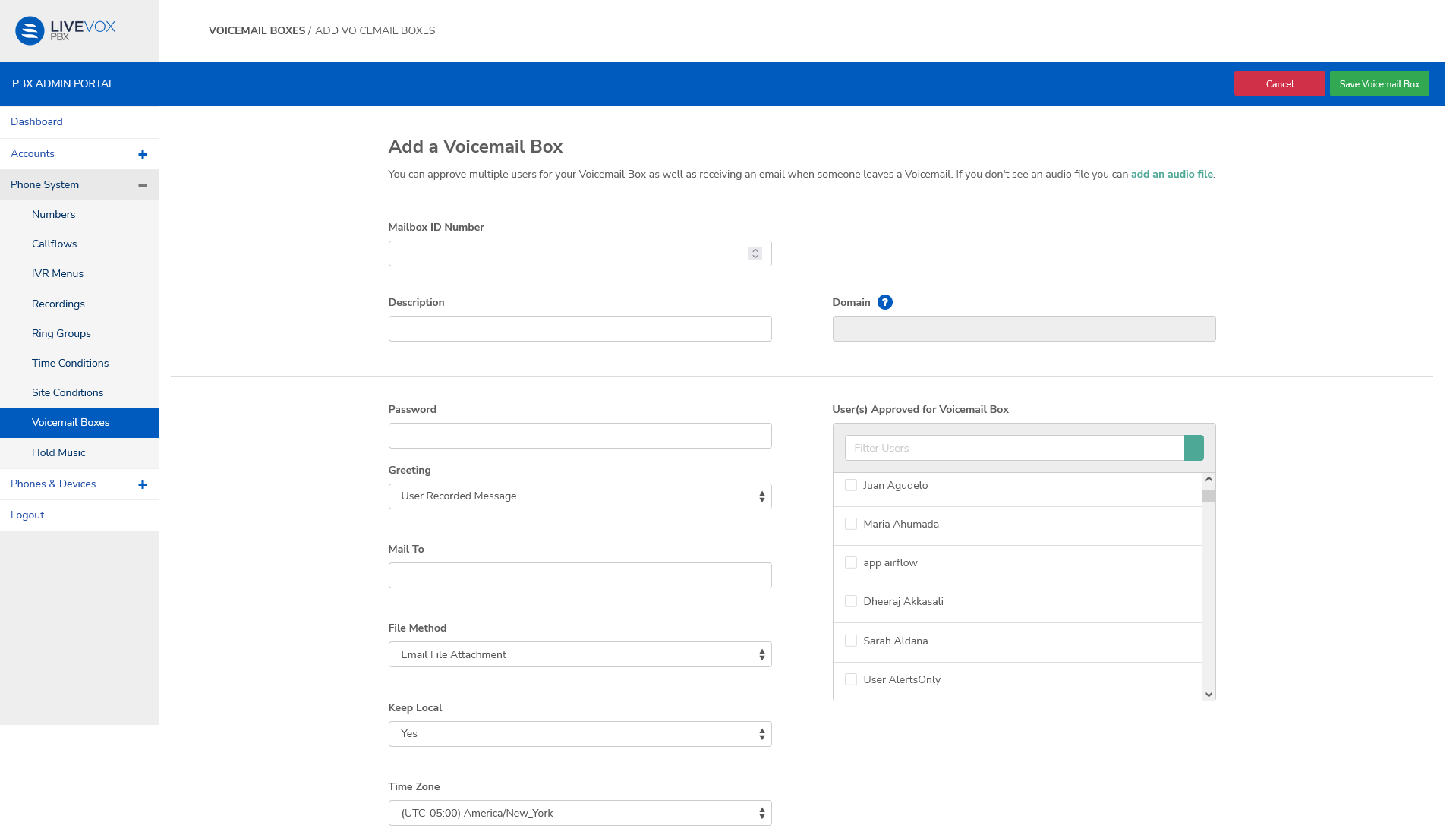
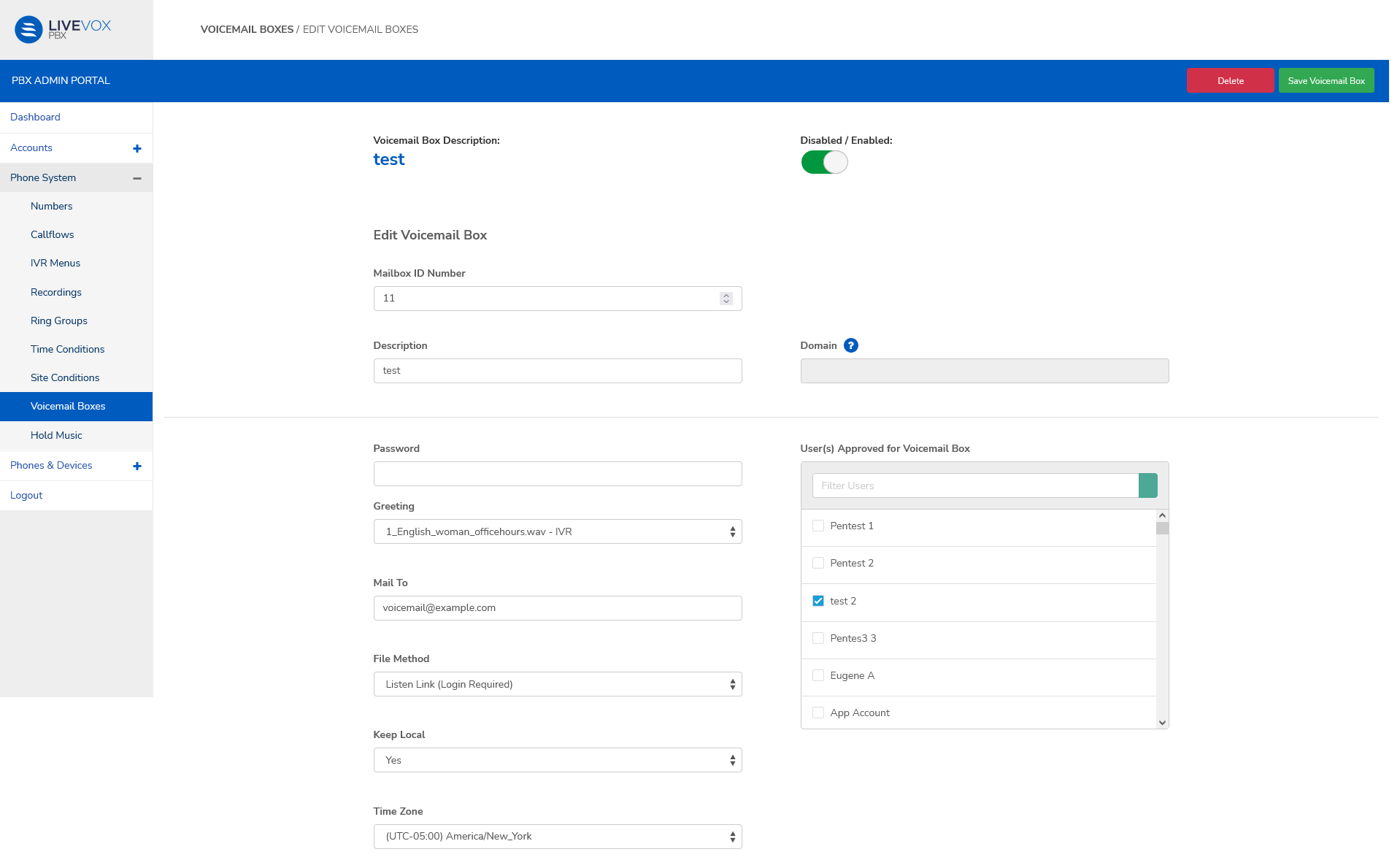
| Field | Description |
|---|
| Mailbox ID | Enter the digits that will identify this voicemail box. |
| Description | Describe the purpose of the IVR. This value is visible on the Voicemail Box screen and helps identify the box. |
| Domain | Select the domain that contains the team or site the user is a part of. |
| Password | Enter a password for the voicemail box. |
| Greeting | User Recorded Message. To add an audio file to this menu, see Adding Recordings. |
| Mail To | Email ID that you want the voicemail notification sent to. |
| File Method | Email File Attachment Listen Link (Login Required) Download Link (No Login Required) |
| Keep Local | Yes No |
| Time Zone | Select the timezone |
| User(s) Approved for Voicemail Box | Select the users who can access the voicemail box |