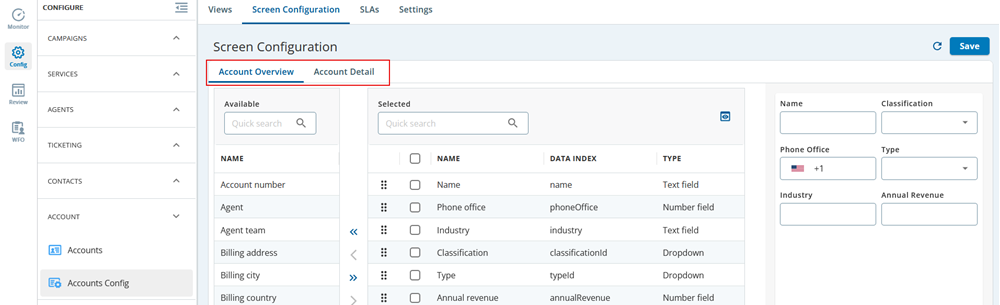
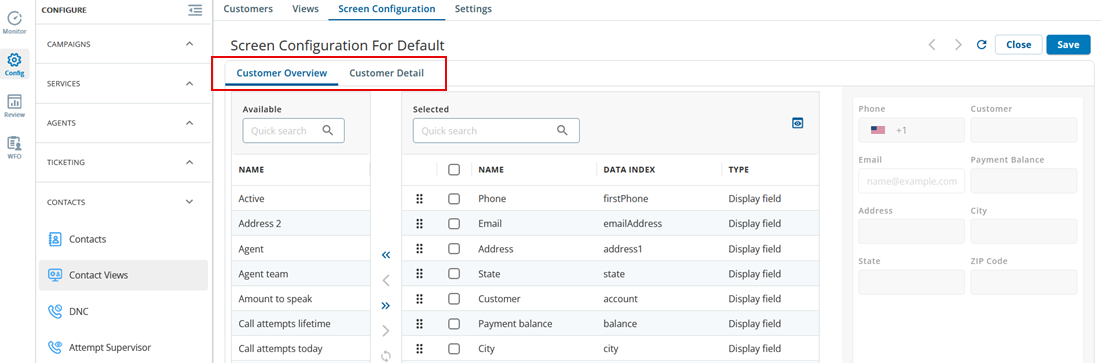
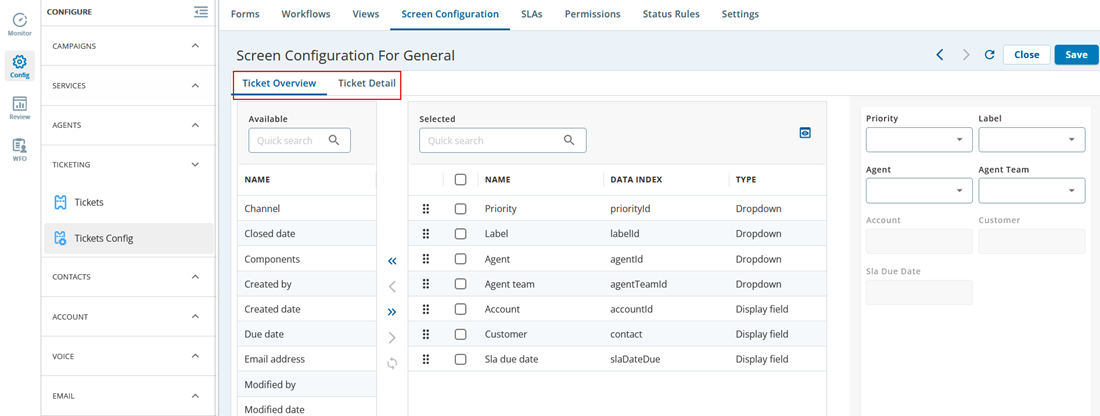
The Screen Configuration window enables you to configure the display of the main area of a record (account, contact, or ticket) in a section or the display of the Detail tab of a record in a section. This window appears when you click the following buttons on the Properties tab:

  • Account Detail Screen: Enables you to configure the fields available in the Account Detail tab of Account Config. 
  • Account Overview Screen: Enables you to configure the fields available in the Account Overview tab of Account Config. 

  • Customer Detail Screen: Enables you to configure the fields available in the Customer Detail tab of Contact Views. 
  • Customer Overview Screen: Enables you to configure the fields available in the Customer Overview tab of Contact Views. 

  • Ticket Detail Screen: Enables you to configure the fields available in the Ticket Detail tab of Tickets Config. 
  • Ticket Overview Screen: Enables you to configure the fields available in the Ticket Overview tab of Tickets Config.

    Note

    You can create unique screen configurations for agents based on the contact groups on the CRM desktop. This is designed for clients with diverse portfolios. This ensures that clients are assigned to agents with specific portfolios or contact groups to view or edit the fields.

    The search functionality in the Contact Center CRM agent desktop has been enhanced to provide personalized search options, such as the billing address of the account, billing city, original account number, and so on. Using this enhancement, you can allow your agents to view specific information for an account.