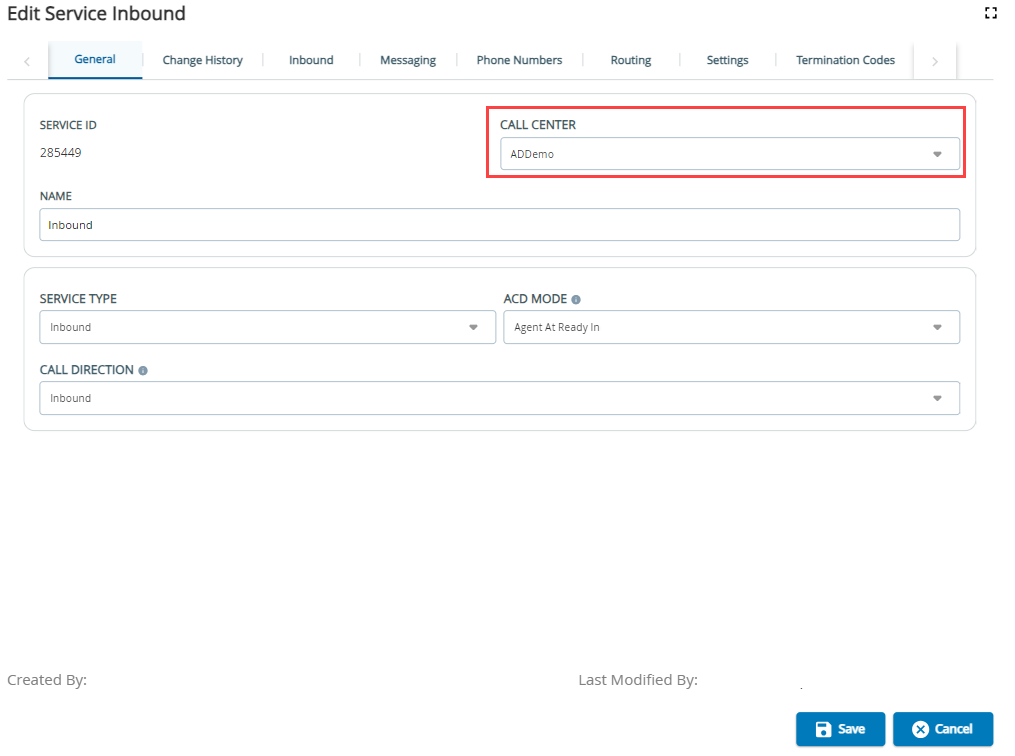
Outbound Engagement (SmartReach) Admin Guide Getting Started Managing Client Sites, Call Centers, Services, and Business Units Working with the Services Editor Current: Moving Services to a Different Call Center Moving Services to a Different Call Center To move services to a different call center:Double-click the service you would like to move to a different call center.From the Call Center dropdown, select the call center where you want to relocate the service. Click Save. Changing services to different Call Centers can affect custom Call Center reports. A success notification will be displayed. ×