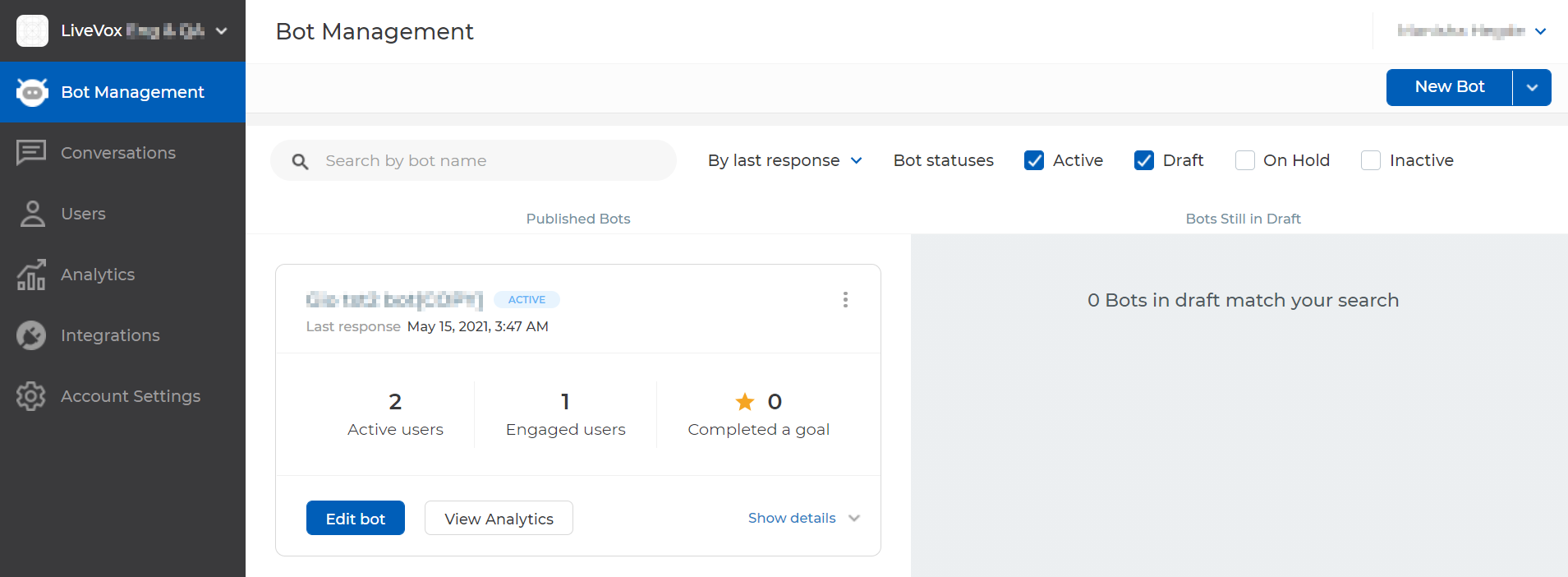
Outbound Engagement (SmartReach) Admin Guide AI Virtual Agent SmartReach Bot Basics Current: Logging In Logging In Before logging in to SmartReach Bot, ensure that your account is set up and you have created a password for your account. For assistance, contact the SmartReach Customer Care Team. To log in to the SmartReach Bot:Access the SmartReach Bot.The LOGIN window appears.Enter your email address and password, and then click LOGIN.The Bot Management window appears. To log out, in the upper-right corner of any window, on your name menu, click Log out. ×