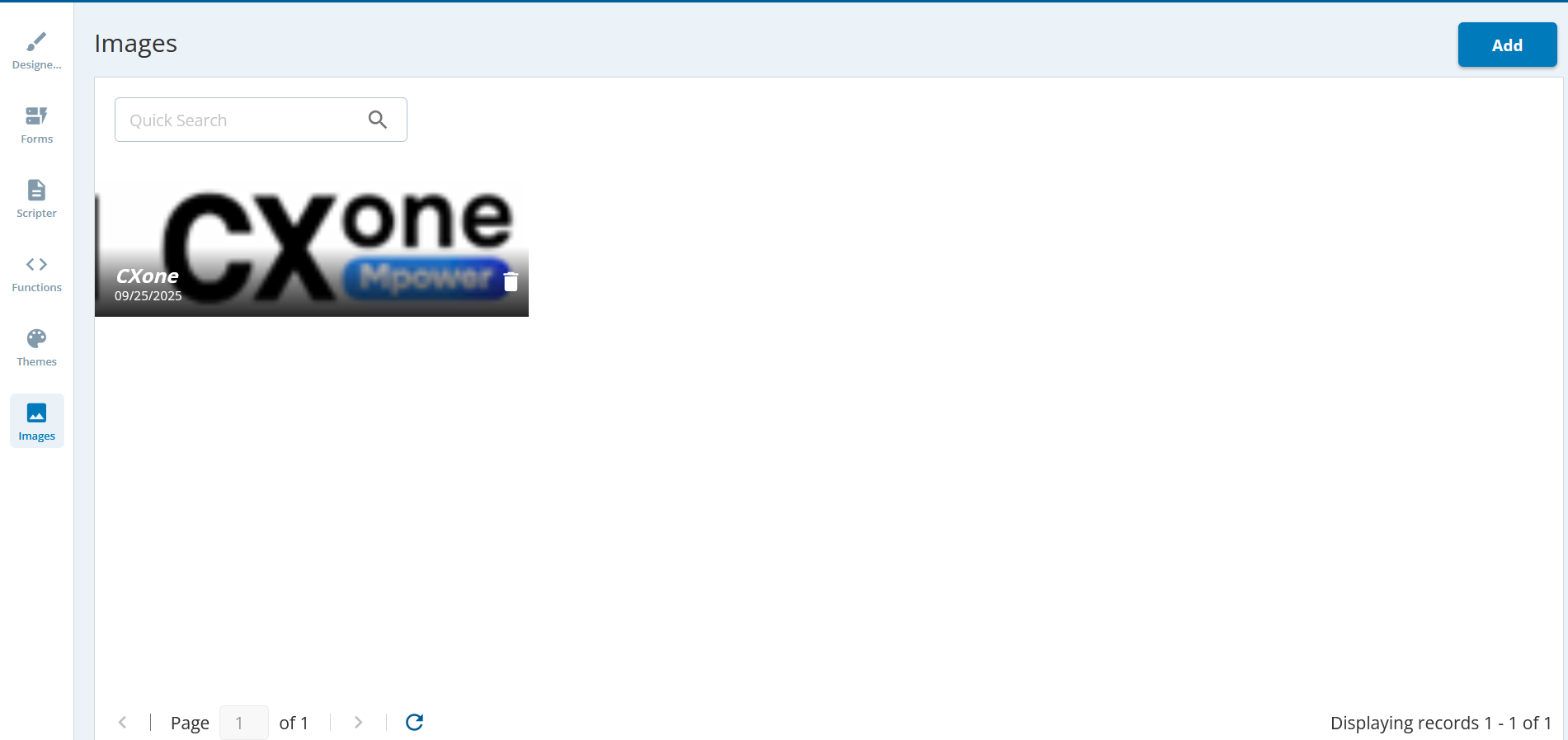
Outbound Engagement (SmartReach) Admin Guide Agent Workspace Working with Scripter Understanding Scripter Design Current: Image Image The Image area displays the images that are available to be added to the page. You can upload the images to the Image tab. Images LibraryThe images library tab enables you to upload images from your local system to the Images Library tab. The images in the Images tab appear in the Design tab. Adding Images to the Image TabTo upload the images:Click the Images tab.Click the Add button. The Upload Image window appears.Specify a name for the image.Click the icon.Browse and select the images from the local system.Click Save.The images appear in the Images window. ×