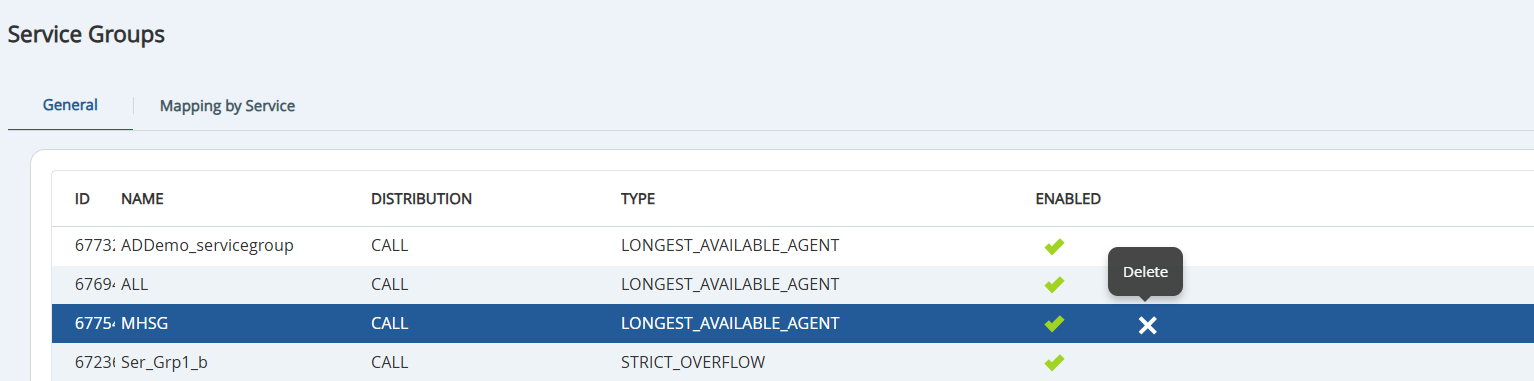
Outbound Engagement (SmartReach) Admin Guide Getting Started Managing Client Sites, Call Centers, Services, and Business Units Managing Service Groups Current: Deleting Service Groups Deleting Service Groups To delete a service group:Navigate to Configure > Services > Service Groups. Under the General tab, select the service group to be removed.Click the X icon to delete the service group. A confirmation message appears. Click Yes. ×