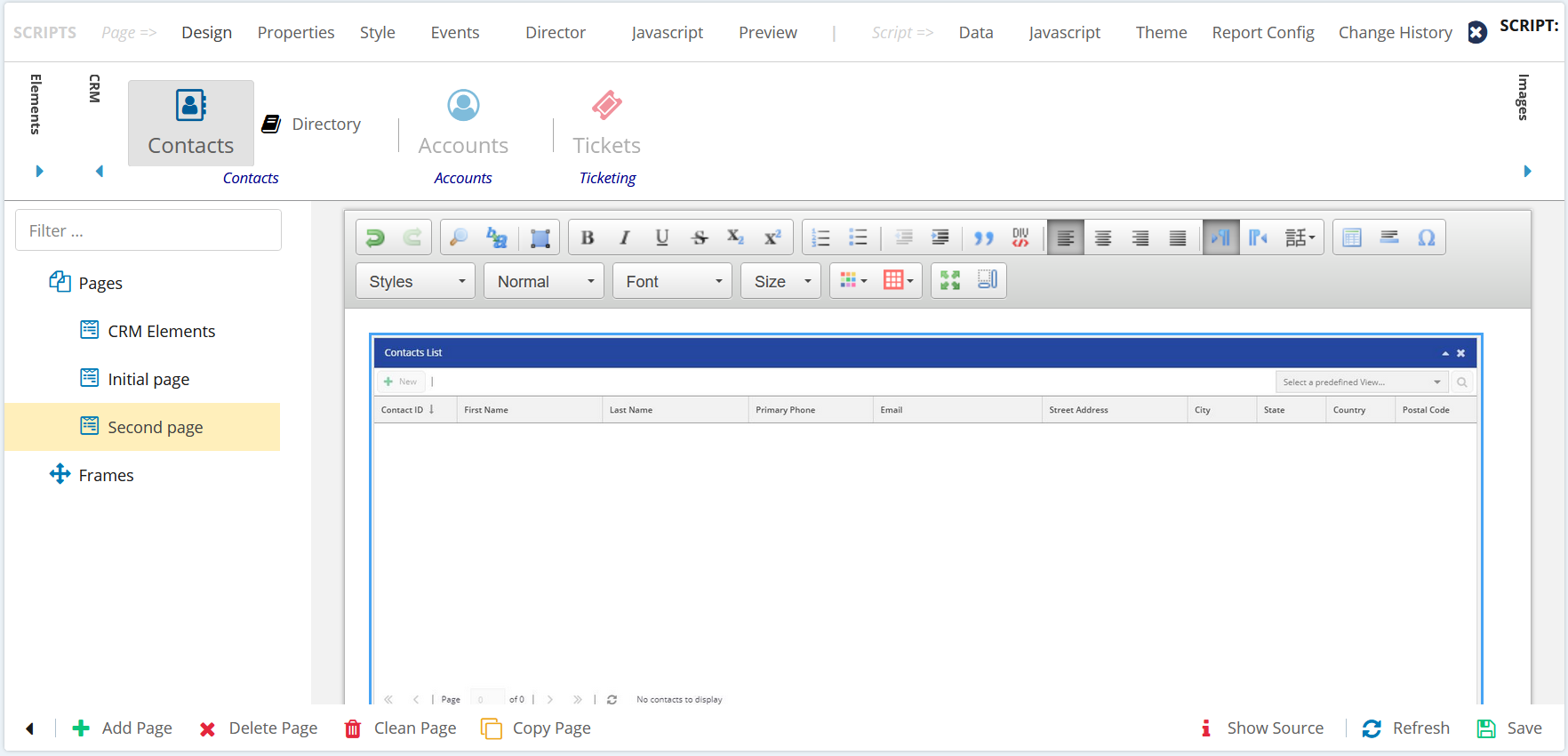
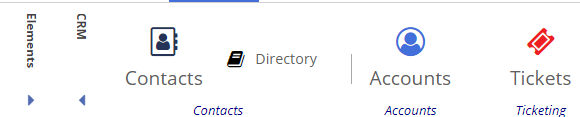
You can add the Contact Center CRM elements to your page. You have Contacts, Accounts, and Tickets options present in the CRM option. When you add the Contact Center CRM elements to the design area, all the information pertaining to the element is listed. you must drag and drop the elements onto the design area. 

You can configure Short Message Service (SMS) and Email functionalities, which enhance communication capabilities directly within your scripting environment. This feature allows you to create more dynamic scripts that can trigger emails or SMS messages based on agent actions or automated script functions. You can manually set up these communication channels or use the CRM Directory widget.
For example, when you drag and drop the Tickets option to the design area, the Tickets List window appears, as shown in the image below: