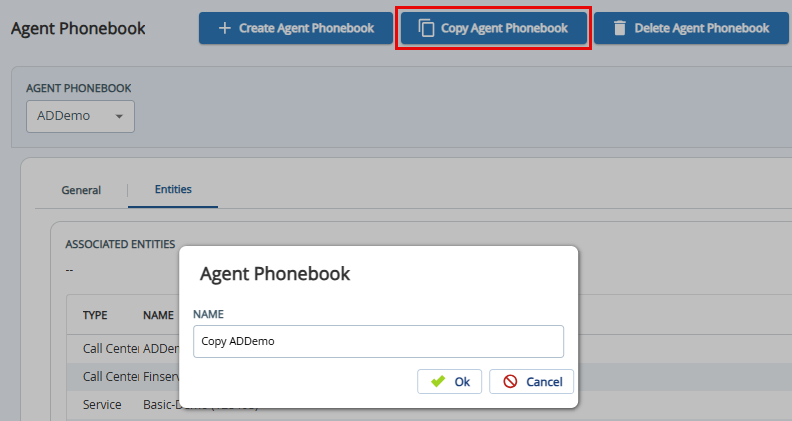
Outbound Engagement (SmartReach) Admin Guide Agent Workspace Managing Agents and Agent Desktops Agent Desktop Agent Phonebook Current: Copying Agent Phonebook Copying Agent Phonebook To copy an agent phonebook:Select the agent phonebook from the Agent Phonebook drop-down list.Click Copy Agent Phonebook. The Agent Phonebook pop-up appears.Specify the name for the new agent phonebook in the Name field.Click OK to proceed. If you select OK, the Agent Phonebook copied message appears indicating that the agent phonebook has been copied. To add or update entries in the copied agent phonebook, see the General Tab section. ×