The Permissions tab enables you to set access privileges to the users, teams, or agents using the label. The admin has the authority to change the permission of the tickets at the label level, allowing the selected users to view or edit them.
Navigate to Config > TICKETING > Tickets Config > Permissions, the Permissions window appears.
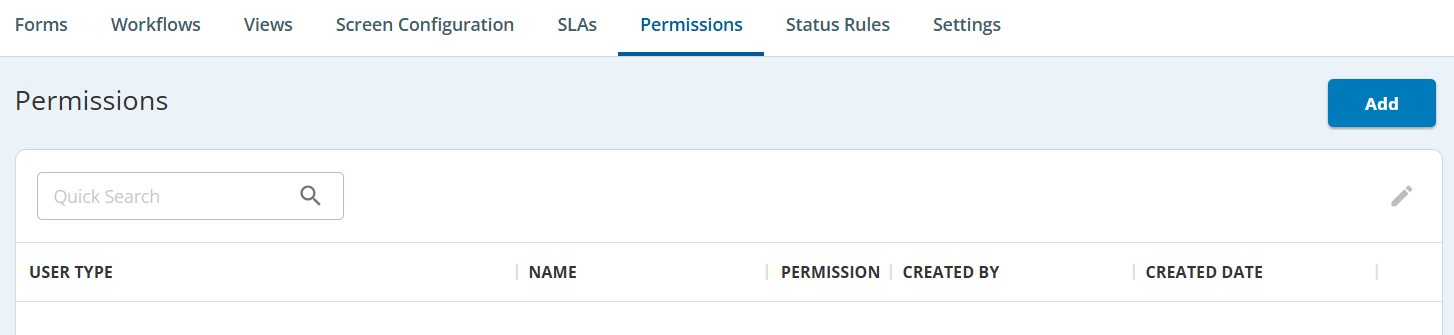
Adding Permissions
To add a permission:
- Click the Edit (
 ) button.
The Editor window appears.
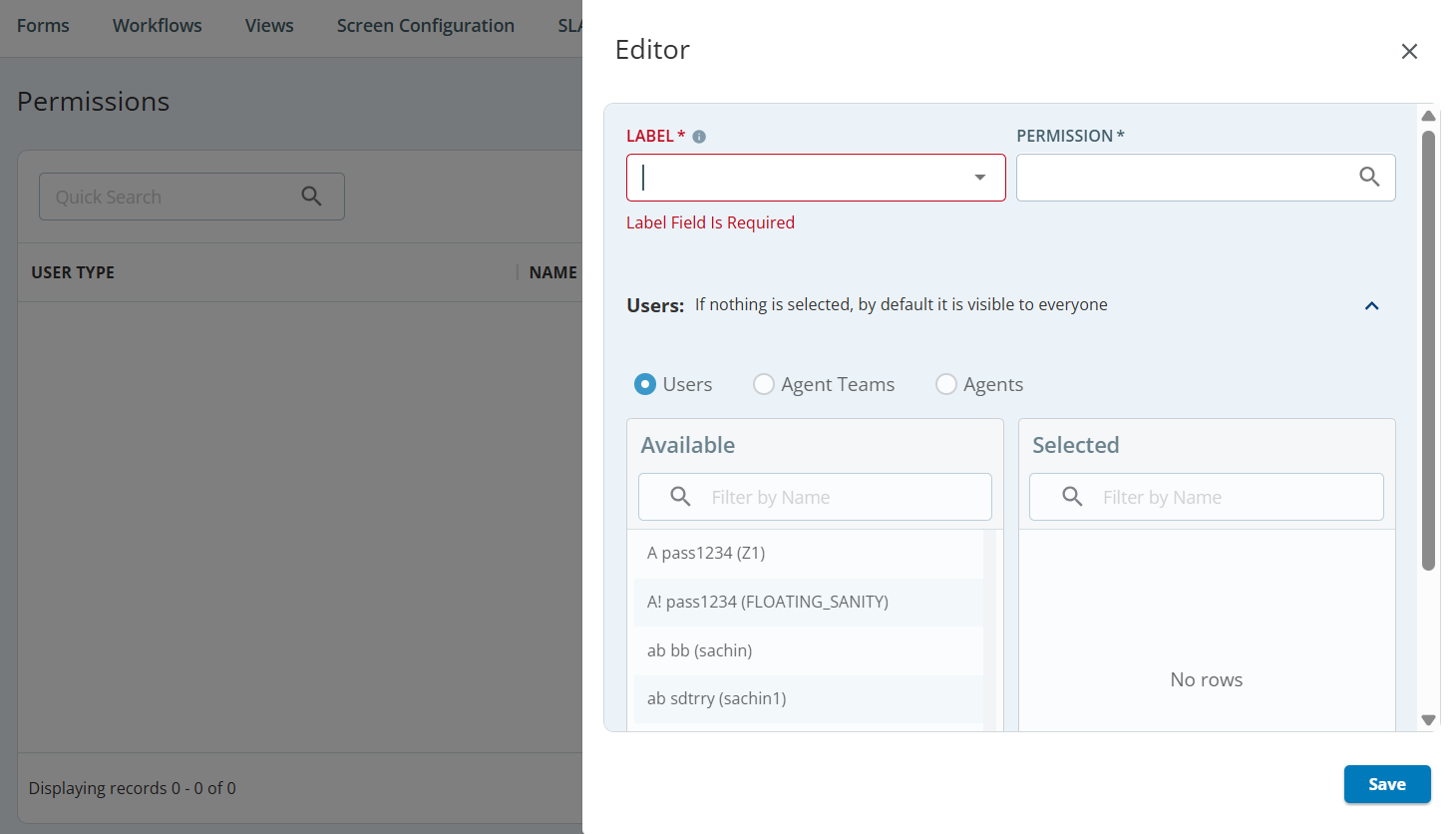
- Select a LABEL NAME and PERMISSION from the drop-down list.
- Select the Users, Team, or Agents option.
- From the Available box, select and move the User/Team/Agent to the Selected box.
- Click Save.
A new permission is added to the Permissions tab.
- If you have selected Label and have not selected any user, by default, the tickets of this type are visible to all users.
- To modify user permission, select and double-click on the permission from the Permissions tab, modify the user rights and then click Save.
