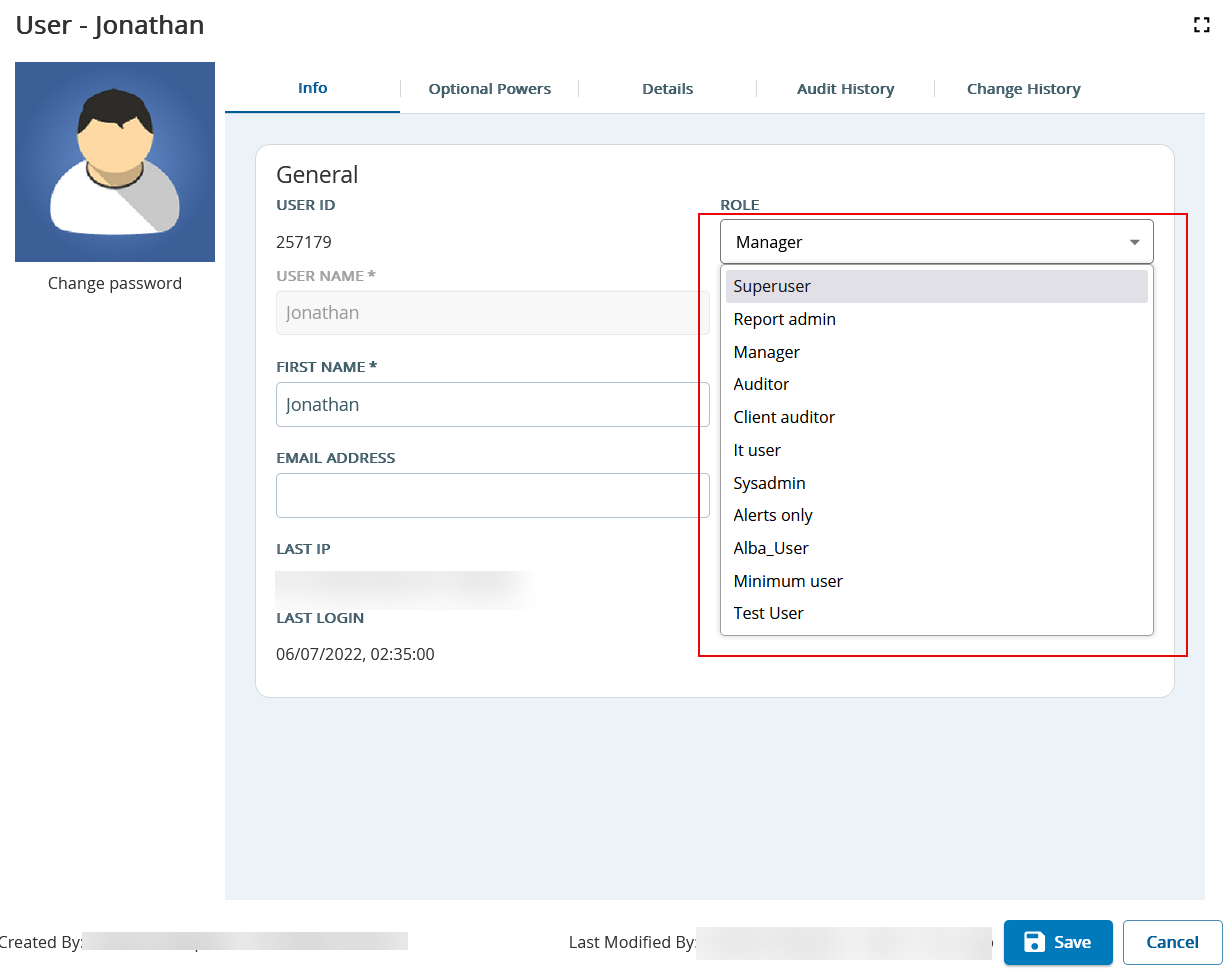
You can update the user role to provide fewer or more permissions to access SmartReach Portal features. To change the role type of a user:
- In the User window, find the user entry that you want to update and double-click the row.
- From the Role drop-down menu to select the new role type.
- Click Save.