Agent Administration
A SmartReach system administrator can add agents. However, managers or supervisors can also have configuration privileges to add or update agent profiles in the SmartReach portal as needed.
You can use the Agent Administration functionality for the following agent-related tasks:
- Create and manage agent records.
- Map agents to services or vice-a-versa.
- Classify agents for preferential routing of inbound or outbound traffic based on agent attributes.
- Route calls to agents assigned to an account or to the agent who last spoke to the consumer.
- Import and export agent lists.
- Assign agents to teams and phonebooks.
Accessing the Agent Administration Section
To access the Agent Administration section, navigate to the Configure > Agents > Agents on the SmartReach portal.
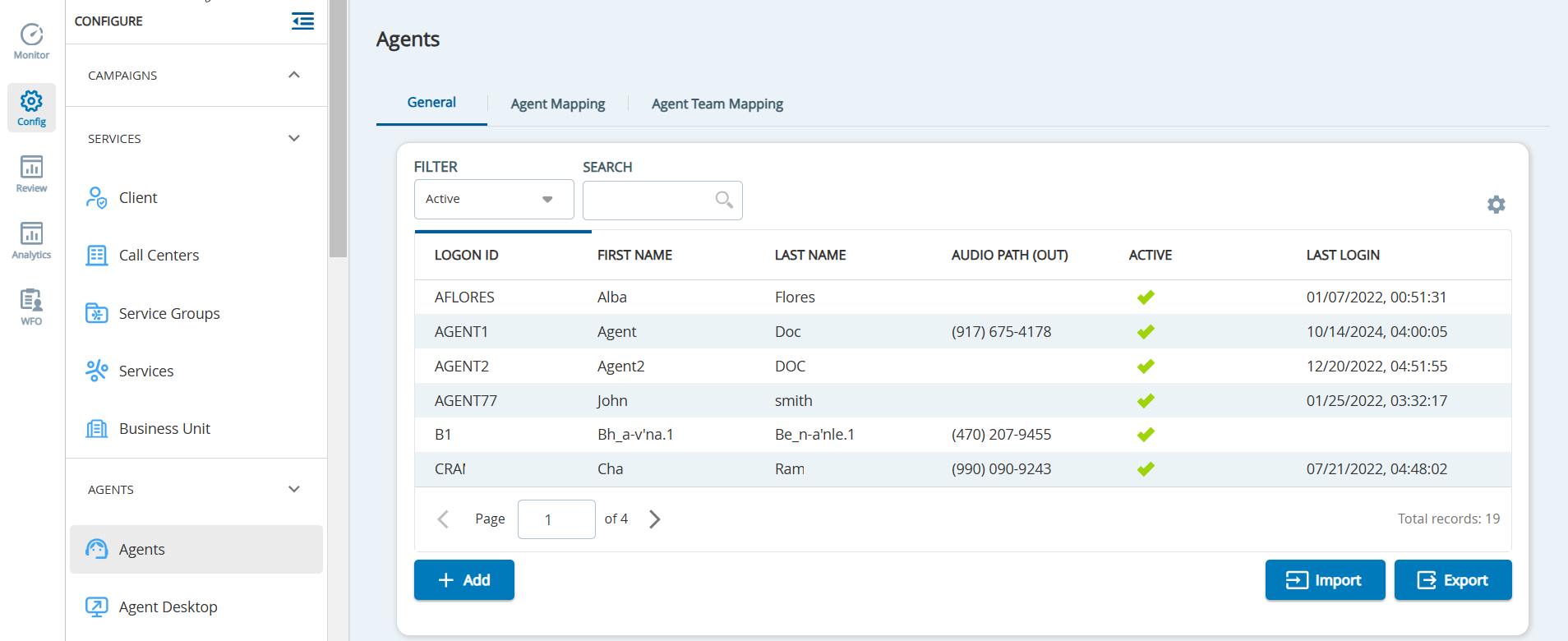
This section contains the following topics.