You can access the Designer Desktop from the Agent Desktop window or the main SmartReach portal window.
Accessing through SmartReach Portal
To access Designer from the SmartReach portal:
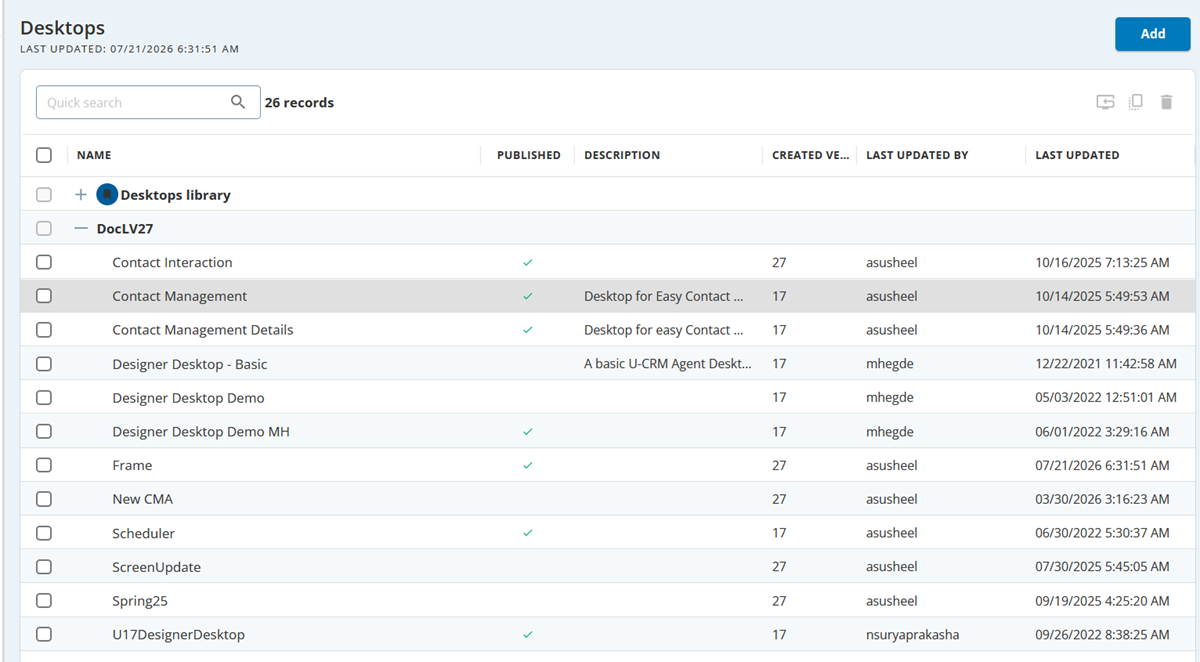
In the portal, click the tab. The Desktops window appears.
Note: SmartReach provides a default desktop for agents to use; however, to customize the agent desktop, you must have a Contact Center CRM license. For more information on Billing information, seeBilling Tab.
Accessing through the Agent Desktop
Alternatively, you can access the Designer window through Agent Desktop. To access Designer from the Agent Desktop:
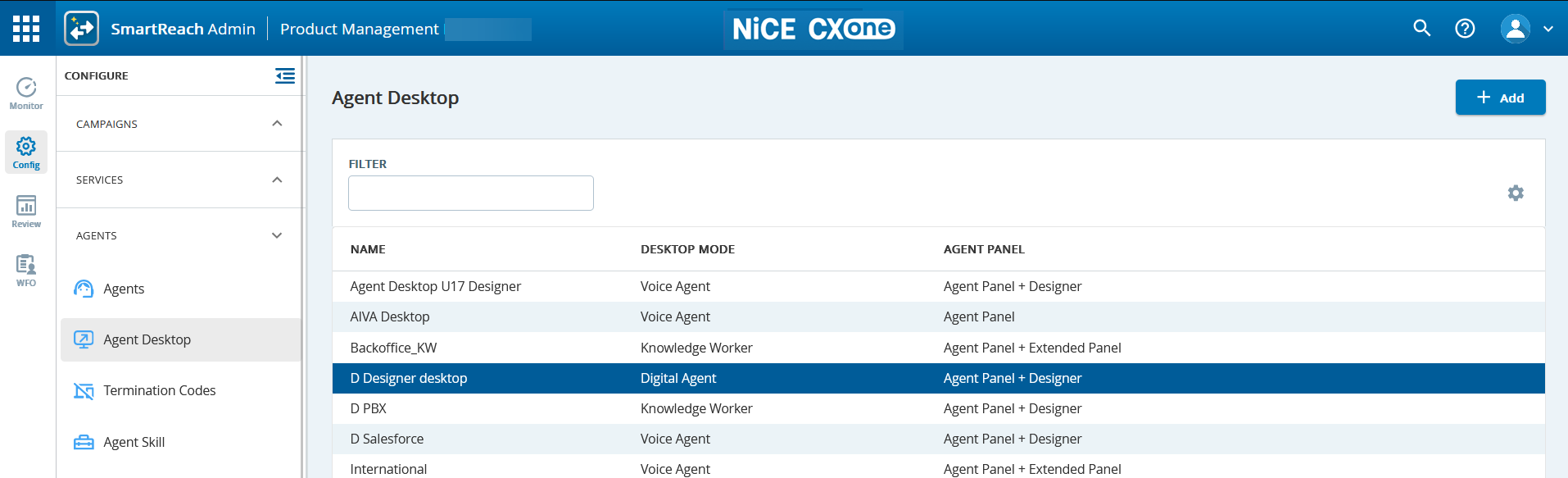
Navigate to Configure > Agents > Agent Desktop. The Agent Desktop window appears.
In the DESKTOP MODE column, select the required Agent Desktop.
Double-click and select the Agent Panel + Designer option. The Edit Agent Desktop window appears.
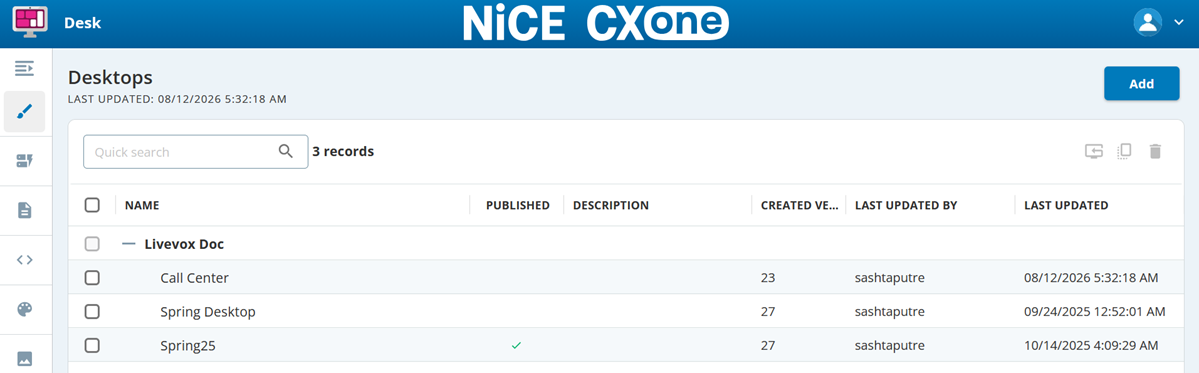
Go to the Designer tab, in the Designer Desktop field, select a required agent desktop, and then click the Open Designer in new tab icon . The Designer browser tab displaying the Desk window appears.