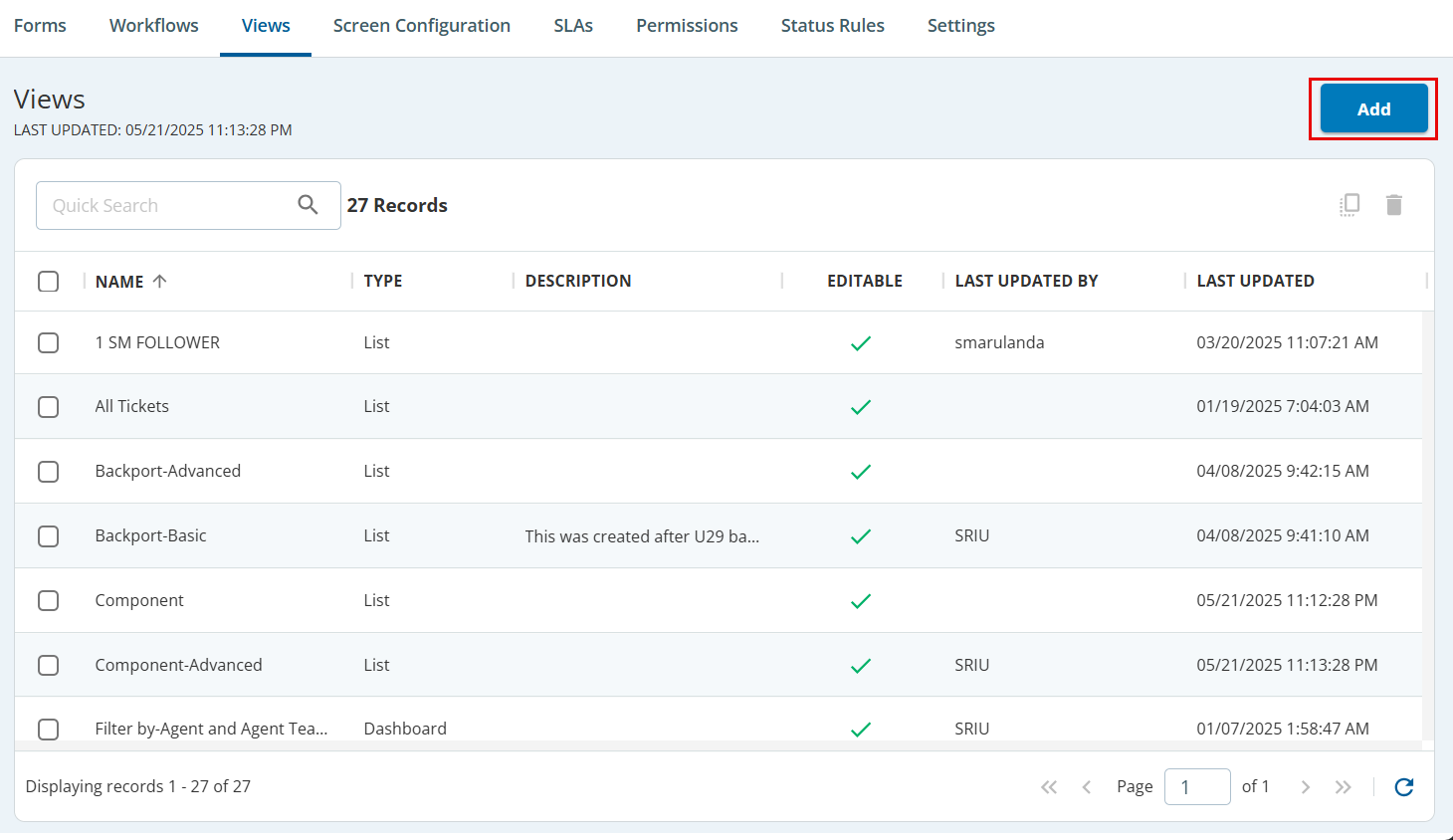
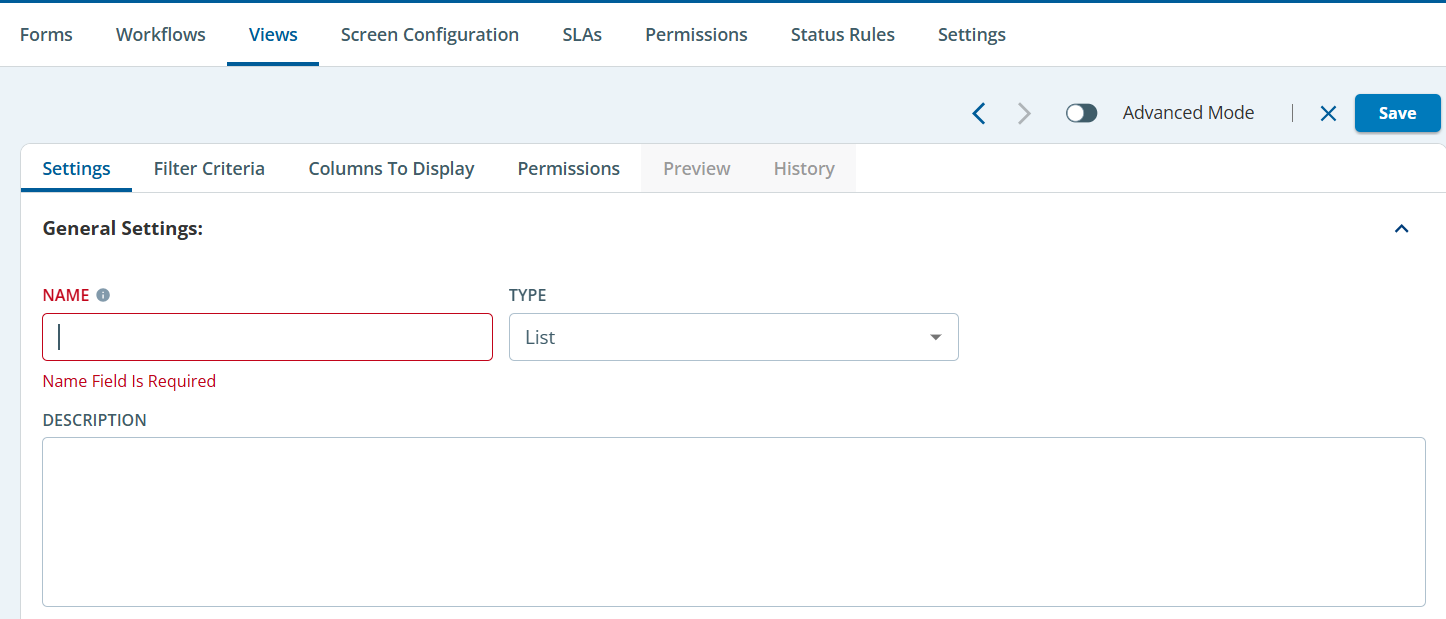
In the Ticketing Config window, on the Views tab, you can:
- Preview a ticket view by double-clicking the row displaying the view and then clicking the Preview tab.
- Modify, copy, or delete a ticket view by selecting the row displaying the view and then using Edit, Copy, or Delete, respectively.
- Modify the design of a ticket view by double-clicking the row displaying the view.
- View a summary of all changes made to a ticket view by double-clicking the row displaying the view and then clicking the History tab.
- Filter the ticket views by entering the text in a search box to filter the views.