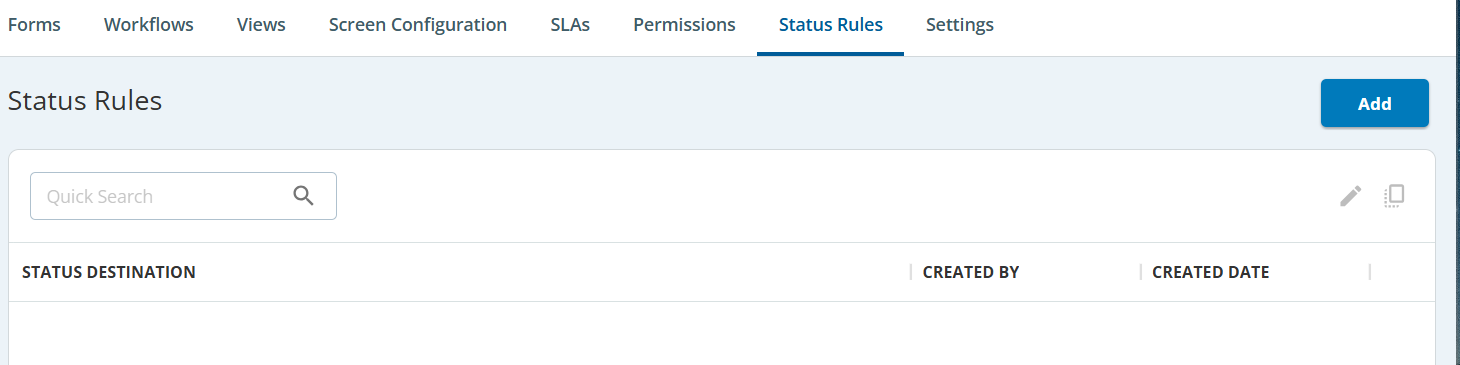
You can manage the status of a ticket using the Label, Ticket Type, and Status parameters on the Status Rules tab. When you update the status rule of a ticket, all the tickets with the same label and ticket type are updated from the current status to the selected status. For example, If you select the Label as Case, Ticket Type as General, and Status as In-Progress and then select status to Closed, all the tickets with the selected scenarios are updated to a Closed status. 

Navigate to Config > TICKETING > Tickets Config > Status Rules, the Status Rules window appears.

Managing the Status Rules

To manage the status of a ticket:

  1. Click the Add button.
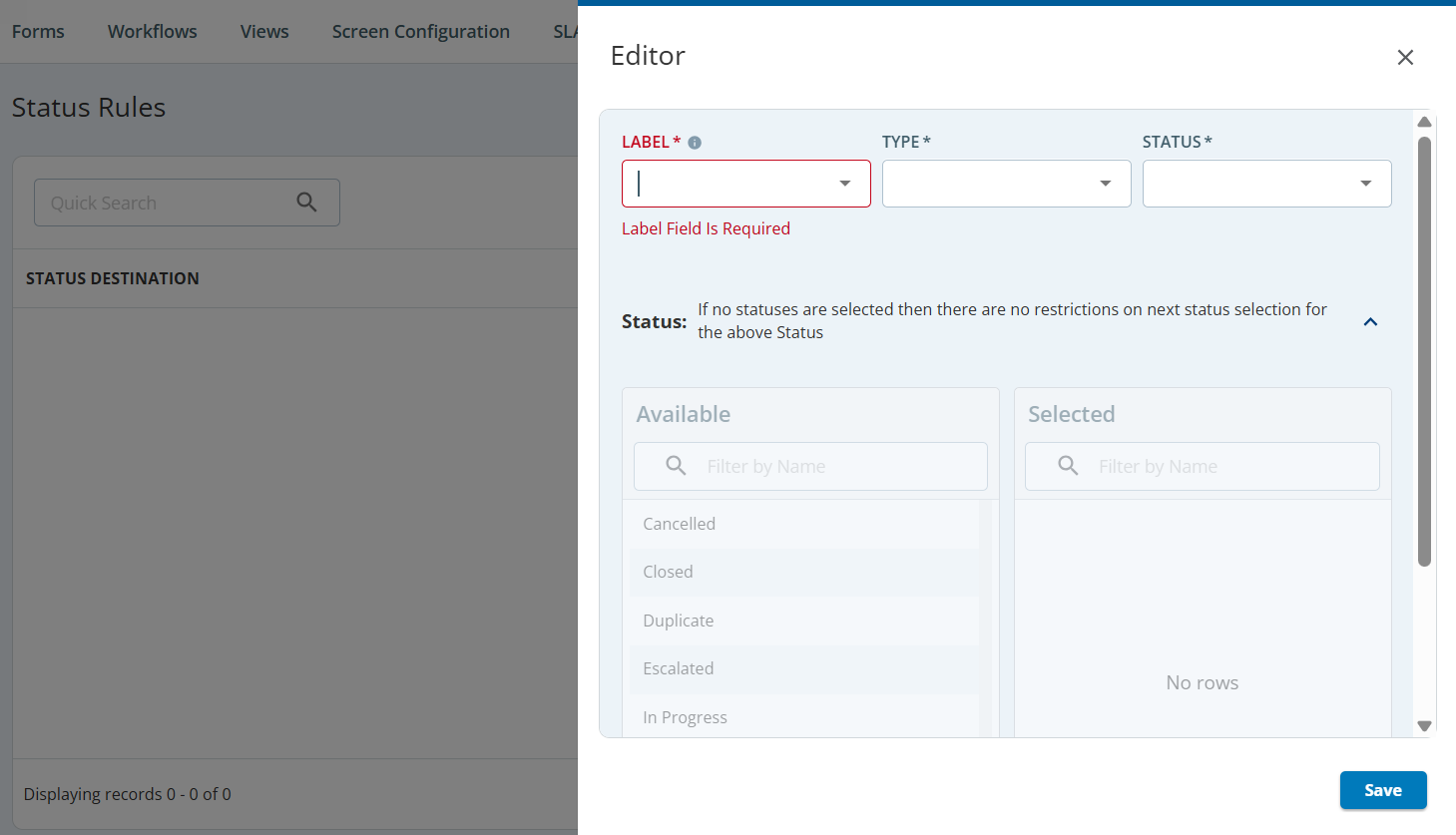
    The Editor window appears.

  2. Select a Label, Ticket Type, and Status from the drop-down list.
  3. Select the status from the Available box and move it to the Selected box.
  4. Click Save.

A new status rule is added to the tab.

To modify an existing status rule, double-click the rule and then modify the status in the Editor window, click Save.