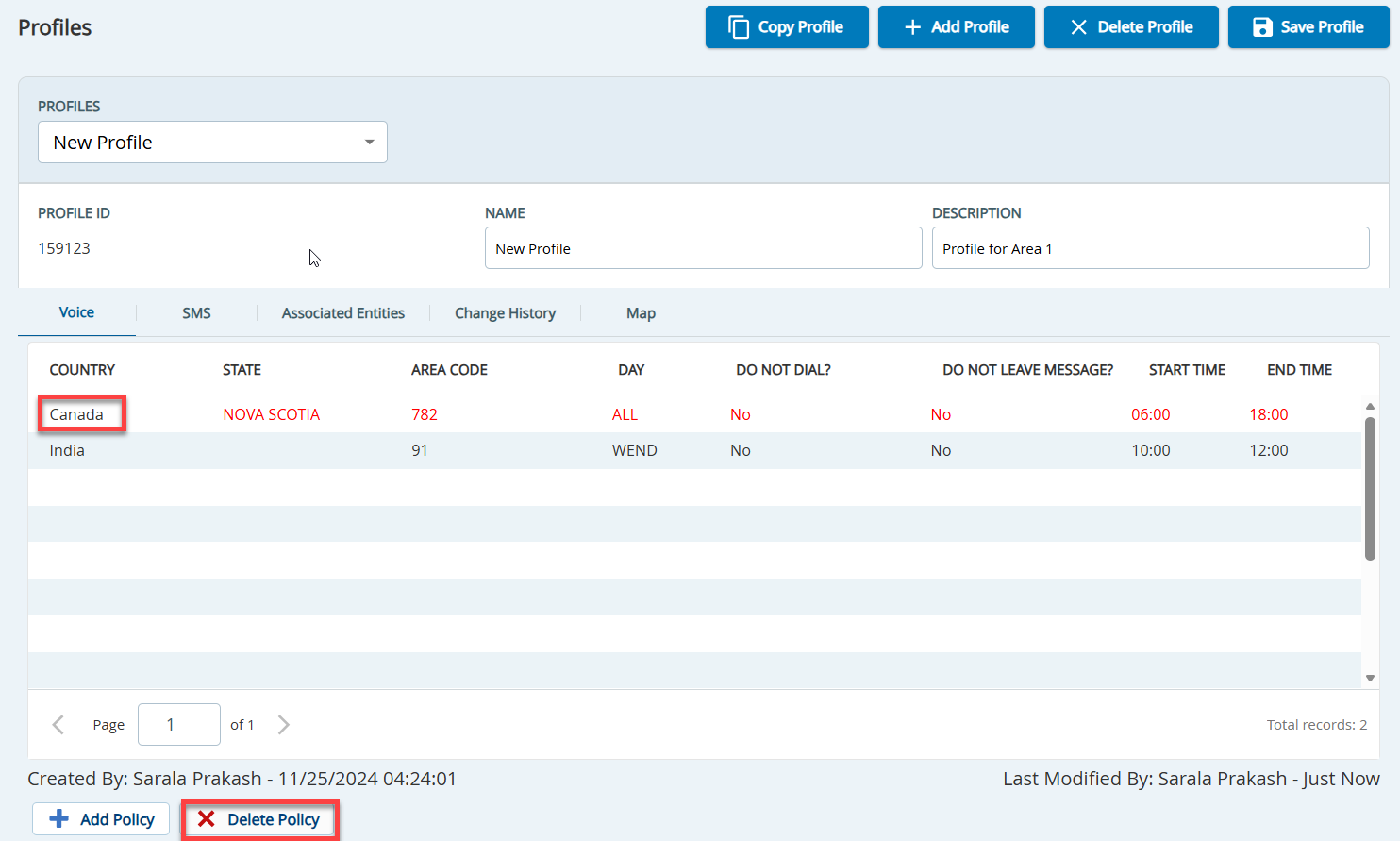
On theConfiguretab, clickVoice>Profiles. TheProfileswindow appears.
In theProfilesfield, select the profile containing the policies that you want to delete.
As required, on theVoice tab or the SMStab, select the rows displaying the policies that you want to delete, and then clickDelete Policy. The policy appears in red.
In theProfileswindow, clickSave Profile. The policies are deleted from the profile.