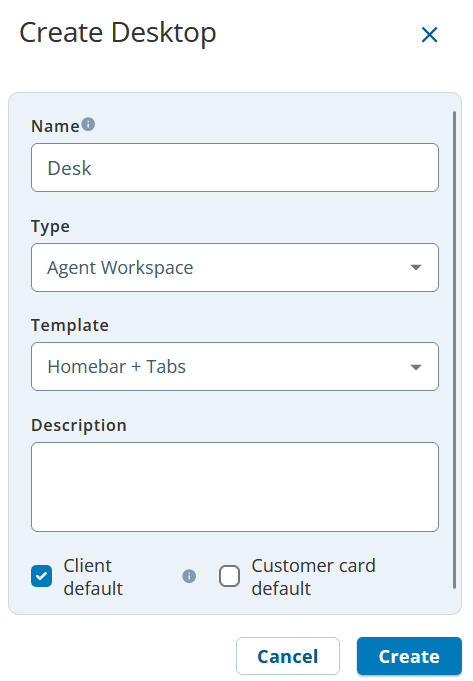
Template: Select the template that defines how components are arranged and displayed in Agent Workspace.
(Optional) Description: Description of the desktop.
Click Save. The Designer Desktop is created. The Design subtab appears to enable you to design the desktop.
By default, the initial page of the Designer Desktop is created and is active. The initial page represents the first page that appears when an agent logs in to the Designer Desktop.
Show Me How
This video provides an overview of the steps for creating a Designer Desktop, which you then use to create an agent desktop.