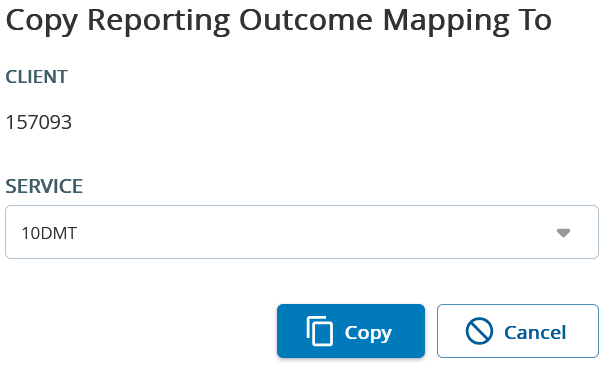
Outbound Engagement (SmartReach) Admin Guide Contact Management Configuring Data Input and Output Formats Reporting Outcomes Mapper Current: Copying a Reporting Outcome PDF Download PDF Download page Copying a Reporting Outcome. Current page All pages Copying a Reporting Outcome To copy a Reporting Outcome from one Service to another:On the Config tab, click Input/Output > Reporting Outcomes.Select the Service from which you want to copy a Report Outcome.Click .The Copy Reporting Outcome Mapping To window appears:Select the Service to which you want to copy the Result from the drop down-down and click Copy. ×