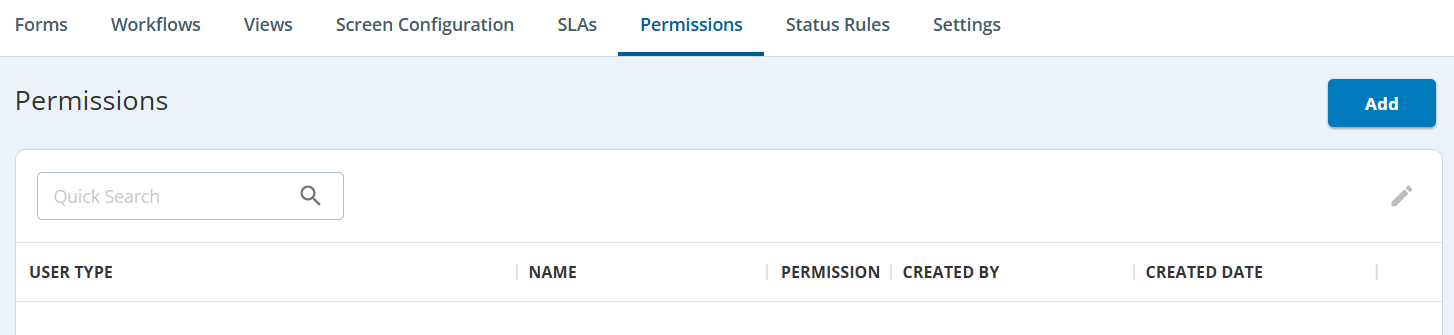
ThePermissionstab enables you to set access privileges to the users, teams, or agents using the label. The admin has the authority to change the permission of the tickets at the label level, allowing the selected users to view or edit them.
Navigate to Config > TICKETING > Tickets Config>Permissions,thePermissionswindow appears.
Adding Permissions
To add a permission:
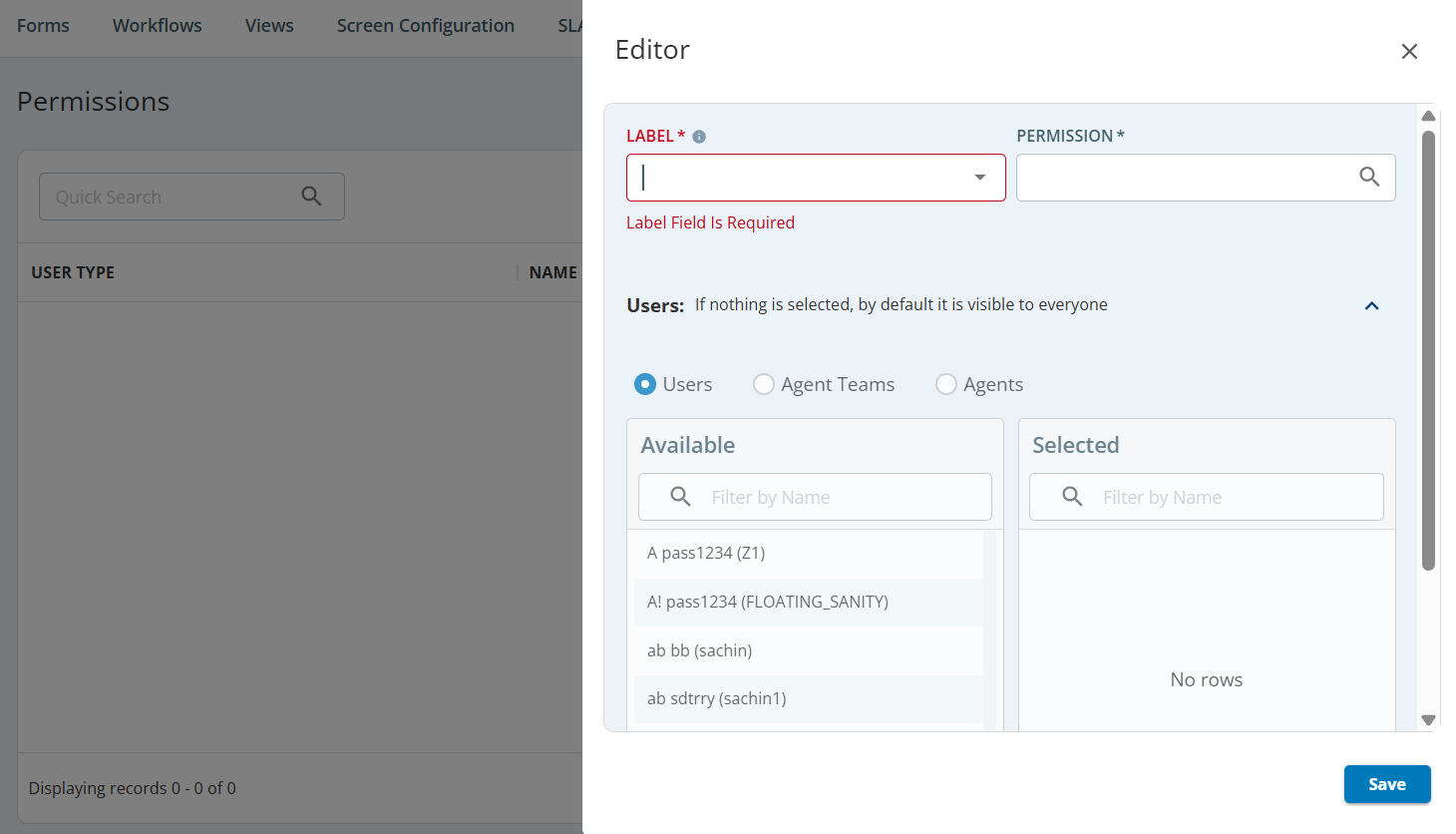
Click theEdit() button. TheEditorwindow appears.
Select aLABEL NAME andPERMISSION from the drop-down list.
Select the Users,Team, orAgentsoption.
From theAvailablebox, select and move the User/Team/Agent to theSelectedbox.
ClickSave.
A new permission is added to thePermissionstab.
If you have selected Label and have not selected any user, by default, the tickets of this type are visible to all users.
To modify user permission, select and double-click on the permission from thePermissionstab, modify the user rights and then clickSave.