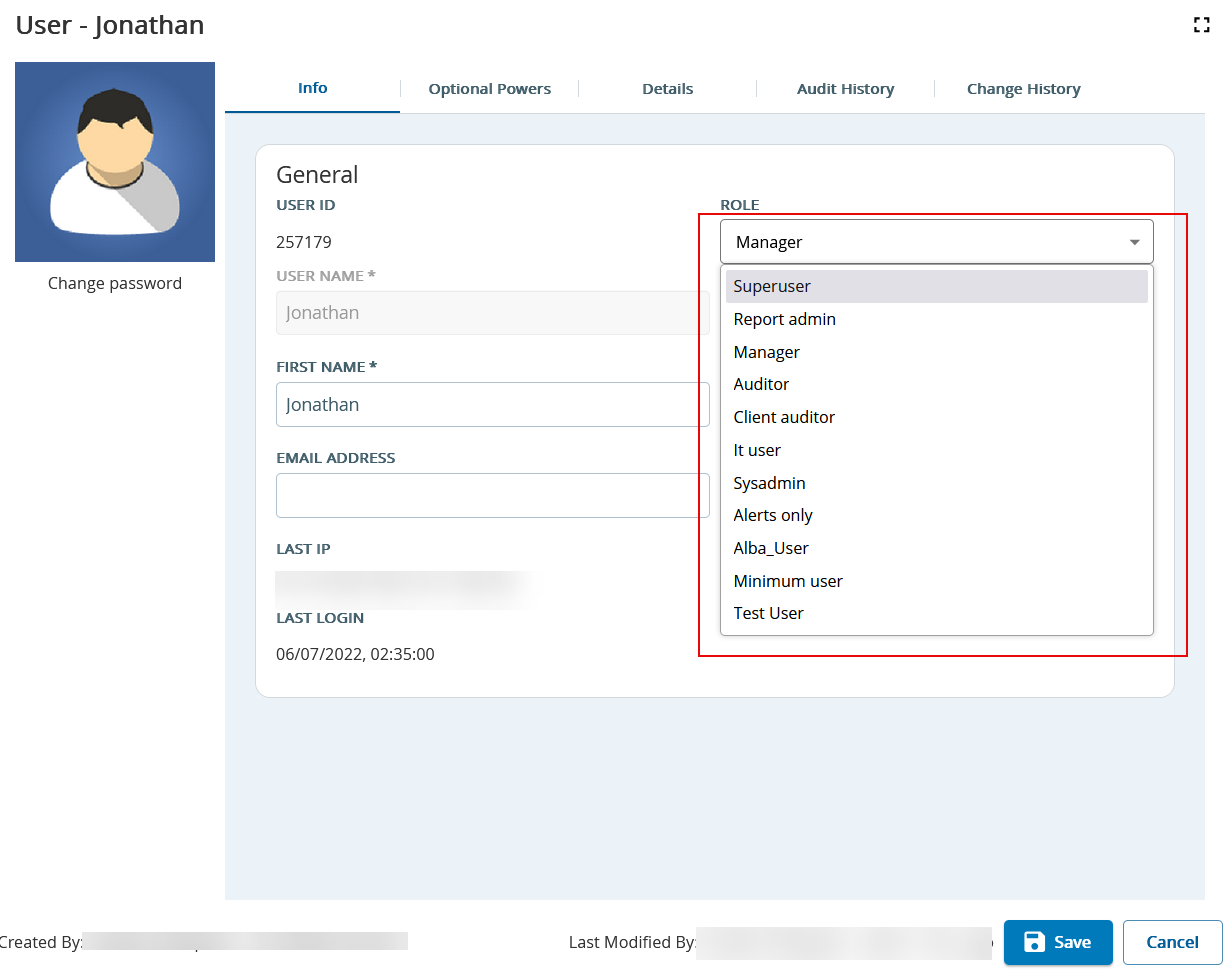
Outbound Engagement (SmartReach) Admin Guide Getting Started Managing Client Sites, Call Centers, Services, and Business Units Managing Users Current: Changing the Role Type of a User PDF Download PDF Download page Changing the Role Type of a User. Current page All pages Changing the Role Type of a User You can update the user role to provide fewer or more permissions to access SmartReach Portal features. To change the role type of a user:In the User window, find the user entry that you want to update and double-click the row.From the Role drop-down menu to select the new role type.Click Save. ×