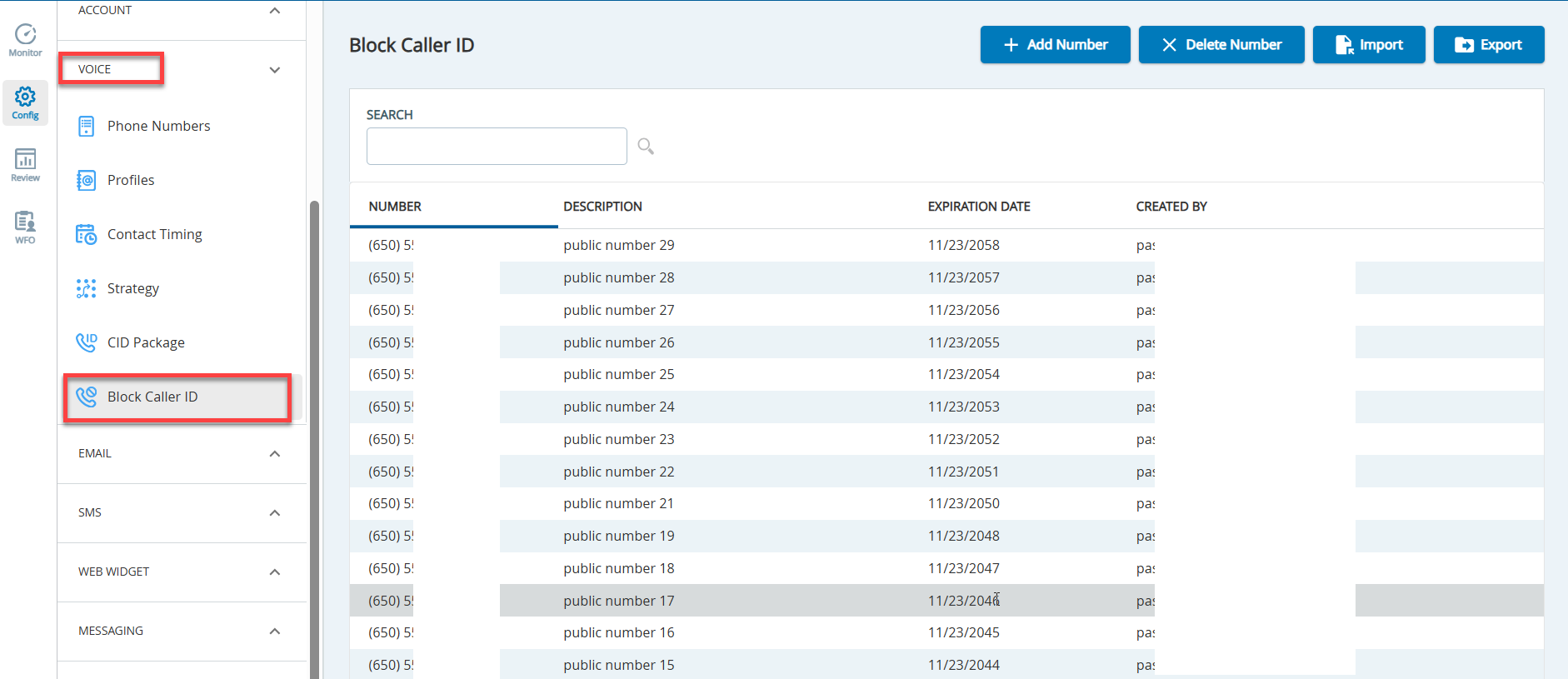
The Block Caller ID editor allows you to create and manage a list of blocked numbers.
The Block Caller ID editor does not allow you to block inbound numbers or the default SmartReach Caller ID which is used to establish Agent Monitoring sessions.
New entries can take up to 30 minutes to enforce call blocking.
You can use the Block Caller ID editor for the following tasks:
View all blocked phone numbers with Description, Expiration Date, and Created By options.
Search for IDs based on Number or Description.
Add, delete, import, and export phone numbers to be blocked.
In addition, the Block Caller ID editor supports international phone numbers in the E.164 format. You can add, delete, import, and export blocked phone numbers in the E.164 format.
The E.164 format is as follows: +<Country-Code> followed by the remaining digits. For example, a London UK number in E.164 format is stored as +44 20 3987 7617.
Accessing the Block Caller ID Editor
On the Configuretab of SmartReach, click Voice > Block Caller ID.
The following table describes the buttons in the Block Caller ID editor.