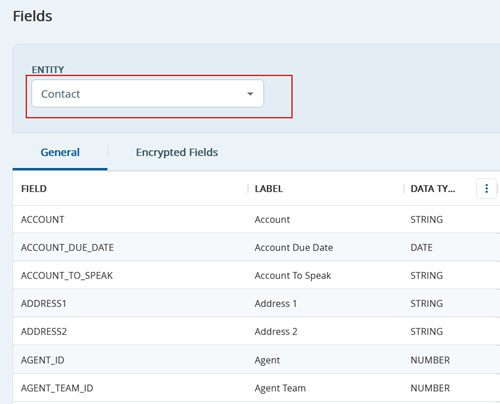
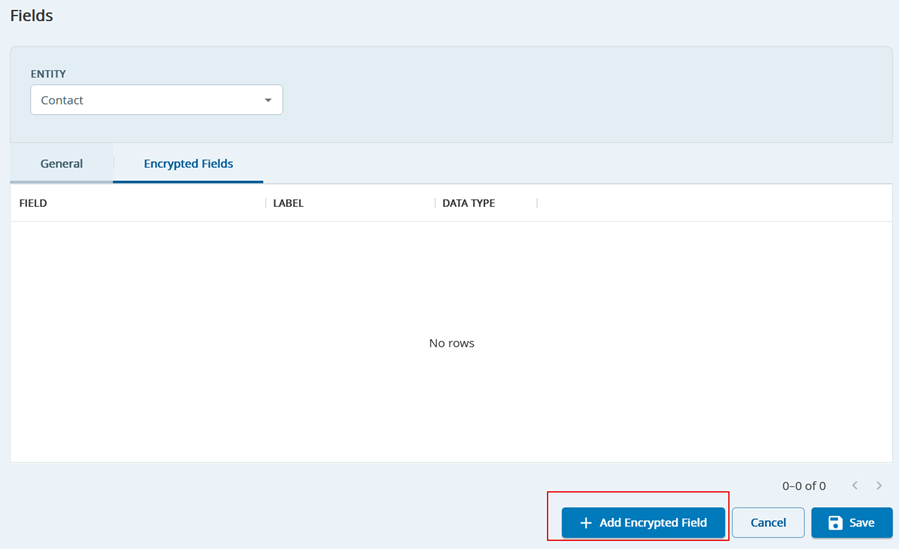
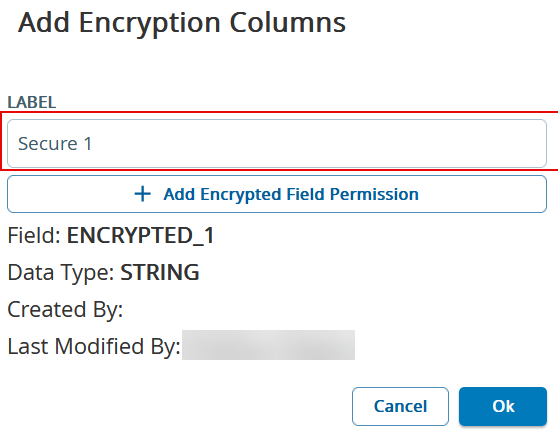
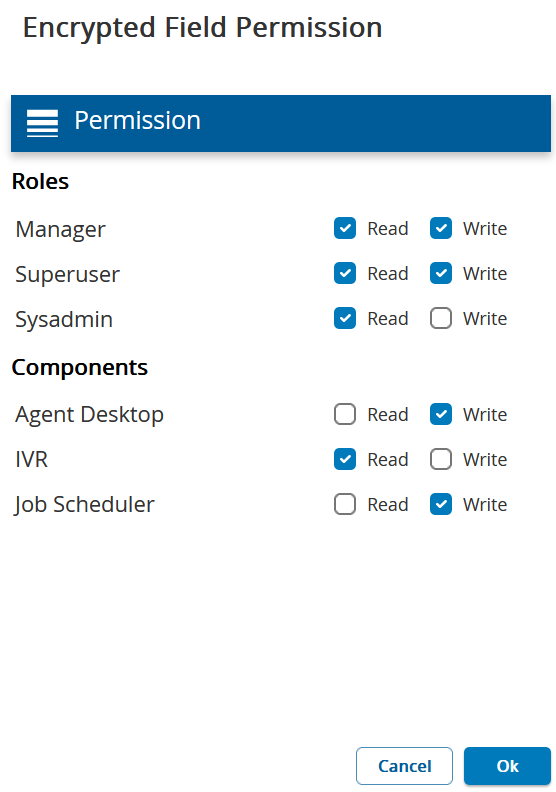
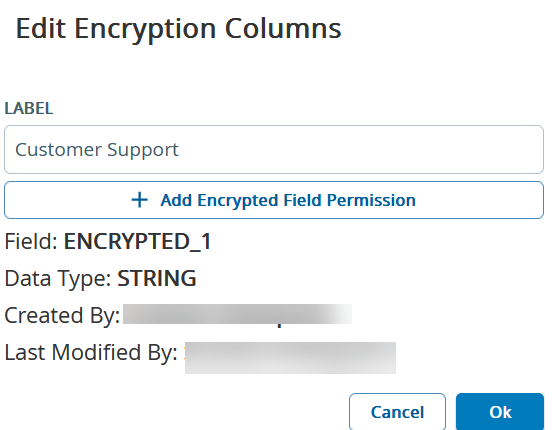
Outbound Engagement (SmartReach) Admin Guide Contact Management Managing Data Fields Settings Current: Adding and Modifying Encrypted Fields Adding and Modifying Encrypted Fields To add a new encrypted field.On the Config tab, click System > Fields.Select Contact from the Entity drop-down option.Click Encrypted Fields tab and then click Add Encrypted Field. Edit the Label as required.Click + Add Encrypted Field Permission button and edit the permissions as required.Click Ok.Click Save.A new encrypted field is added.Editing Encrypted ColumnsDouble-click the encrypted field you would like to edit. The Edit Encrypted Columns screen appears.Edit the Label and Encrypted Field Permission as required and then click Ok.Click Save.The encrypted field is updated with the new changes. SmartReach currently offers five encrypted fields for Contact Manager. ×