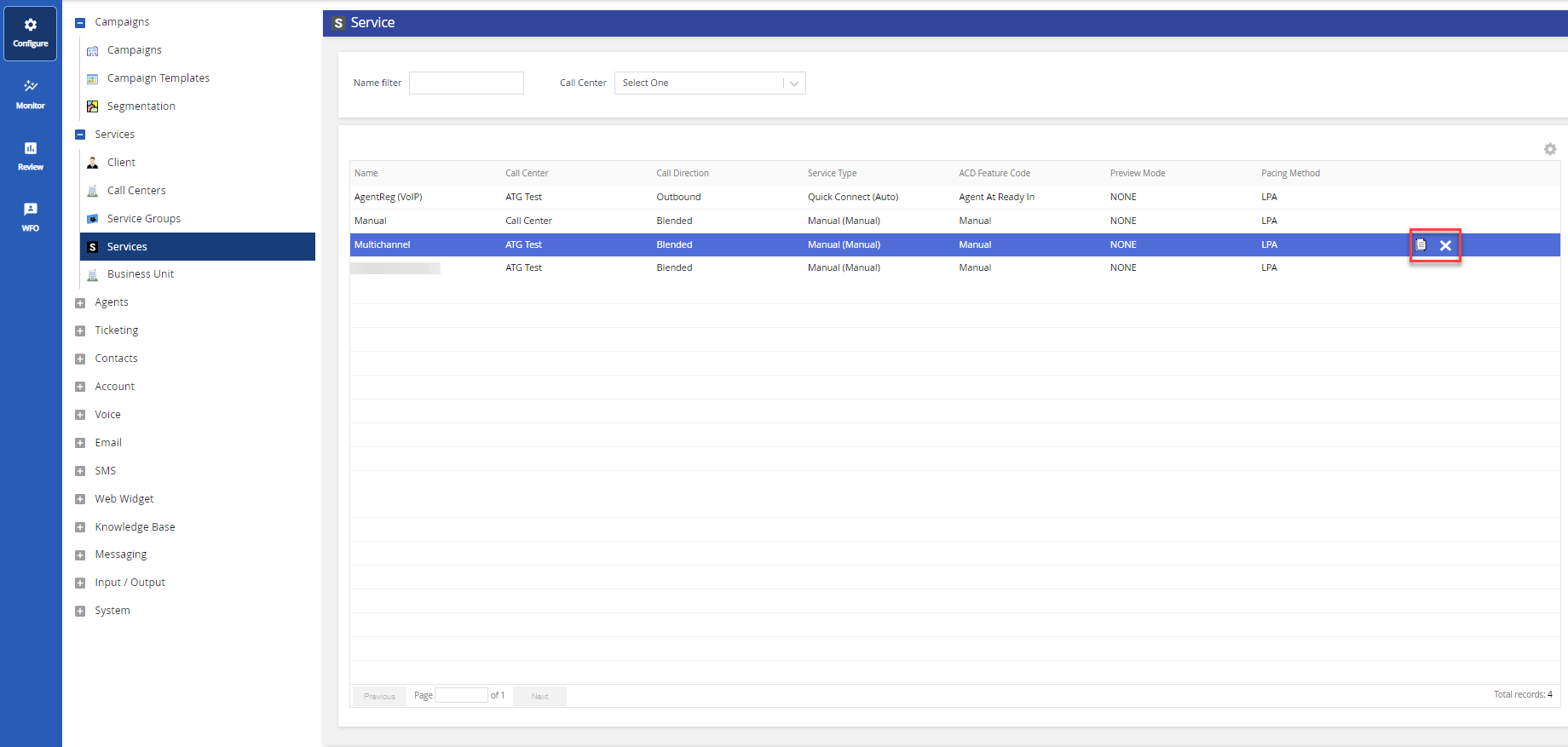
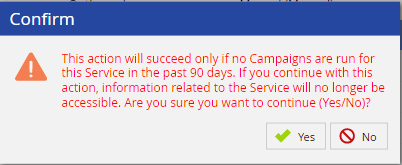
Outbound Engagement (SmartReach) Admin Guide Getting Started Managing Client Sites Services and Business Units Working with the Services Editor Current: Deleting Services PDF Download PDF Download page Deleting Services. Current page Include child pages All pages Deleting Services If a campaign has not been run for the service in the past 90 days, you can remove it. To delete a service:Go to the Configure tab > Services. Select the service to be removed. Click the Delete button.A confirmation window appears. Click Yes to confirm. ×