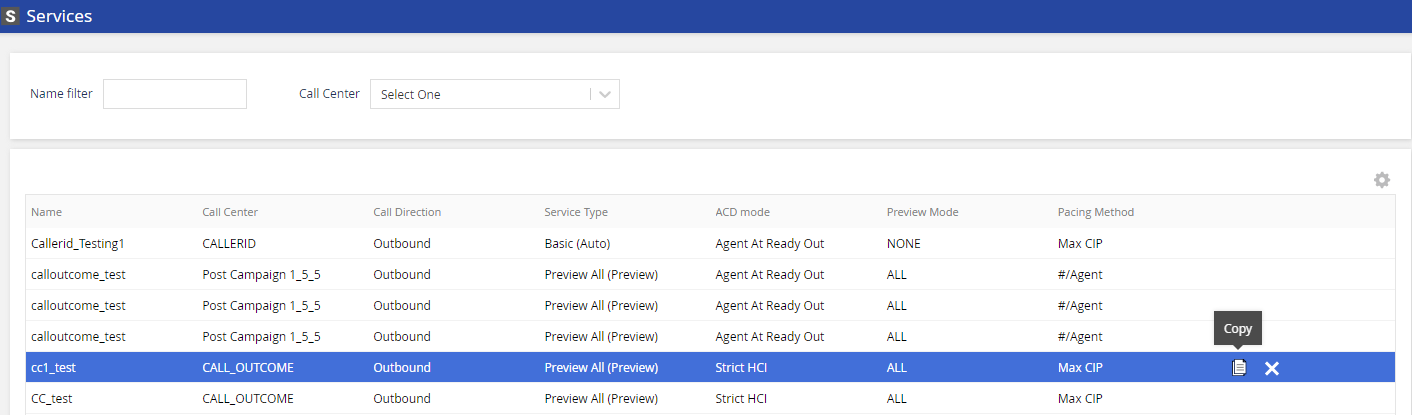
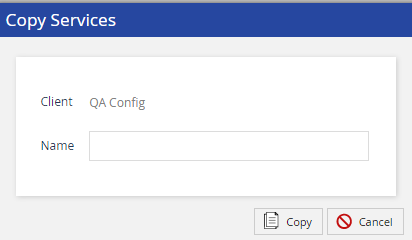
To remove or change LCID association, see the Advanced Features section of the Services Settings Tab.
Click Save. A success notification will display the updated information.
CID, Operator Phone, and Inbound/Callback phone must be filled out with a value for all Services in which an agent logs in.
New Services are not automatically included in the Custom Detail Report (CDR) – you must contact the LiveVox Customer Care Team to add new Services to the report.
Do-Not-Contact (DNC) settings/data are not passed to the new Service when Services are copied – you must either load DNC settings via the available interface or contact the LiveVox Customer Care Team for assistance.