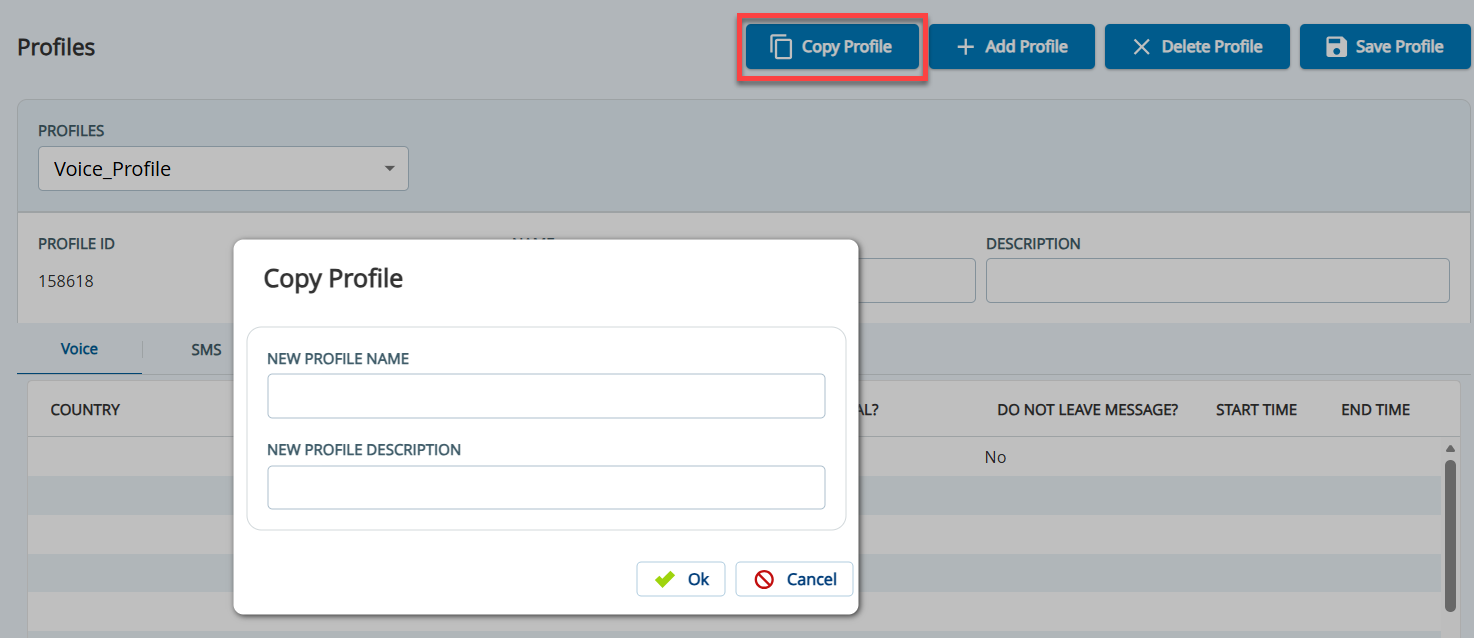
Outbound Engagement (SmartReach) Admin Guide Voice Voice Editor Profiles Copying a Profile Current: .Copying a Profile vFall24 PDF Download PDF Download page .Copying a Profile vFall24. Current page All pages .Copying a Profile vFall24 Copying a ProfileTo copy a profile:On the Configure tab, click Voice > Profiles.The Profiles window appears.In the Profiles field, select the profile that you want to copy, and then click Copy Profile.The Copy Profile window appears.In the New Profile Name field, enter a name to identify the profile.If required, in the New Profile Description field, enter a description for the profile.Click Ok.The profile is copied, and the new profile appears in the Profiles window. ×