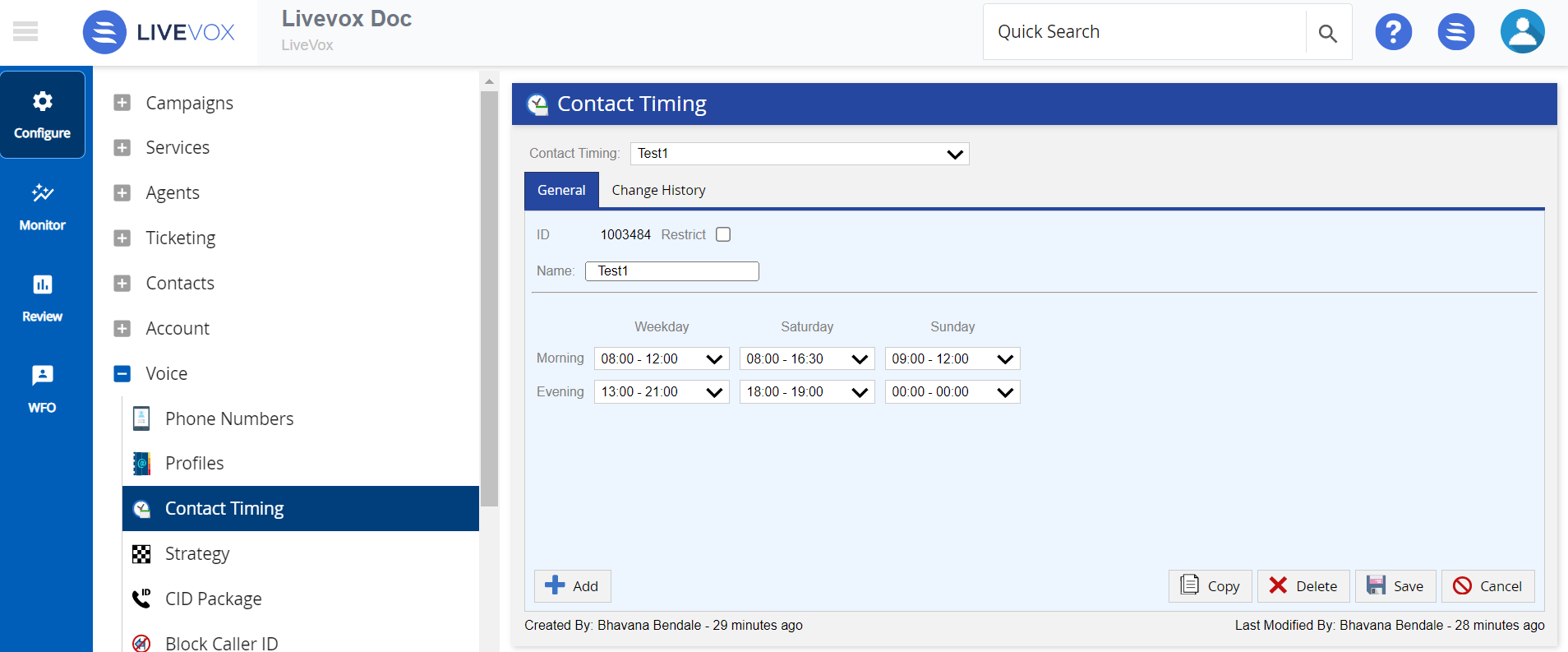
Outbound Engagement (SmartReach) Admin Guide Voice Voice Editor Contact Timing Current: Contact Timing Editor Navigation PDF Download PDF Download page Contact Timing Editor Navigation. Current page Include child pages All pages Contact Timing Editor Navigation Navigate to contact timing by selecting the Configure > Voice > Contact Timing from the Navigation Panel.The Contact Timing editor main screen offers the following tabs and buttons:TabsGeneral: Displays the selected contact timing strategy settings.Change History: Displays change history on the selected contact timing strategy.ButtonsAdd: Creates a new contact timing strategy.Copy: Copies an existing contact timing strategy.Save: Saves all changes on the selected contact timing strategy.Delete: Deletes the selected contact timing strategy.Cancel: Cancels the current updates. ×