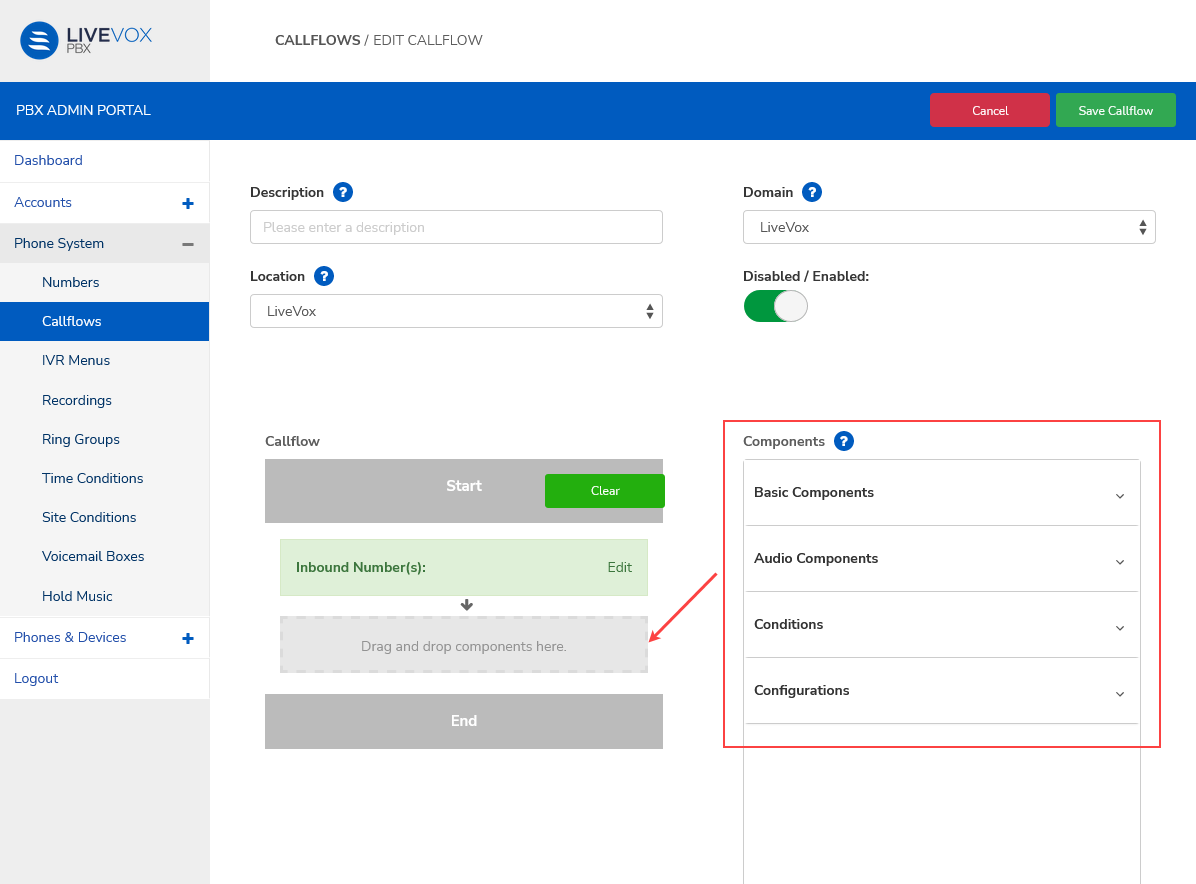
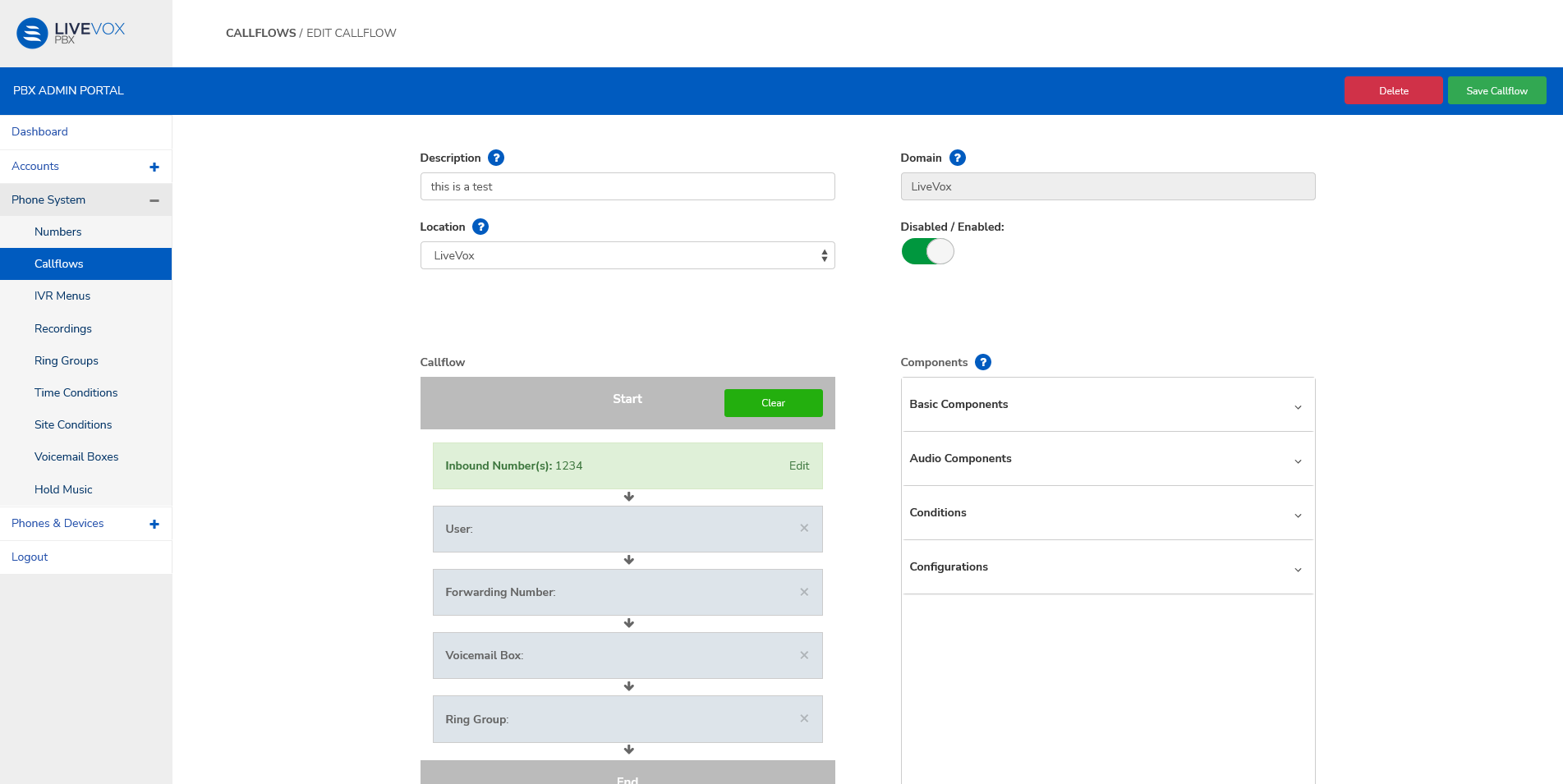
Drag and drop these components in the required sequence to build a call flow.
Basic Components
| Component | Description |
|---|
| User | - Select a user from the dropdown list. To add a user to this menu.
- Set the Timeout value.
- If you want the dial plan to process the next component even if this component fails, select Yes in the Continue menu.
|
| Phone Number | - Add a forwarding number.
- Set the Timeout value.
- If you want the dial plan to process the next component even if this component fails, select Yes in the Continue menu.
|
| Voicemail Box | - Select a voicemail from the dropdown list. To add a voicemail box to this menu, see Adding a Voicemail Box.
- Select the Method value to either Check voicemail or Leave a voicemail.
|
| Ring Group | Select a ring group from the dropdown list. To add a ring group to this menu, see Adding Ring Groups. |
| Conference | Select a conference from the dropdown list. To add a conference to this menu. |
| SIP Profile | - Select a SIP user from the dropdown list. To add a SIP user to this menu.
- Set the Timeout value.
|
| SIP URI | - Select the SIP URI.
- Set the Timeout value.
|
| Dial by Name | - |
Audio Components
| Component | Description |
|---|
| Add Audio | Select a recording from the dropdown list. To add a recording to this menu, see Adding Recordings. |
| Hold Music | Select a music stream from the dropdown list. To add a recording to this menu, see Adding Hold Music. |
| Start/Stop Recording | Set the recording status to Start or Stop. |
| IVR Menu | Select an IVR from the dropdown list. To add an IVR to this menu, see Adding an IVR menu. |
Conditions
| Condition | Description |
|---|
| Location Condition | Select a site condition from the dropdown list. To add to this menu, see Adding Site Conditions. |
| Time Condition | Select a time condition from the dropdown list. To add to this menu, see Adding Time Conditions. |
| Timezone | Select a timezone from the dropdown list. |
Configuration:
Dialplan: Select a dialplan from the dropdown list.