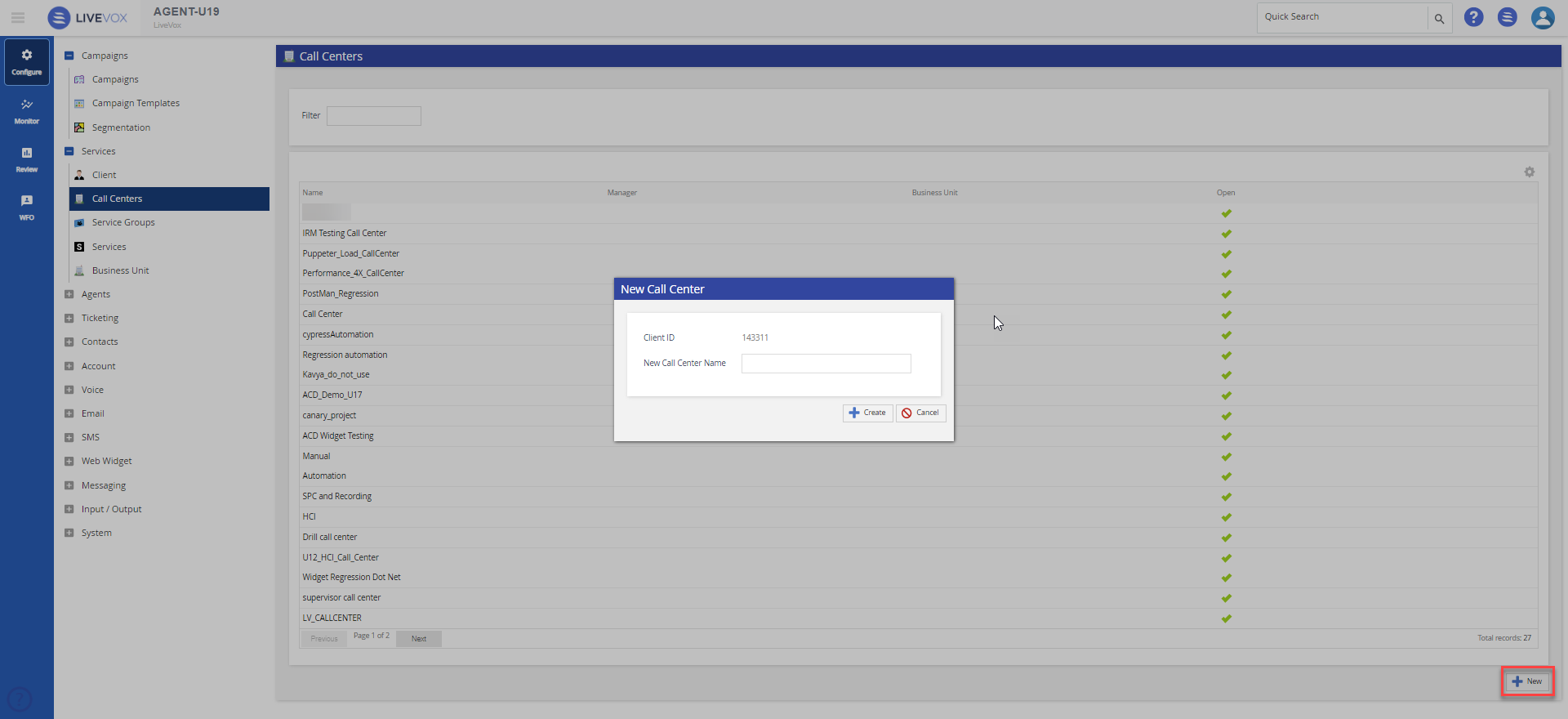
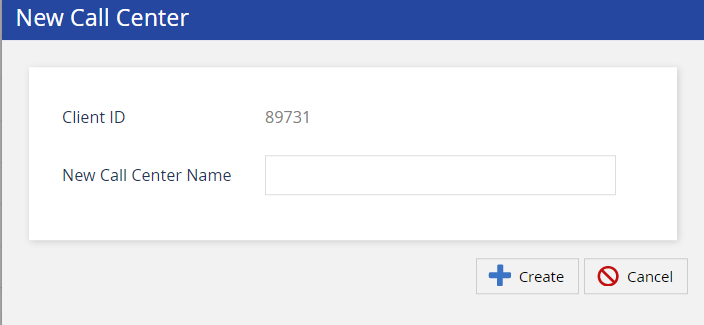
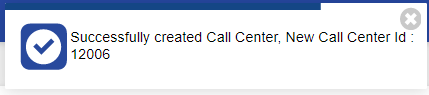
Outbound Engagement (SmartReach) Admin Guide Getting Started Managing Client Sites Services and Business Units Working with Call Centers Current: Adding Call Centers PDF Download PDF Download page Adding Call Centers. Current page Include child pages All pages Adding Call Centers To add a Call Center: Click the New button in the lower-right corner.The New Call Center window appears.Specify the required call center name in the New Call Center Name box.Click the Create button. A confirmation message along with the new call center ID # appears. ×