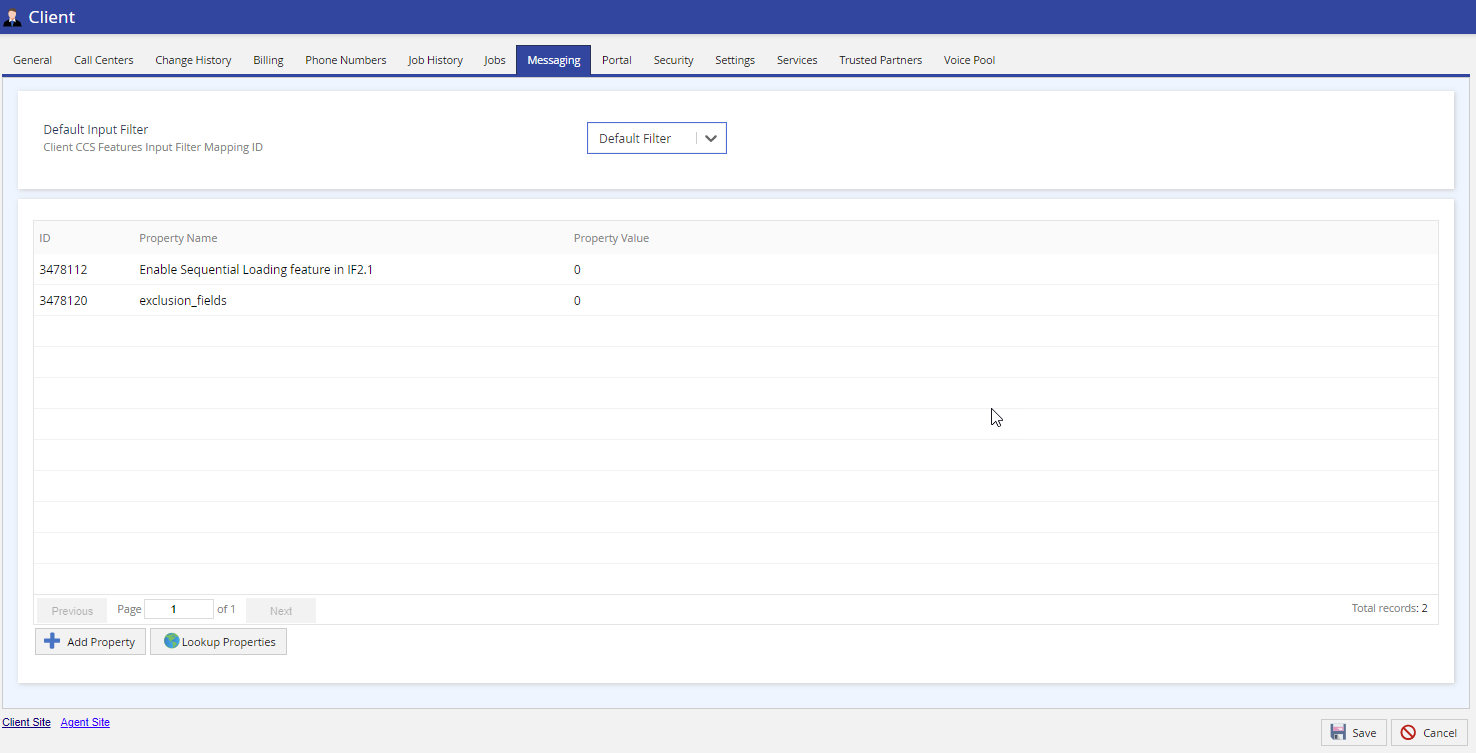
Admin Guides (U17, LV19, and Fall 23) Introduction to LiveVox Configuring Client Sites, Call Centers, Services, and Business Units Managing Clients Navigating the Client Editor Current: Messaging Tab PDF Download PDF Download page Messaging Tab. Current page All pages Messaging Tab The Messaging tab of the Client editor displays the default input filter.Default Input Filter: Displays the default input filter selected for the client. Select the input filter from the drop-down list. For more information on messaging, see the Messaging Tab section. ×