The Block Caller ID editor allows you to create and manage a list of blocked numbers.
- The Block Caller ID editor does not allow you to block inbound numbers or the default LiveVox Caller ID which is used to establish Agent Monitoring sessions.
- New entries may take up to 30 minutes to enforce call blocking.
You can use the Block Caller ID editor for the following tasks:
- View all blocked phone numbers with Description, Expiration Date, and Created By options.
- Search for IDs based on Number or Description.
- Add, delete, import, and export phone numbers to be blocked.
Accessing the Block Caller ID Editor
On the Configure tab of LVP, click Voice > Block Caller ID.
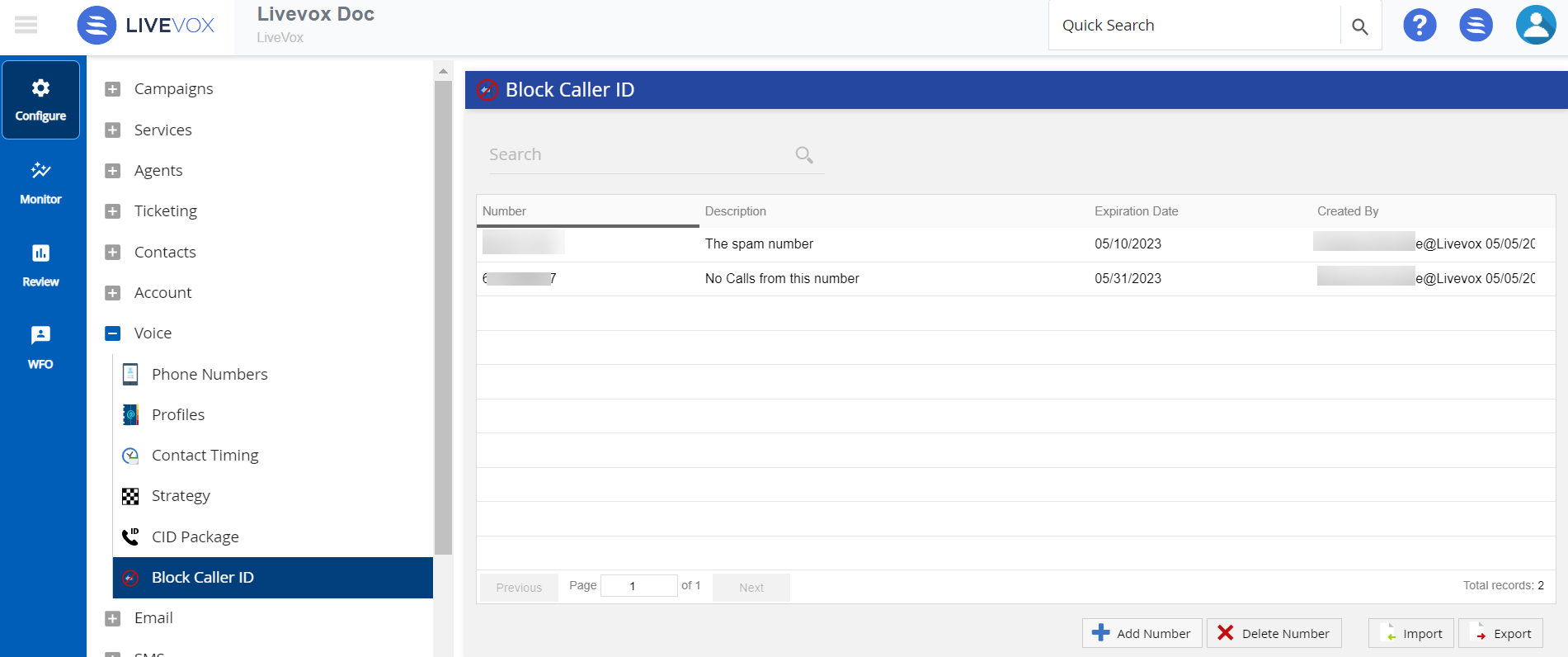
The following table describes the buttons in the Block Caller ID editor.
The following items are reviewed in this section:
