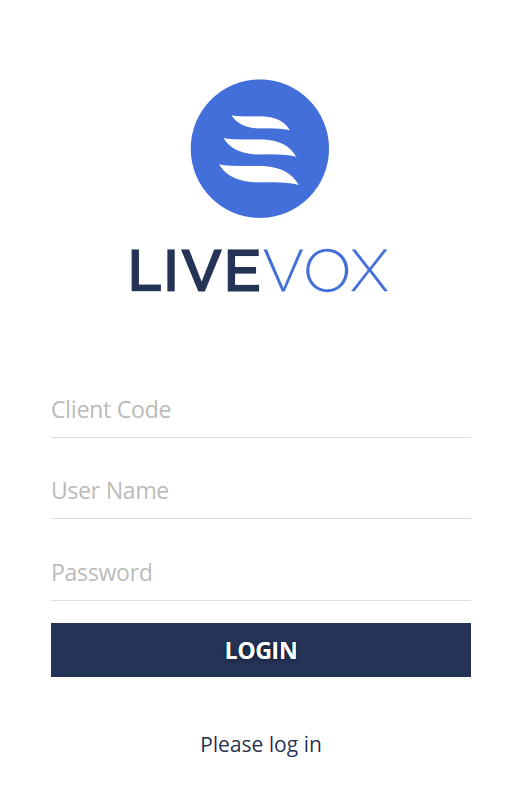
LiveVox credentials are case-sensitive. For information about the password characteristics, see Changing Your Password.
Click LOGIN. You are logged in to LVP.
Single Sign On (SSO)
The LiveVox platform supports SSO functionality when logging in through the Agent Desktop Native (ADN) application or a web browser using a URL. The platform is identity provider (IdP) agnostic and built upon Security Authentication Markup Language (SAML) 2.0 and OpenID Connect (OIDC) standards. Currently, the platform has been implemented with the following SSO IdPs: Okta and Azure. LiveVox will update the IdP provider support list as others come onboard.
You must have your own IdP because LiveVox does not provide an IdP.
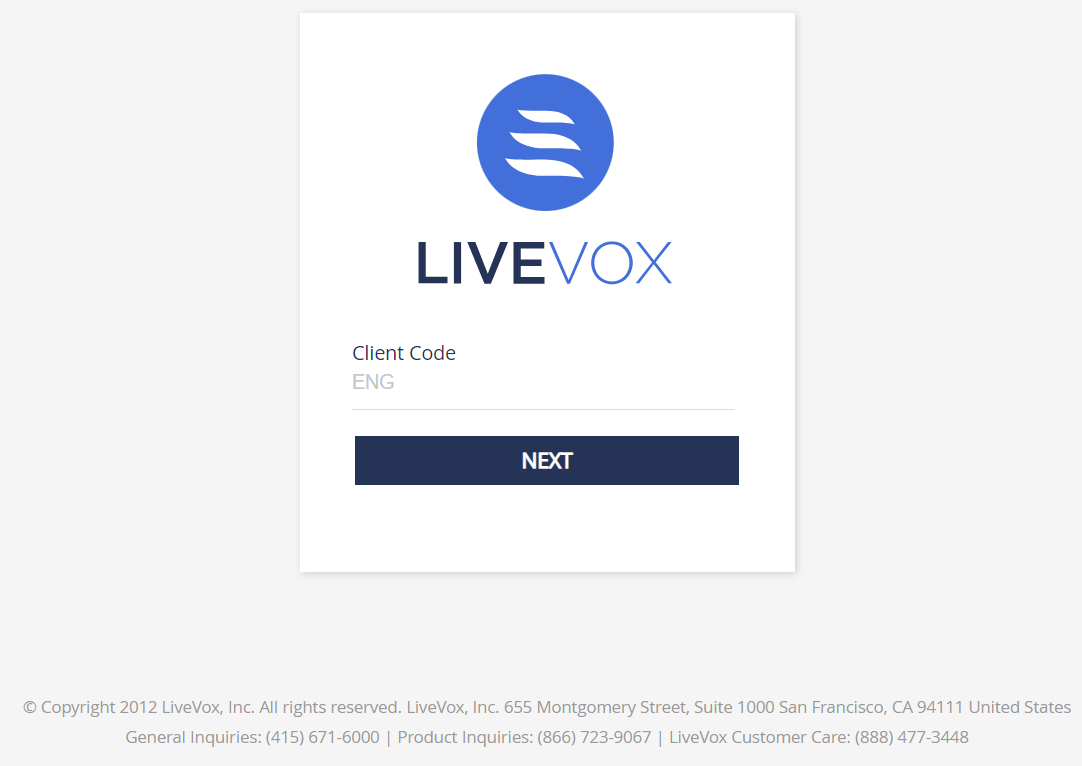
If you are logging in through SSO, the following screen (with an auto-populated client code) appears:
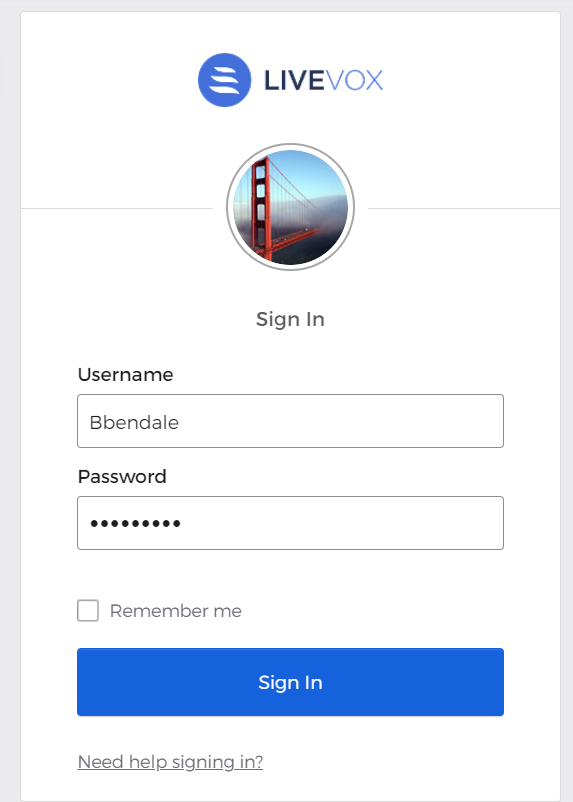
Click theNextbutton. The IdP credential screen appears.
Enter your credentials.
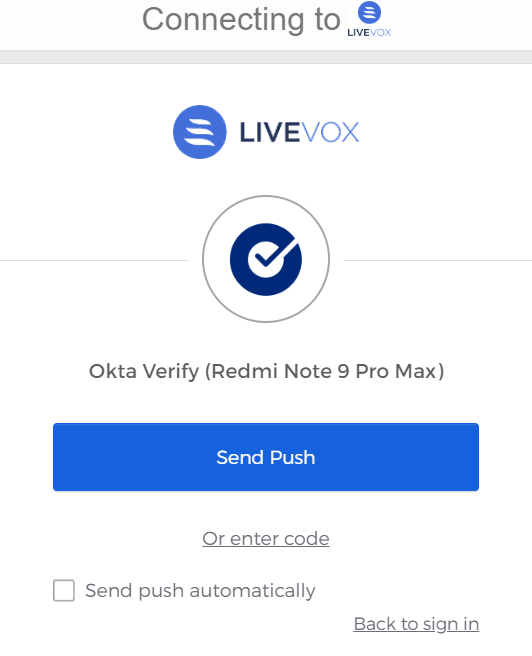
Click theSign Inbutton. The second authentication screen appears.
Send a Push notification to your device or enter the code for verification.
After the second authentication, you are logged in to LVP.