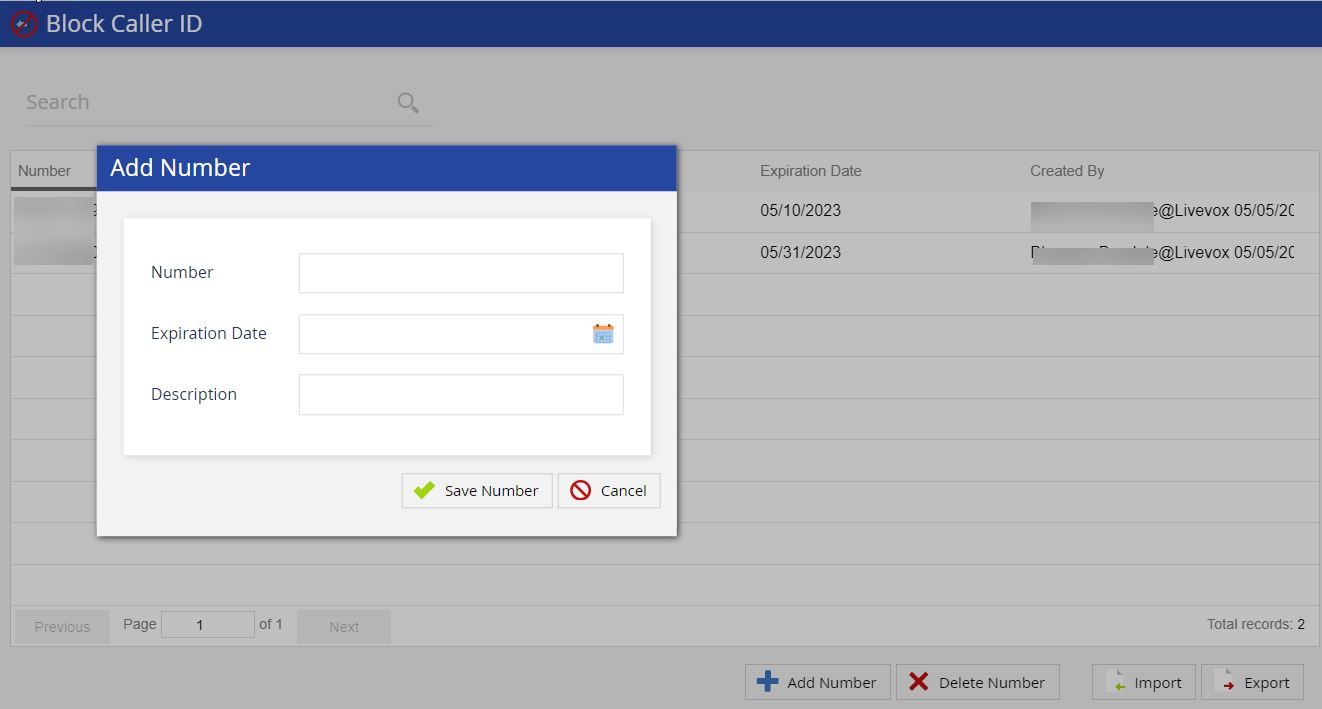
Click theAdd Numberbutton on the Block Caller ID editor. The Add Number window appears.
In the Number field, enter the unwanted caller number that you want to block.
In the Expiration Date field, click the calendar icon and use the Date Picker to select a date. ClickOk.
Add the description for the phone number.
Click Save Numberto add the number to the blocked numbers list.
A default message is played when a blocked caller calls again. For example: The person you are trying to reach is not accepting calls at this time. Please try your call again later.