The Action Rules Report lists all the rules that you have configured. Navigate to WFO > Agent Assist > Action Rules Report.
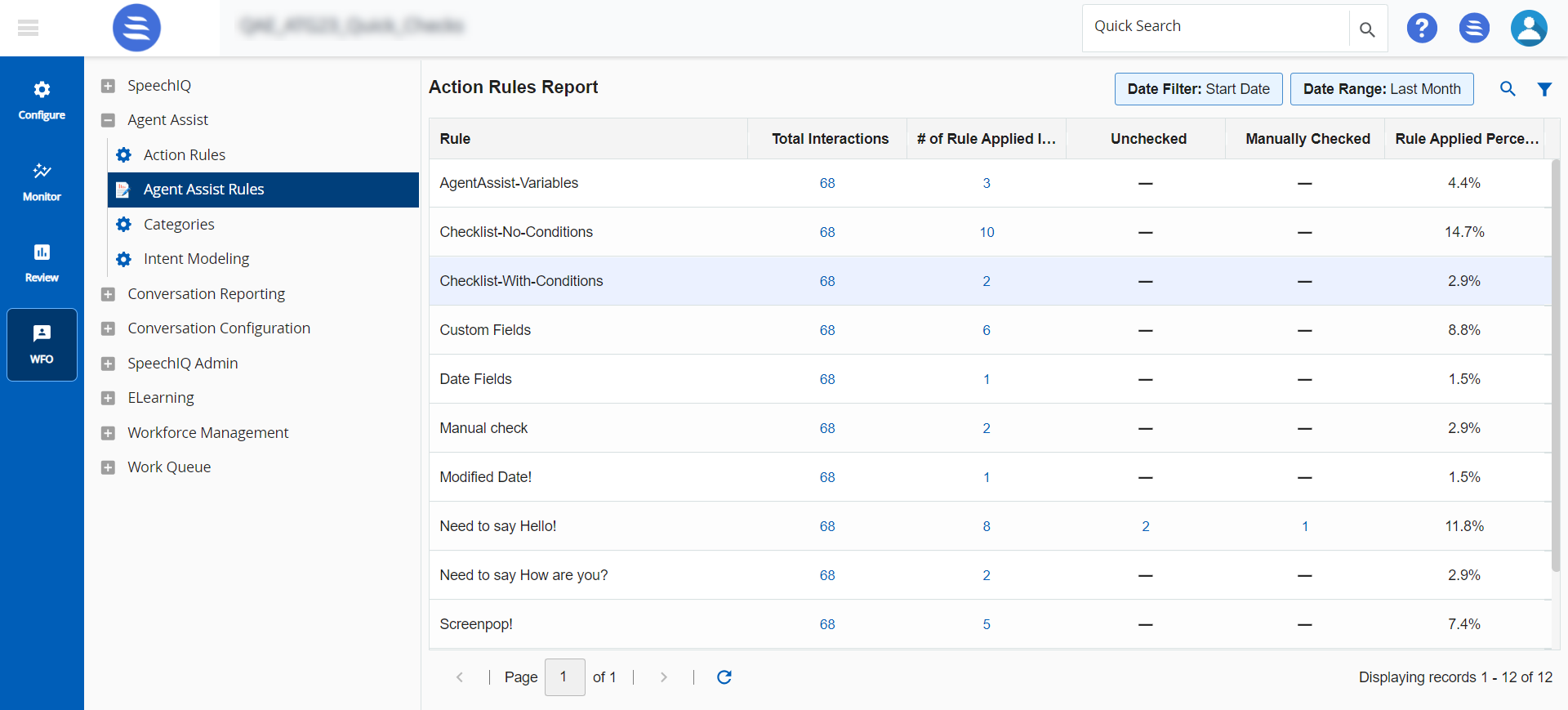
The report provides information, such as Rule name, Total Interactions, # of Rule Applied Interactions, and Rule Applied Percentage.
- Use
 to search for a specific report.
- Use
 to search for interactions based on a filter criterion.
Click on the Total Interactions, or # of Rule Applied Interactions data highlighted in blue to go to the Search and Score screen for those interactions.

