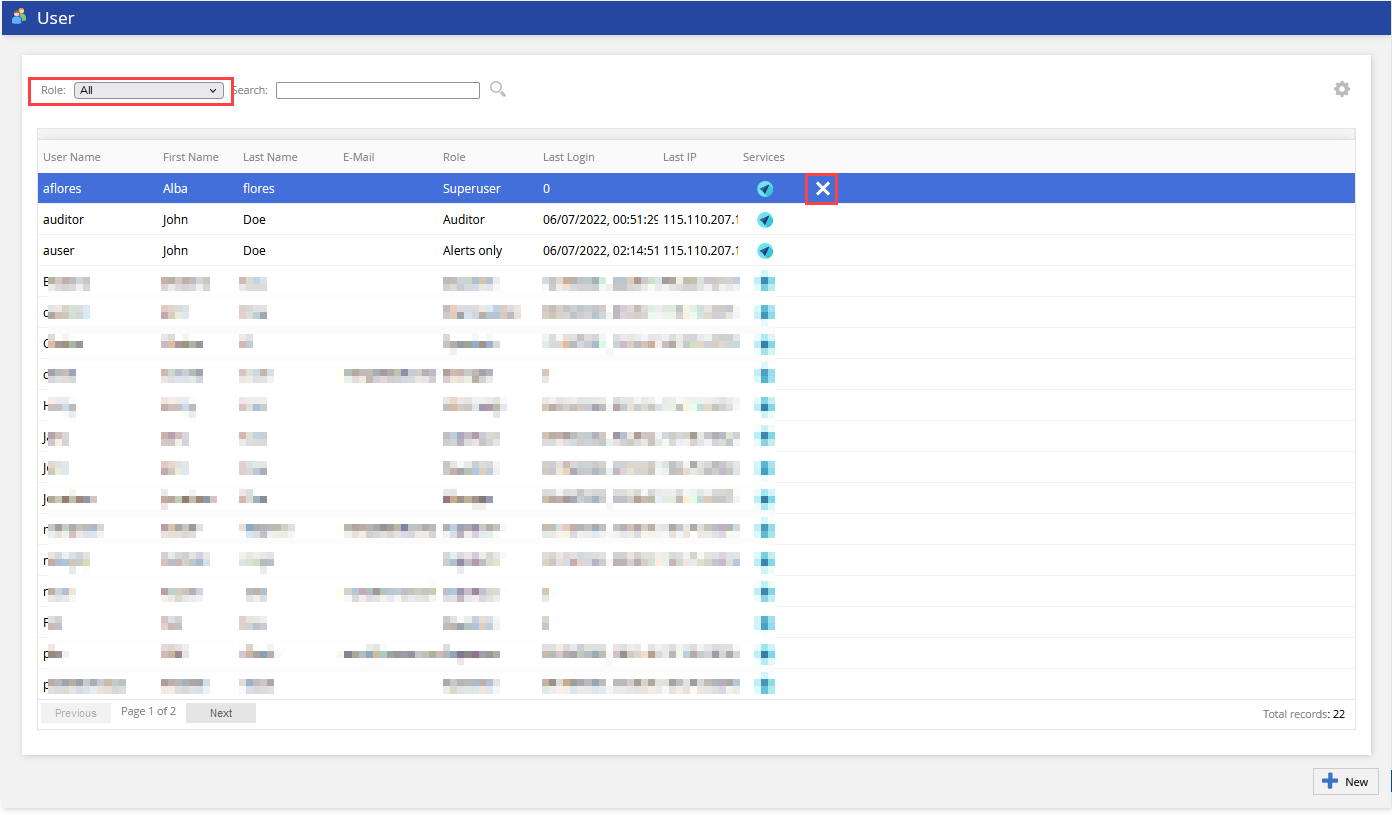
Admin Guides (U17, LV19, and Fall 23) Quick Start User Current: Deleting Users Deleting Users To delete a user:Select the target user from the User table. Use the Role drop-down filter if required.Click the Delete icon at the end of the row.In the Confirm dialog window that appears, click Yes. Deletions cannot be undone. ×