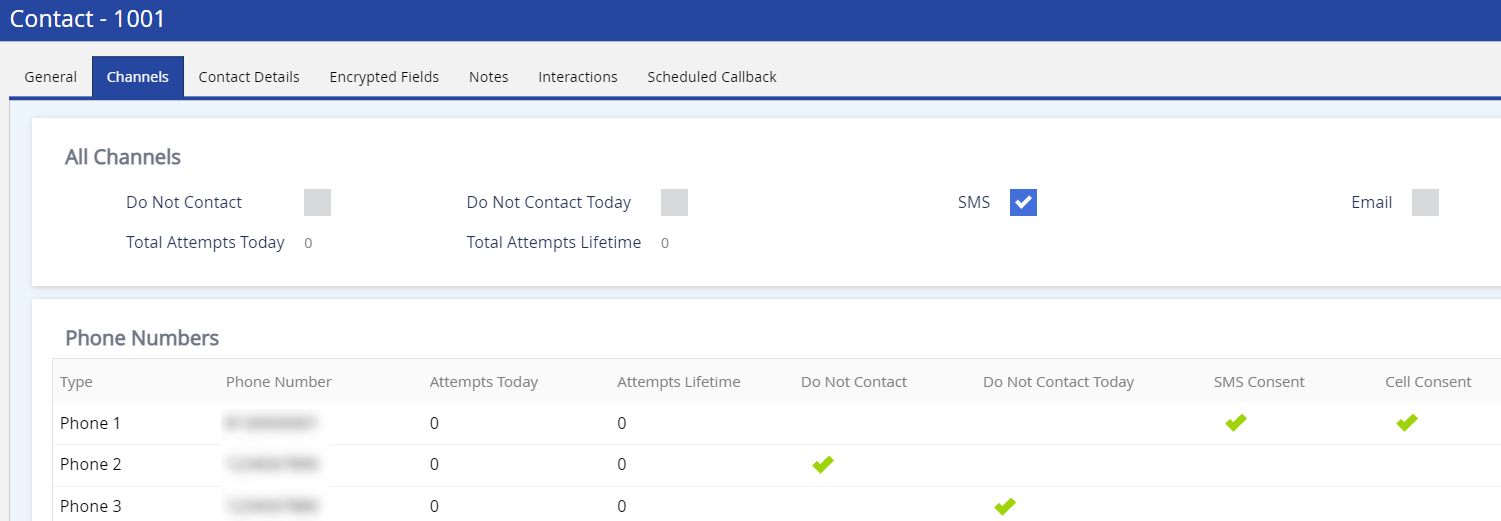
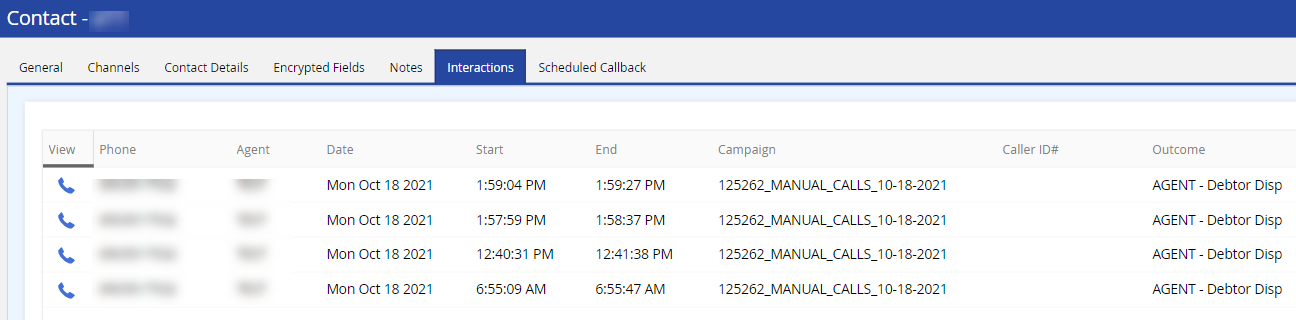
Contact Manager is a customer relationship management (CRM) database designed specifically for the contact center. It is in a centralized location within the LiveVox Portal (LVP) to store, organize, strategize, and maintain the contact records of your customers, regardless of channel. Contact Manager allows you to unify contact information from disparate data sources.
You can use Contact Manager to:
- Automatically verify your customer's identity through the interactive voice response (contact flows) by searching for the customer information stored in Contact Manager.
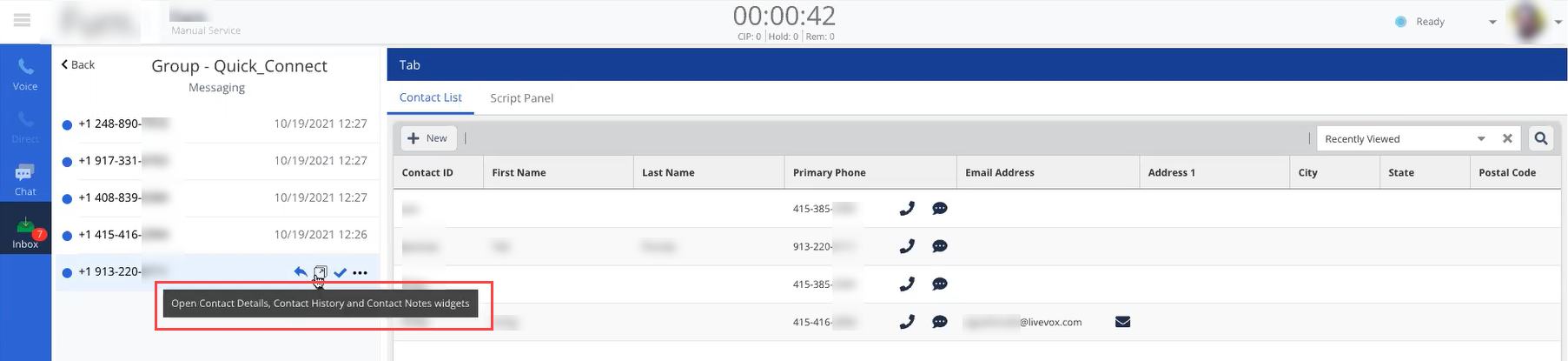
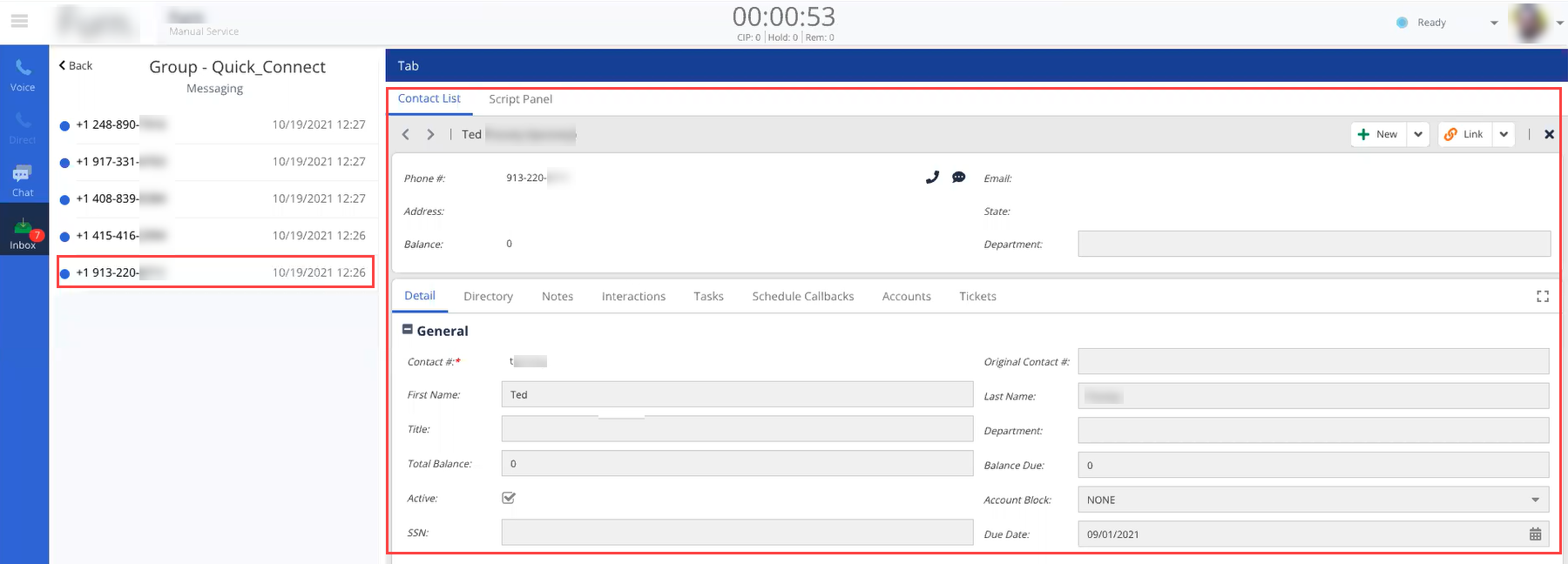
- Retrieve customer information when initiating or receiving calls from customers or when running scripts, on the Agent Desktop.
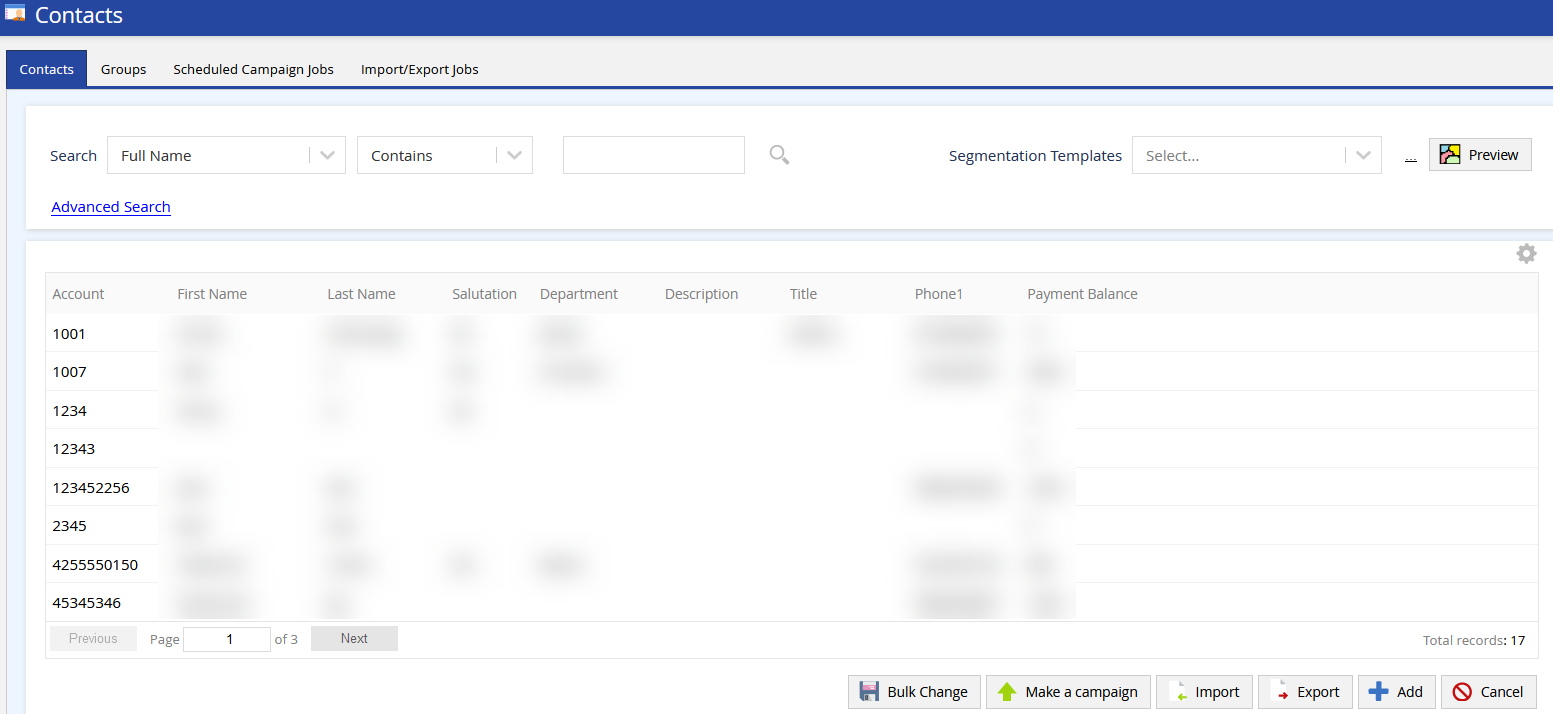
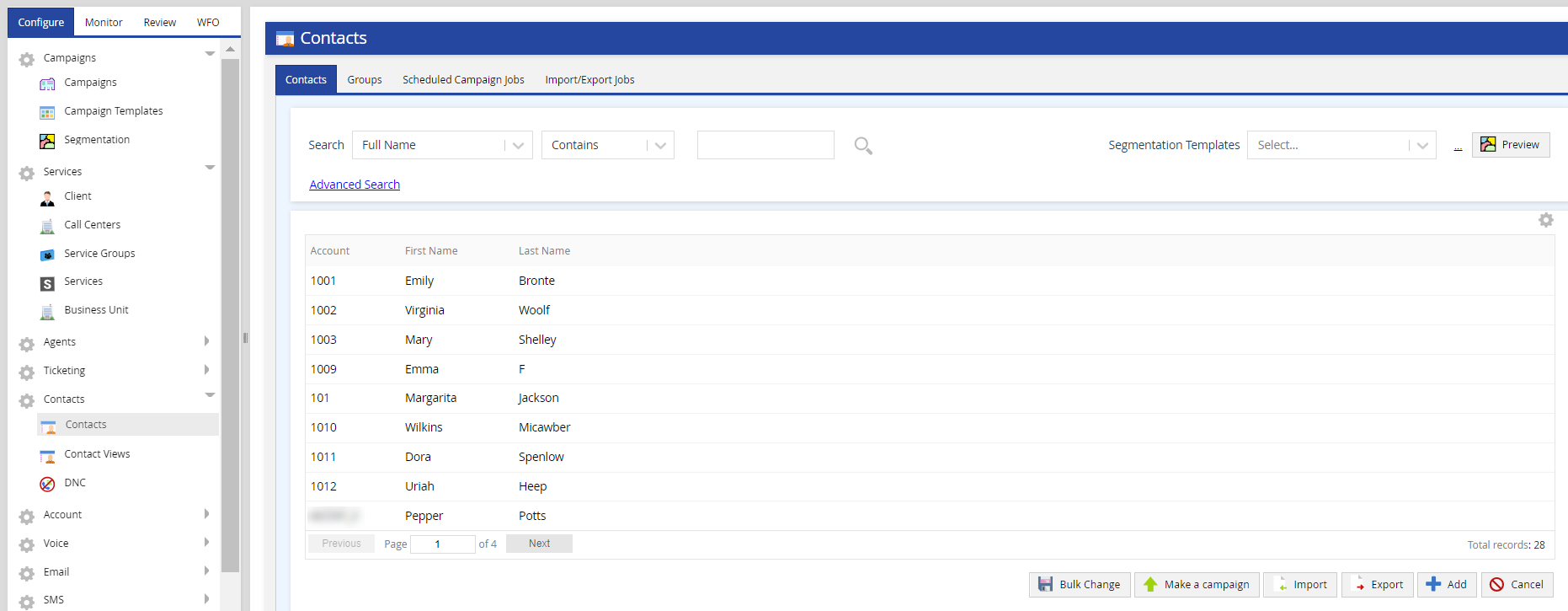
To access Contact Manager, on the Configure tab of LVP, click Contacts > Contacts.
This section contains the following topics.