The Salesforce LiveVox admin users have permission to update the following fields in the LiveVox Portal:
Setting
Set the value to
Manual services should be on an API enabled queuer. Quick Connect and right-party contact services should be on an automated queuer. Contact your LiveVox representative to verify this setting.
For agent login services only:
Log in to LVP.
Go to Configure > Services > Services > General > Service Type.
Manual or Quick Connect
Log in to LVP.
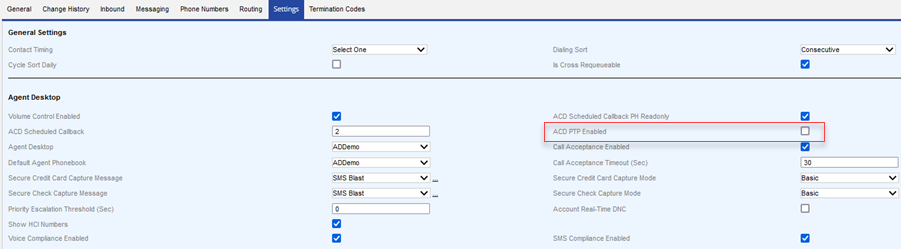
Go to Configure > Services > Services > Settings> ACD PTP Enabled.
Disabled
For Manual services only:
Log in to LVP.
Go to Configure > Services > Services > Settings> Zip Area Mismatch.
Off
Log in to LVP.
Go to Configure > Services > Services > Phone Numbers> Agent Call In Number.
Your agent call-in number. If you do not have an agent call-in number, enter any value in this field. Do not leave this field blank.
Log in to LVP.
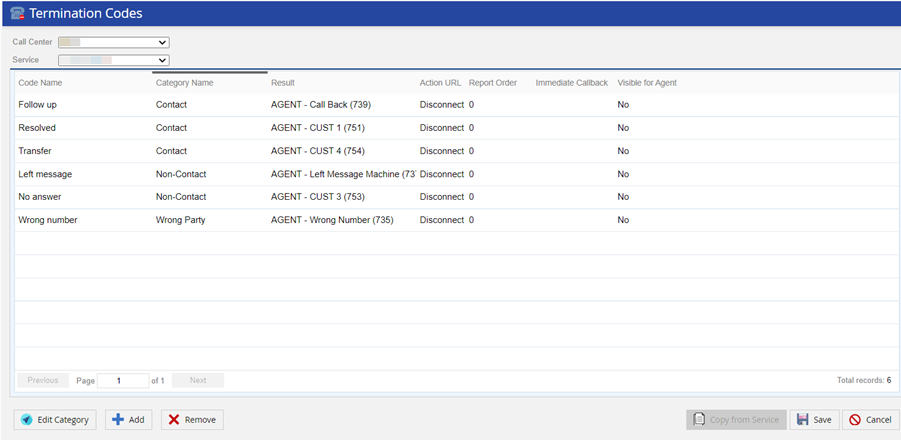
Go to Configure > Services > Services > Termination Codes> Termcode Enabled.
Enabled
Log in to LVP.
Go to Configure > Agents > Agent Desktop > General > Account Number Required.
Disabled
Log in to LVP.
Go to Configure > Agents > Agent Desktop > General > Account Number Validation for Inbound and Manual Calls.
Disabled
Log in to LVP.
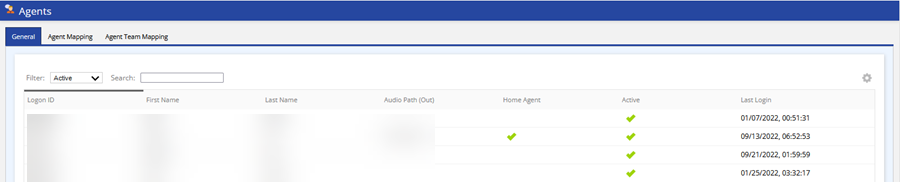
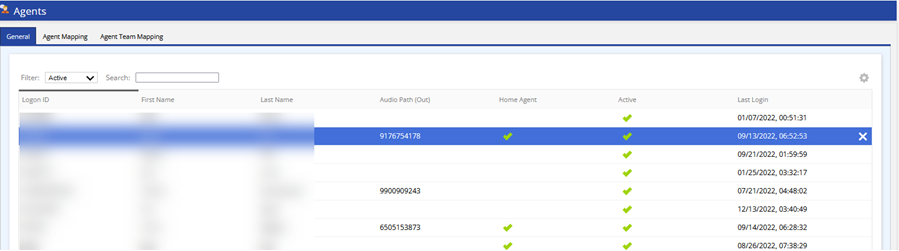
Go to Configure > Agents > Agents > General > Home Agent.
Enabled
Log in to LVP.
Go to Configure > Agents > Agents > General >Audio Path (Out).
Any value that is not 10 digits.
Recommended Settings
Setting
Set the value to
Log in to LVP.
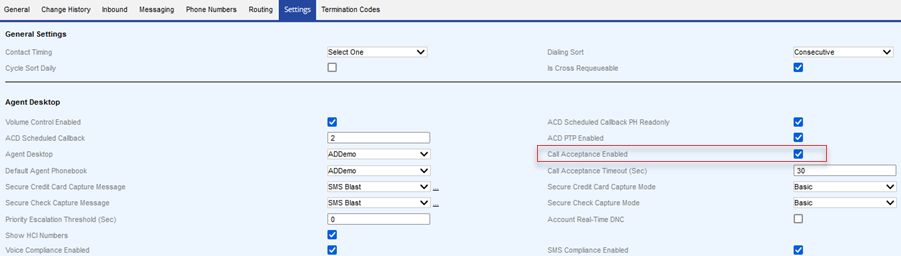
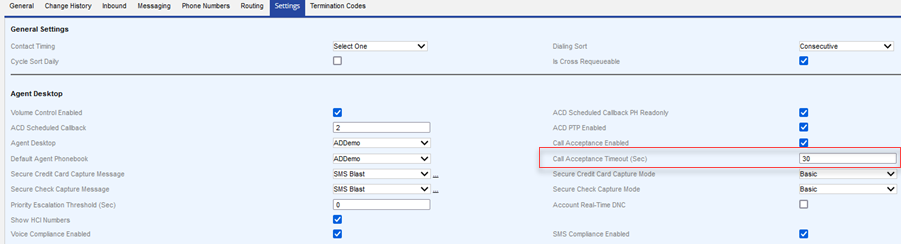
Go to Configure > Services > Services > Settings > Call Acceptance Enabled.
Enabled
Log in to LVP.
Go to Configure > Services > Services > Settings > Call Acceptance Timeout (Sec)
Any number greater than zero.
Log in to LVP.
Go to Configure > Agents > Termination Codes > Visible for Agent.