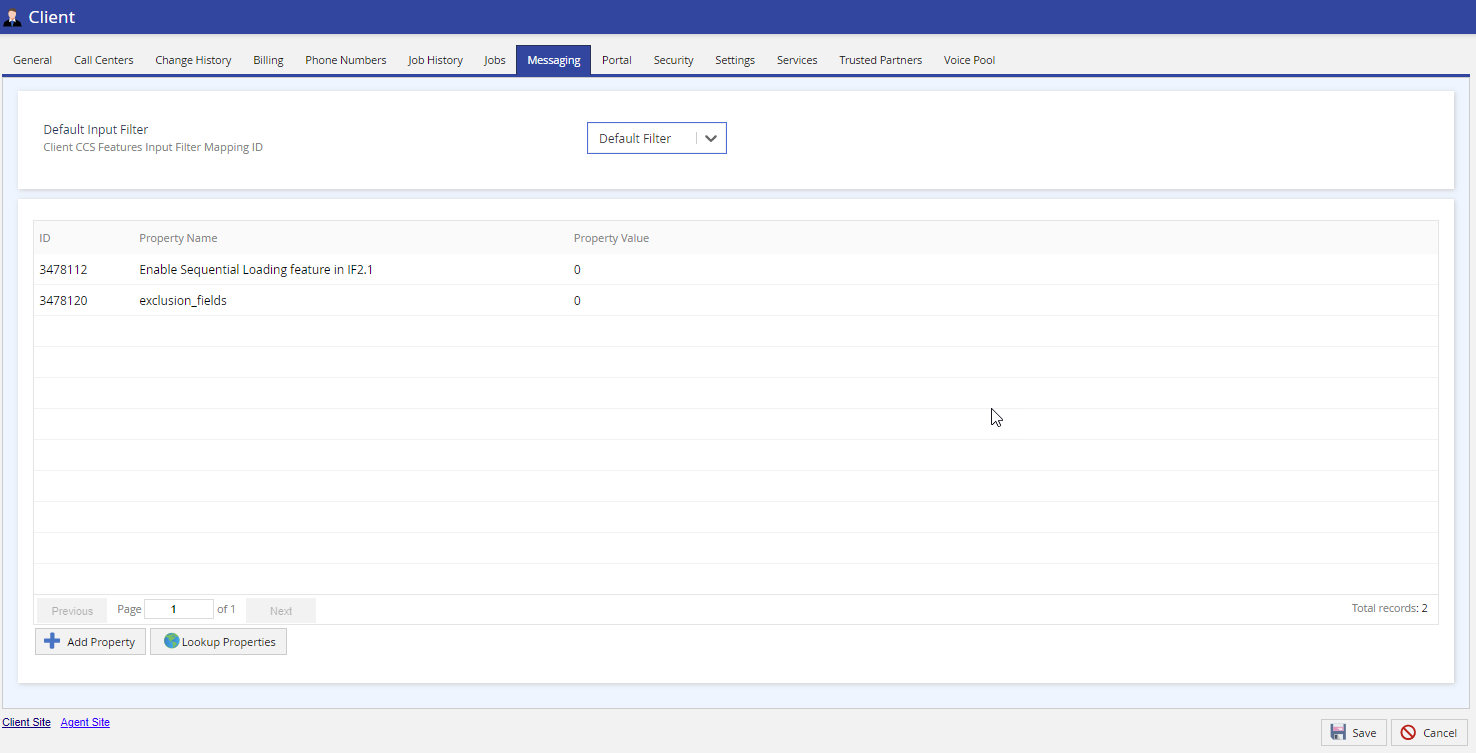
Admin Guides (U17, LV19, and Fall 23) Quick Start Configuring Client Sites Call Centers Services and Business Units Client Client Editor Navigation Current: Client Editor - Messaging Tab Client Editor - Messaging Tab The Messaging tab of the Client editor displays the default input filter.Default Input Filter: Displays the default input filter selected for the client. Select the input filter from the drop-down list. For more information on messaging, see the Services - Messaging Tab section. ×