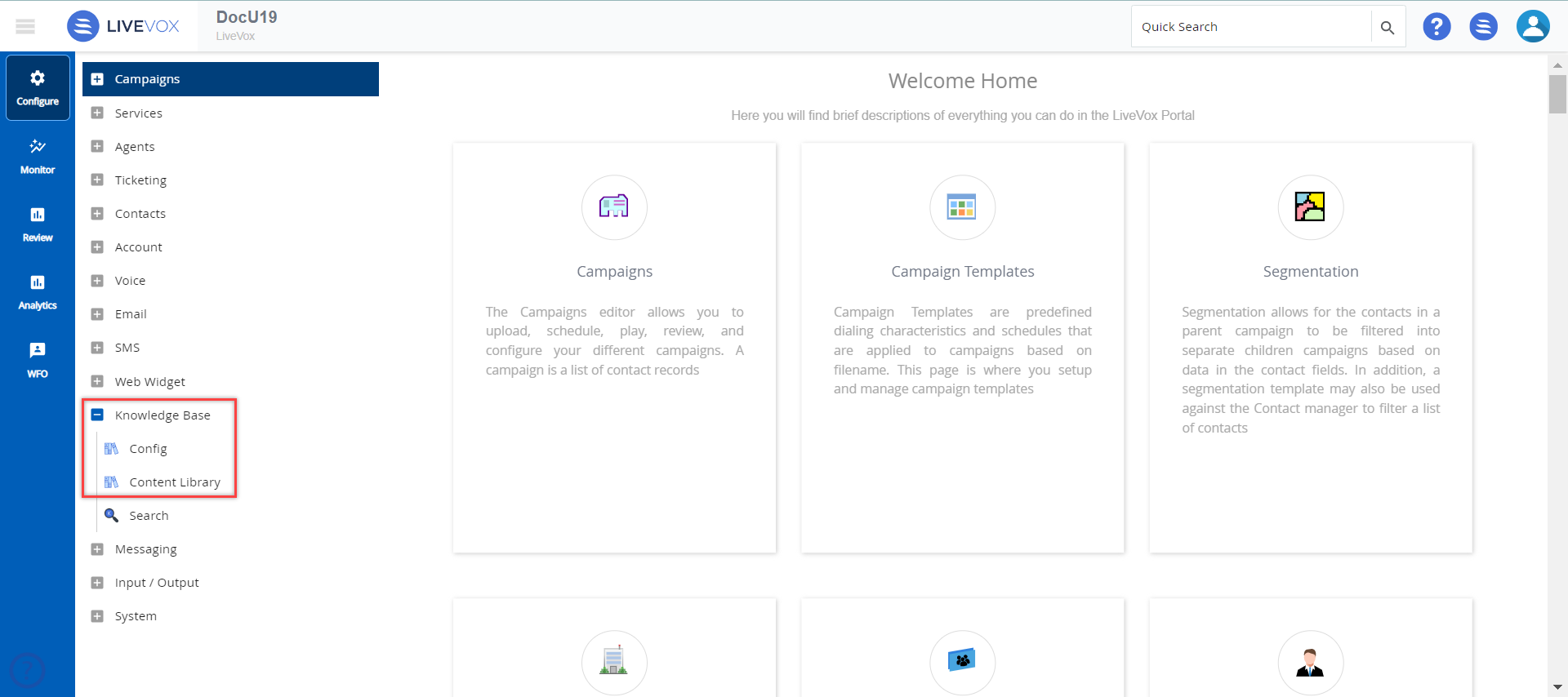
You can access the KB by clicking Knowledge Base on the Configure tab. The Knowledge Base contains the following subsections:
- Config: Enables you to manage KB portals, tags, categories, sections, and questions for KB articles.
- Content Library: Enables you to manage KB articles and associate them with tags, categories, sections, and questions.
- Search: Enables you to preview a KB portal and search for its articles.