-
Created by
 Sabita Rao on Aug 13, 2021
1 minute read
To delete an agent phonebook:
- Select the agent phonebook from the Agent Phonebook drop-down list.
- Click Delete Agent Phonebook and you will be prompted to confirm your selection.
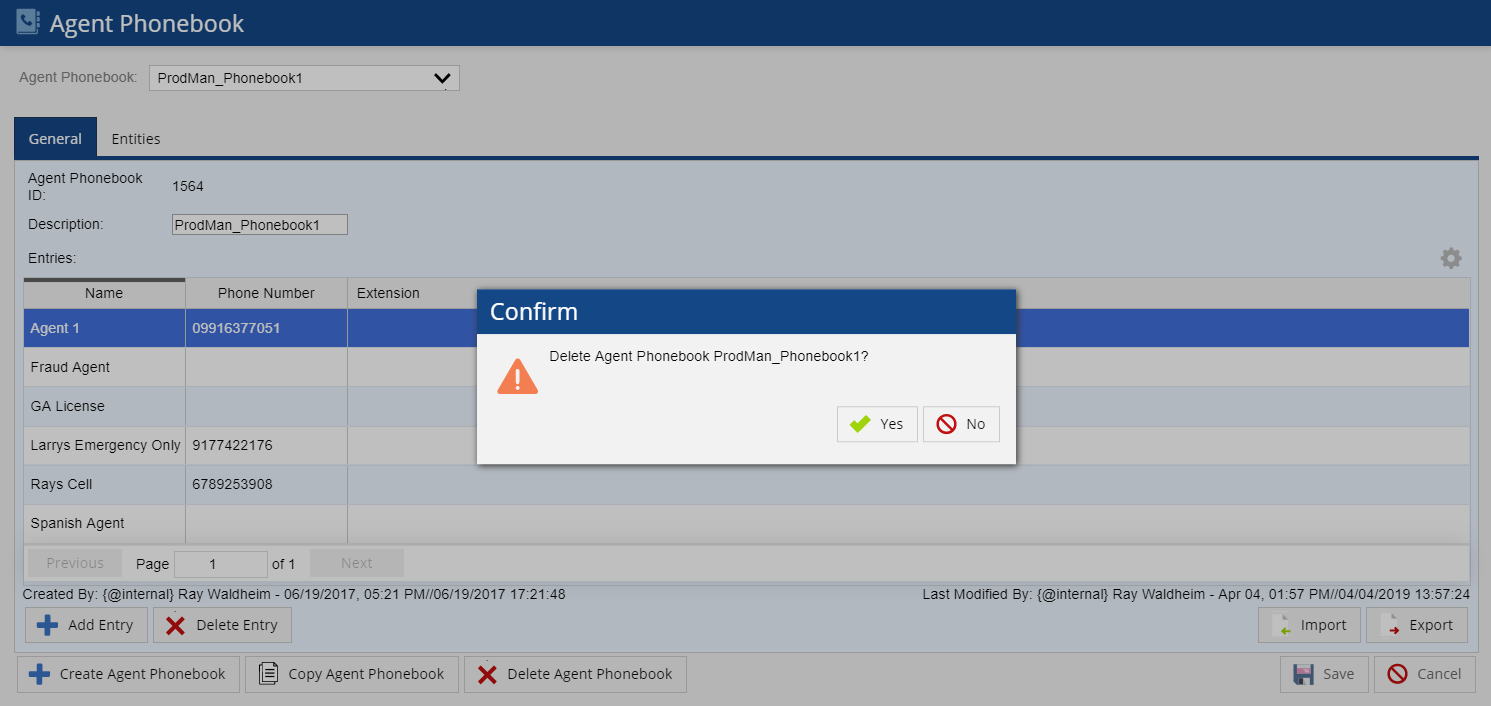
- lick Yes to delete the agent phonebook or No to discard the changes.
- If Yes is selected, the "Agent Phonebook deleted" message appears and the agent phonebook will be deleted.