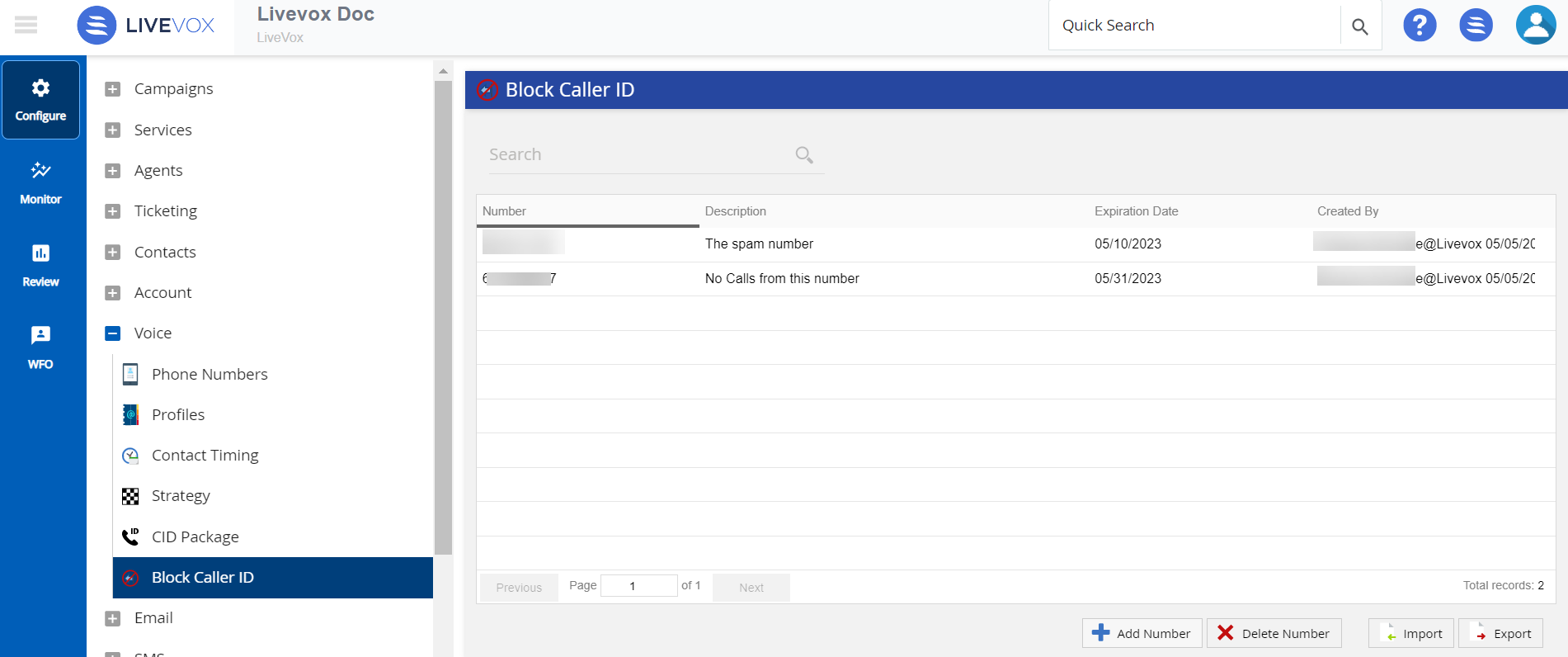
The Block Caller ID editor allows you to create and manage a list of blocked numbers.
|
Use the Block Caller ID editor to:
On the Configure tab of LVP, click Voice > Block Caller ID.
| Button | Description |
|---|---|
| Add Number | Add an entry to block the specific caller ID. |
| Delete Number | Delete an Entry. |
| Import | Add or adjust entries in bulk. |
| Export | Export the details of all blocked phone numbers in CSV format. |
The following items are reviewed in this section: