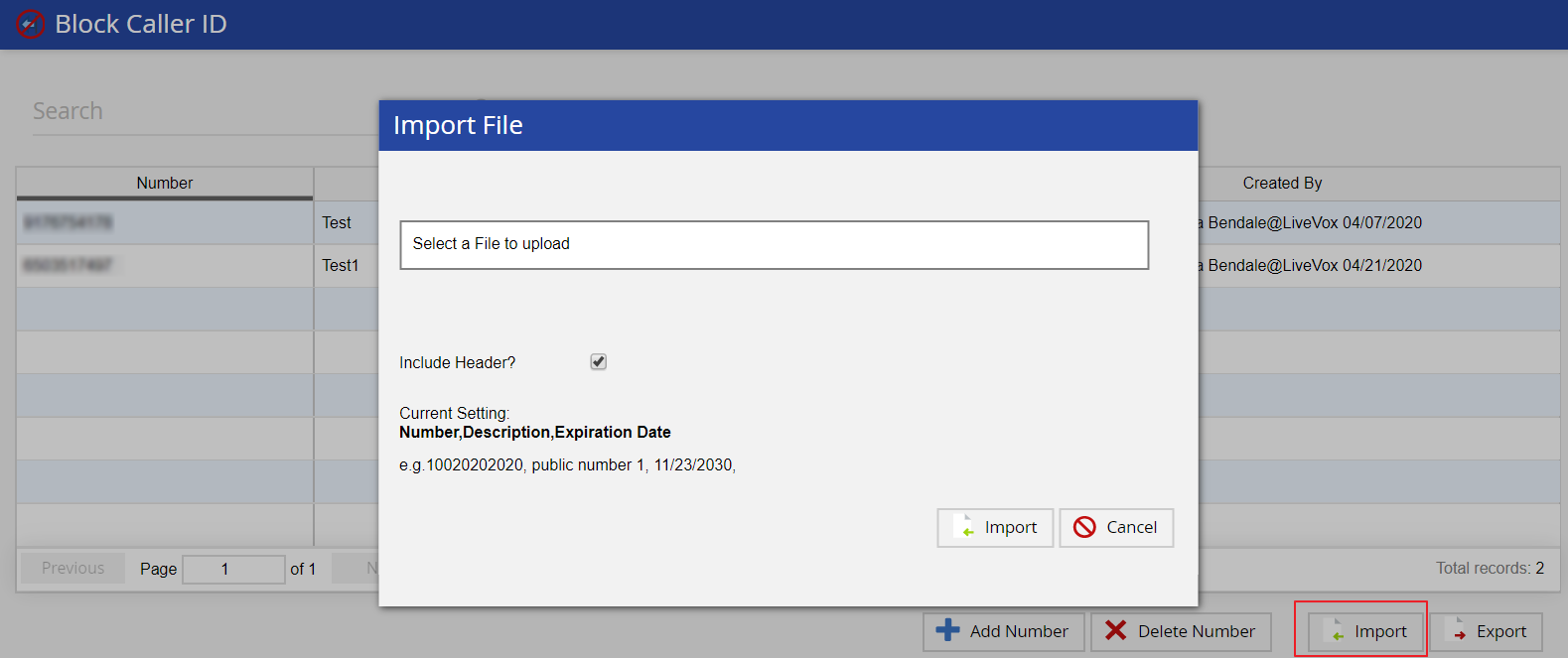
- To ensure that your file is in the correct format required for uploads, you can export your current list of phone numbers to view the required columns and other information.
- Your upload file must include the following fields: Number, Description, and Expiration Date.
For example: 10020202020, public number 1, 11/23/2030 - Your file must include valid or blank data in appropriate fields to successfully import bulk phone number lists.
If successful, you will see a notification, and the phone numbers will be visible in the editor. If not, you may have to correct your file and try again.