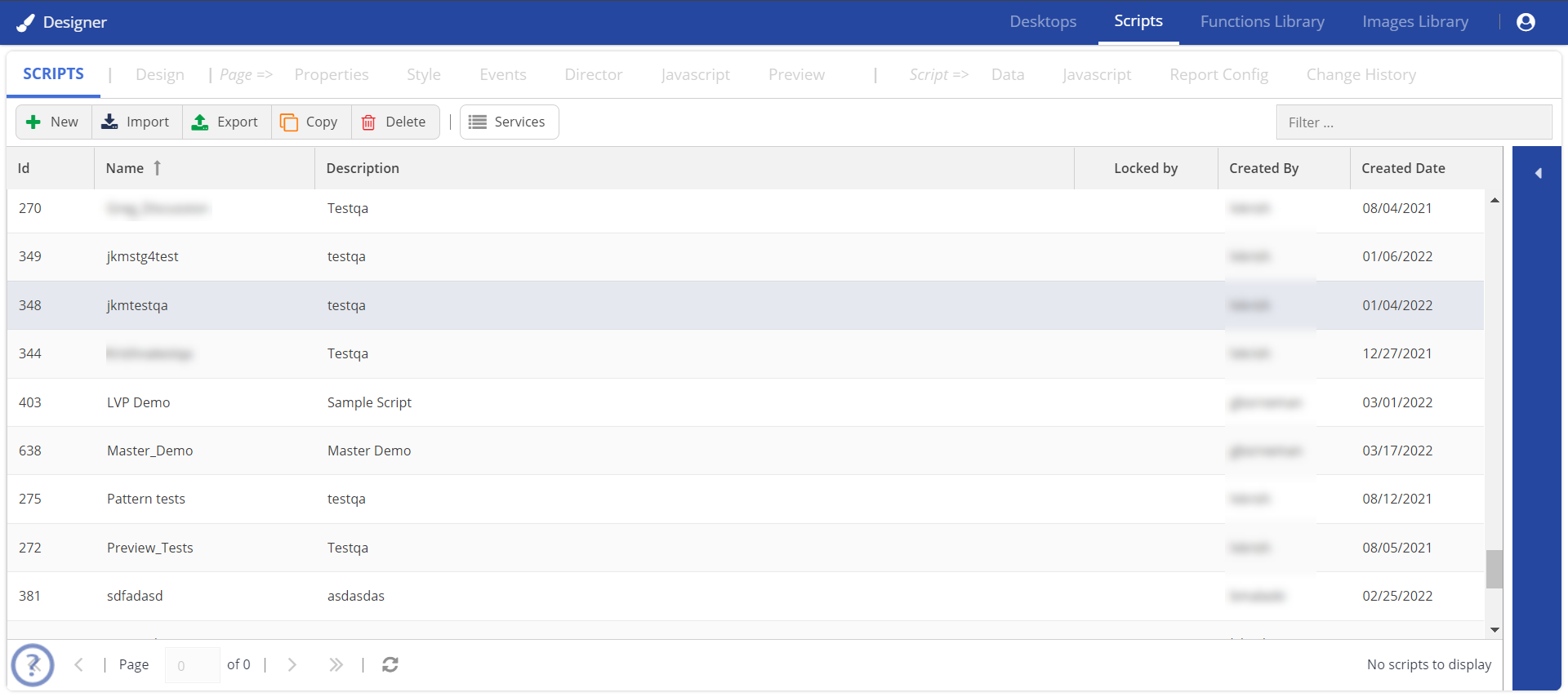
A table of scripts appears.
A section displaying the Service field appears.
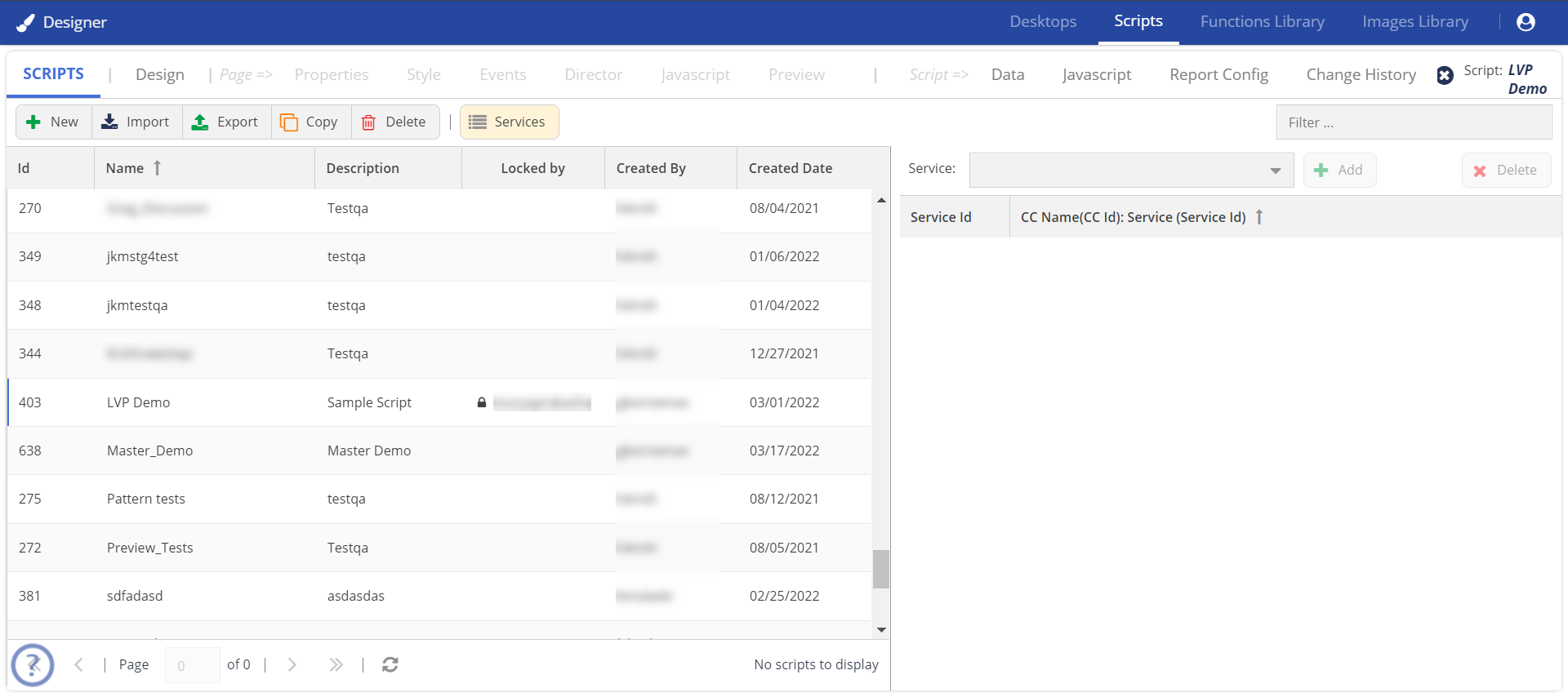
In the Service field, select the service that you want to assign to the script, and then click Add.
A check is performed to ensure that the script is valid.
You can easily assign scripts to services because the services are organized in alphabetical order in a drop-down list. The list displays the call center, service, and service ID; for example, Dallas: Customer Care: 12345. In addition, you can navigate to the required services by entering the service name in the typehead of the search field. When you assign a Script to the Service, the information is updated in the list.
|