You create the script on the Scripter tab of the LiveVox Portal.
To create a script:
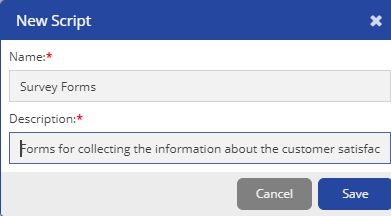
Click Save.
The script is created. The Design subtab appears to enable you to design the script.
The Script opens in the Design subtab with a blank page. You can add new pages to this the Pages list. For more information on adding pages, see Creating the Pages. |
You can also Import, Export, Copy, and Delete a script. For detailed information, see Managing Scripts.