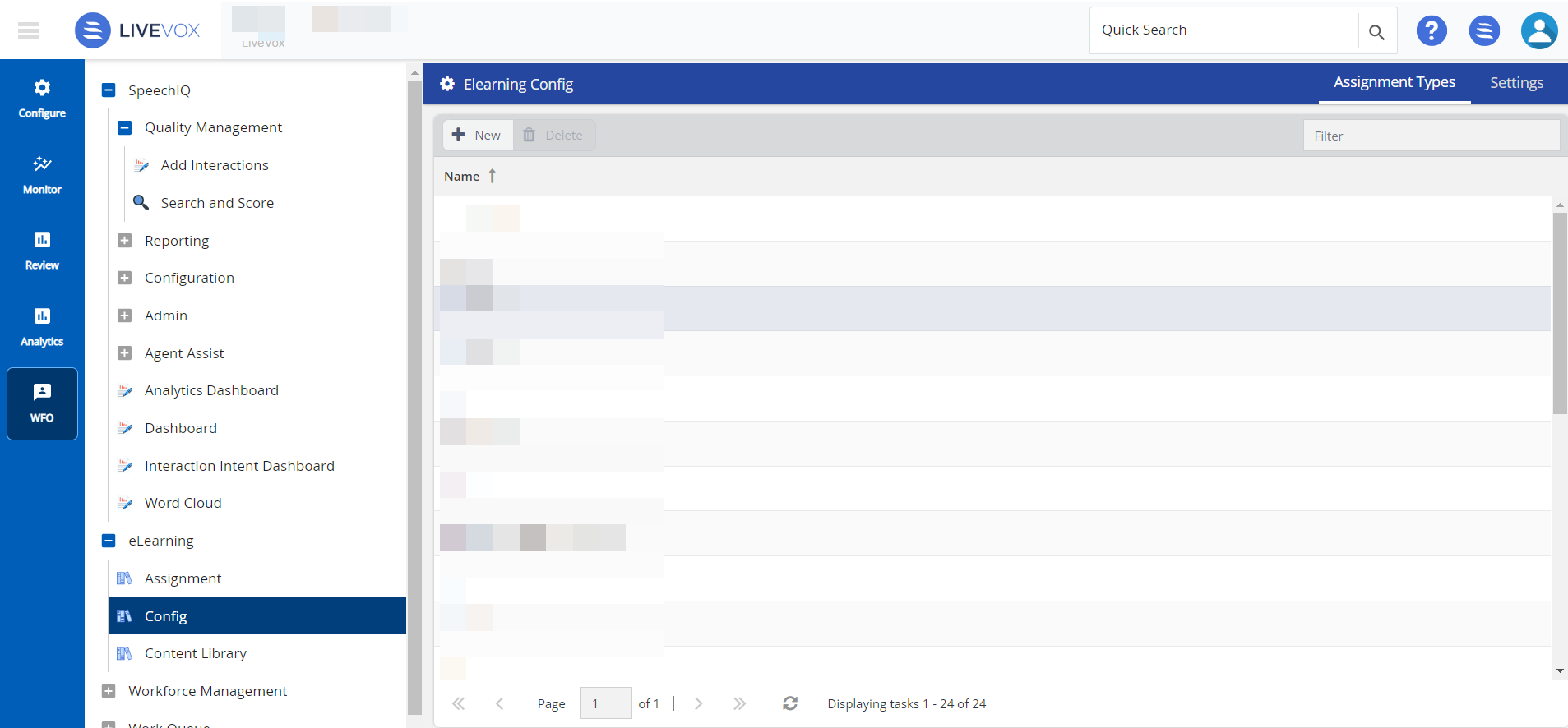
You can utilize the Config to create E-learning assignments and categories.
To access the elearning Config window, navigate to WFO tab, and click eLearning> Config.
After adding content to the Library, you can determine agents' training needs and assign one or more items to an agent. E-Learning Assignment allows you to search for the appropriate training material from the Content Library and assign it to agents.
To create an E-learning assignment:
You can delete an assignment from the E-learning assignment list. To delete the assignment:
You can create new E-Learning Categories. To create a new category: