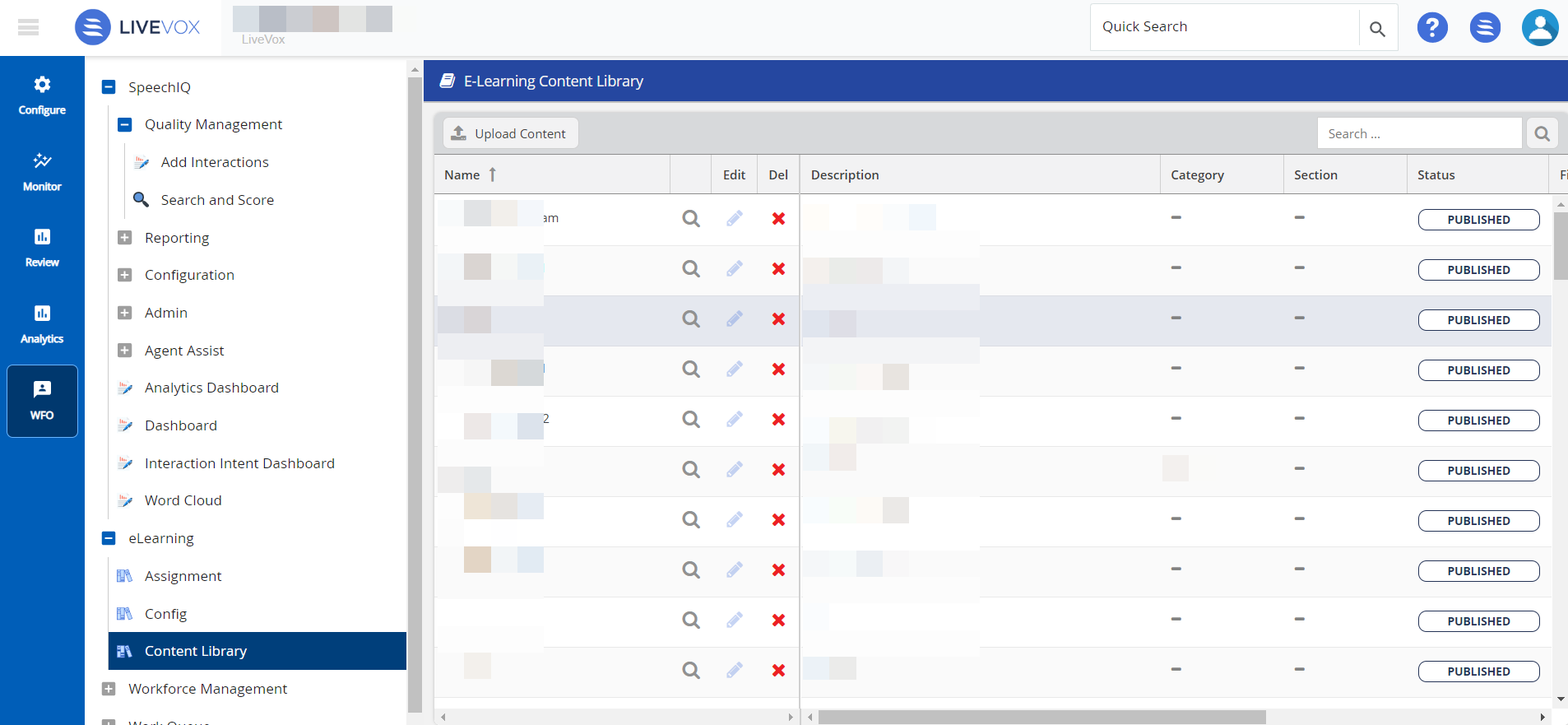
Content Library provides you the ability to create e-learning content. You can add and store documents in PDF, CSV, PPT, Word formats, and external links to the Content library. If you are an Assessor, you can mark a recording as an item for the Content Library and a Coaching task. With e-Learning content, you can provide better guidance to your agents and help enhance their skills. To access the Content Library, navigate to WFO > E-Learning> Content Library:
To add content to Content Library:
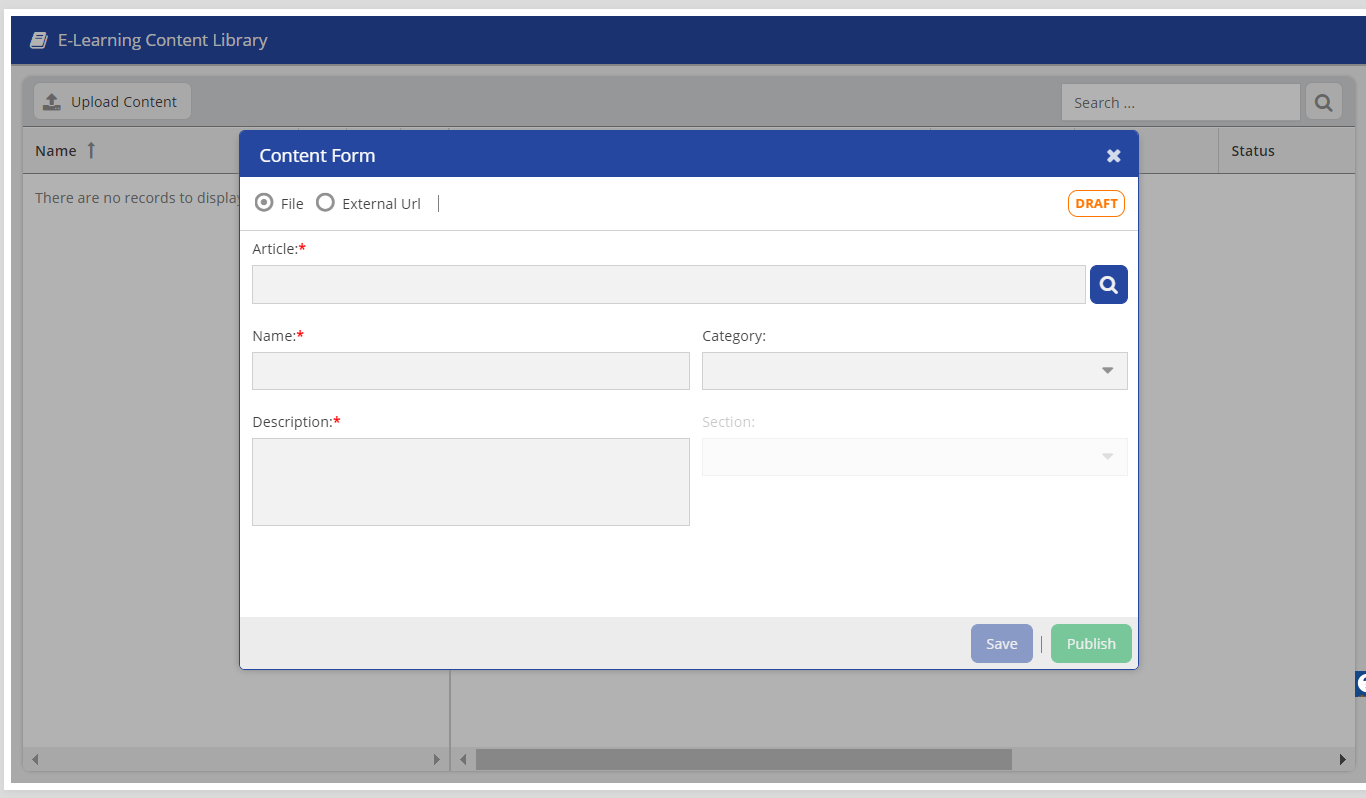
Click the Search Icon  to navigate to the local directory that contains your e-learning content file.
Select the file you want to upload.
After the content is stored in the content library, you can assign this e-learning content to the agents.