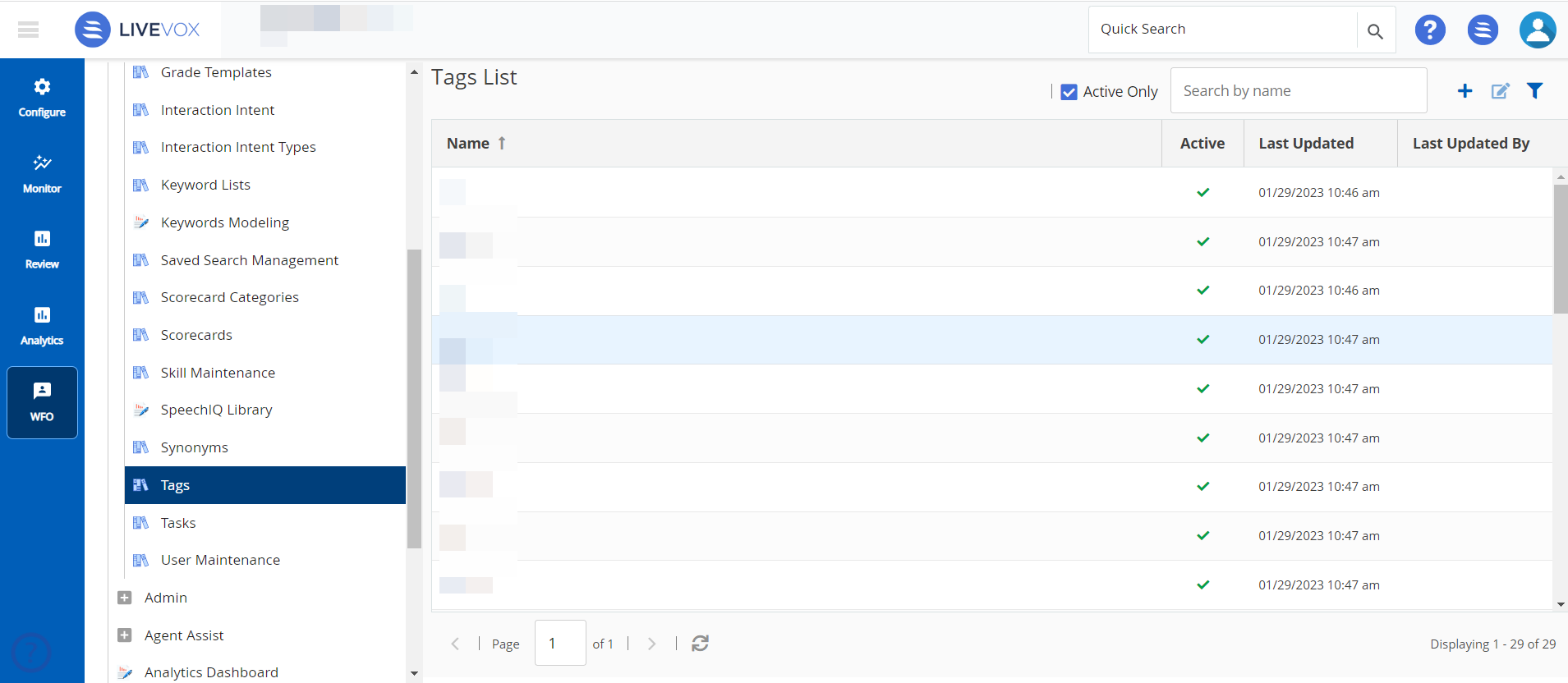
Tags are labels created by users (during an interaction review) to group the related interactions together for quick filtering. There can be multiple tags per call or multiple calls per tag.
If the tag name was previously created, the name appears when you start typing the name. Select this tag to help eliminate multiple variations of the same tag due to misspellings, inconsistent capitalization, punctuation, and so on.
To access the Tags window on the WFO tab, click SpeechIQ > Configuration > Tags.
The Tags window that contains all the configured tags is displayed.
|
To create a new tag:
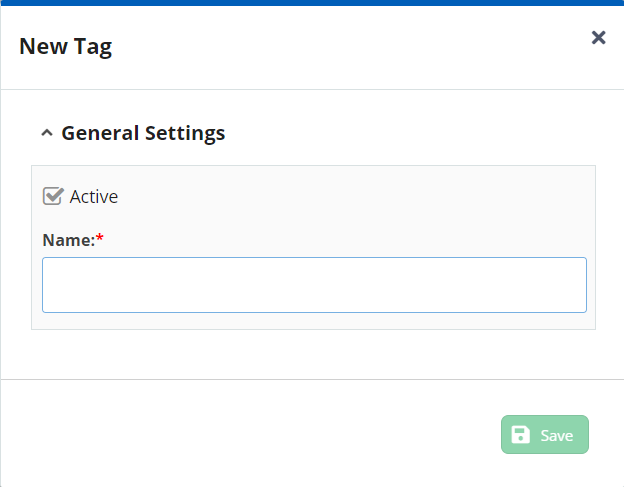
To modify a tag, in the Tags window, select the tag that you want to modify and click Edit or double-click the tag. You can modify the details in the Edit Tag popup window. |

