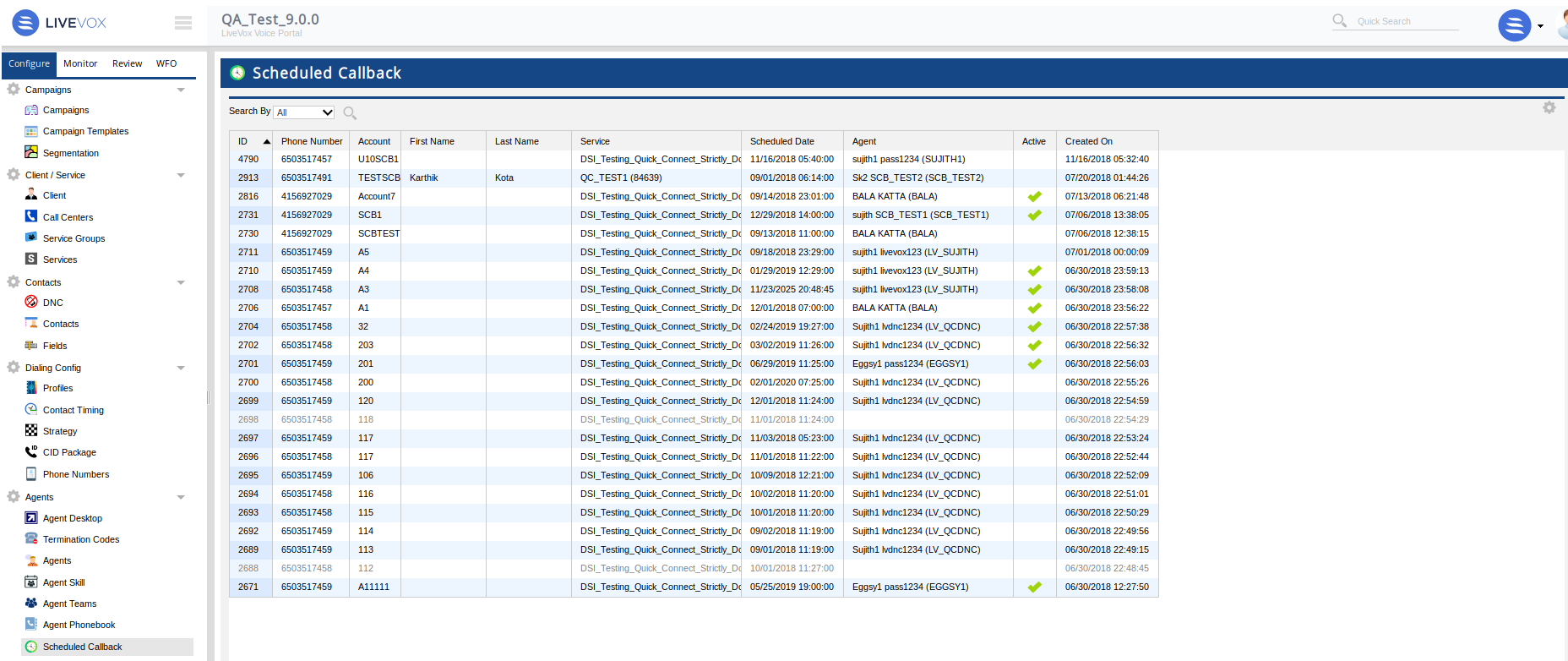
Navigate to the Scheduled callback editor by selecting Configure > Agents > Scheduled Callback editor from the navigation panel.
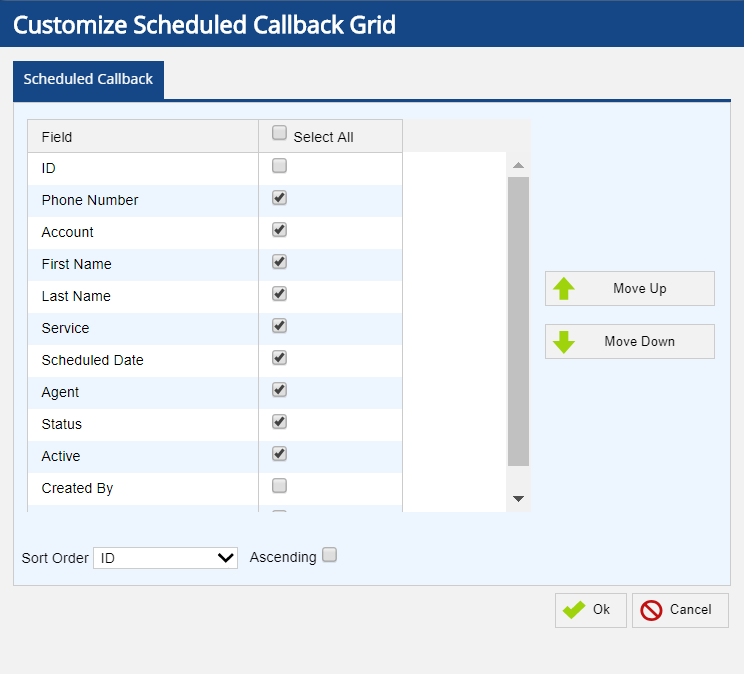
Scheduled Callback editor presents you with the currently scheduled callbacks and their details in the scheduled callback grid. You can customize the fields that are displayed within the scheduled callback grid. Click the cog icon at the top right of the panel to bring up the Customize Scheduled Callback Grid screen. The following fields and buttons are presented in the Scheduled Callback Grid:
|
Created On - Date and time the record was created.
You can also change the order of the scheduled callback fields.
The Sort Order field allows you to set the sort order of the scheduled callback records.
The Search By field at the top left of the Scheduled Callback editor allows you to search for a specific callback by selecting a search option from the drop down menu and filter further by entering the value for the selected option. The default search filter is set to Today's date. You can filter the scheduled callback records by: