Select Title Bar from the available widgets section and click Add.
The Add Title Bar pop-up appears.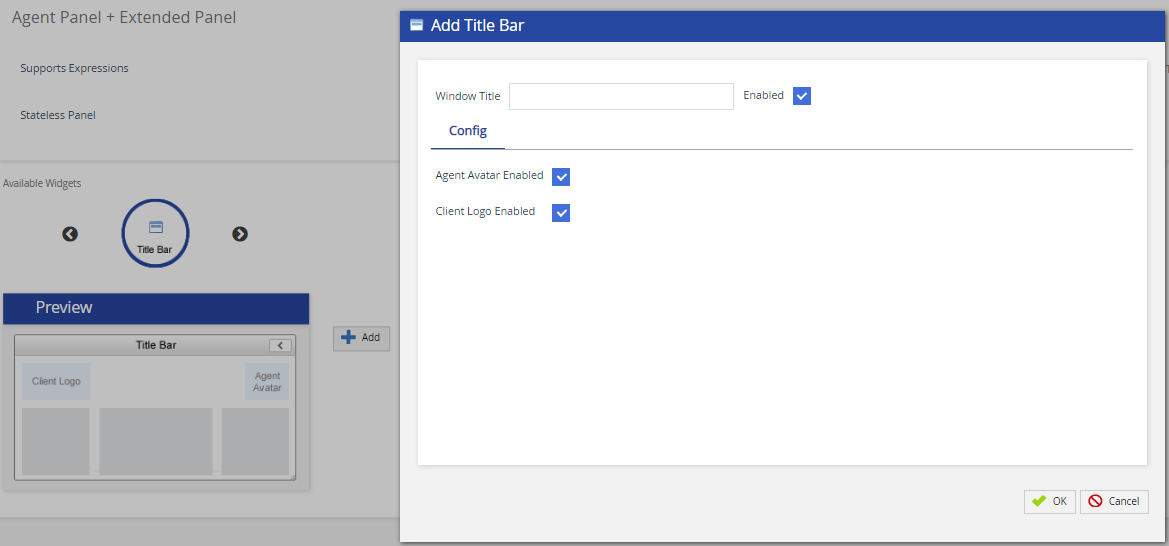
The following table provides the field and the description/action you need to take:
| Field | Action / Description |
|---|---|
| Window Title | Specify the widget name. |
| Enabled | Click the checkbox to enable the widget on extended panel of Agent Desktop. |
| Agent Avatar Enabled | Select the checkbox to enable the agent avatar on the agent desktop. |
| Client Logo Enabled | Select the checkbox to enable your custom logo on the agent desktop. |