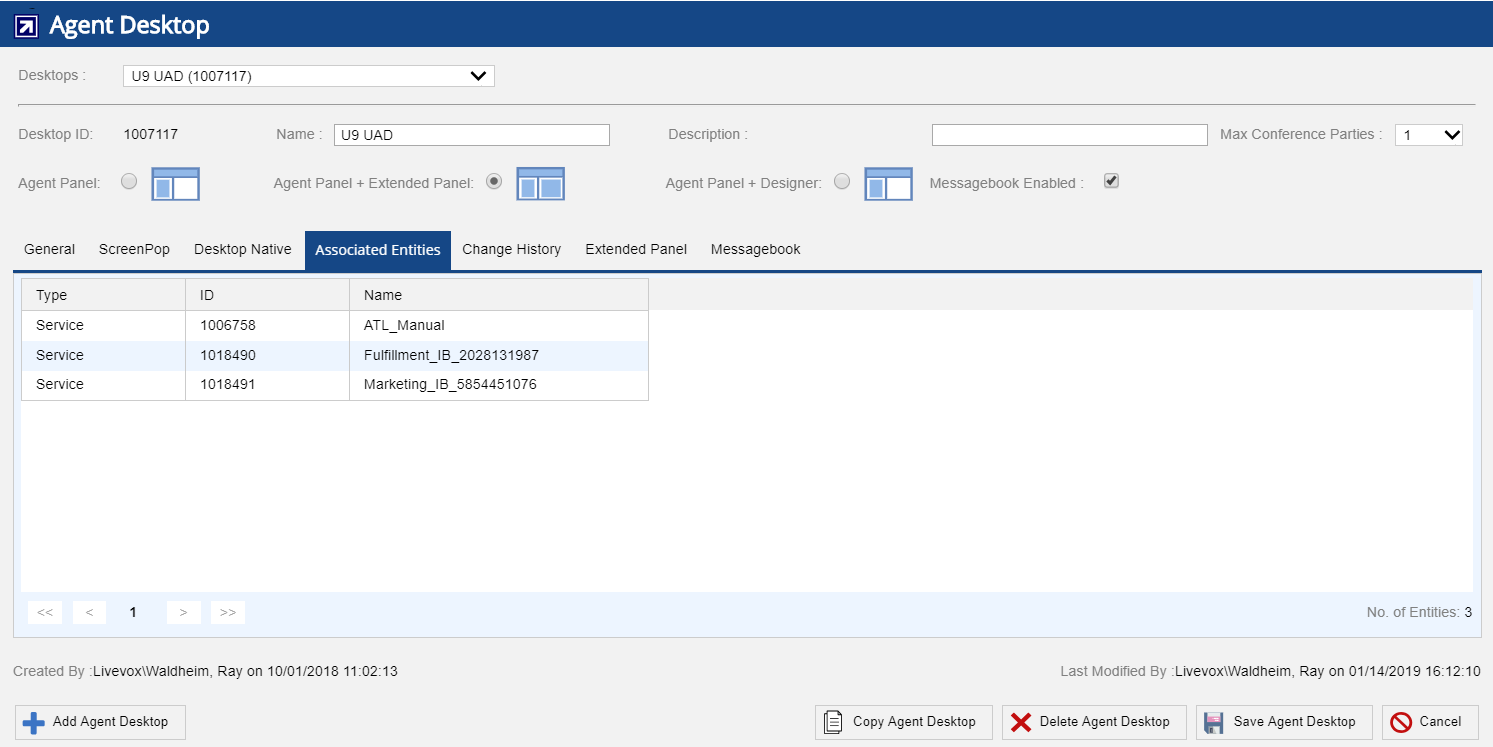
The Associated Entities tab shows which entities (Client, Call Centers, Services) have the selected agent desktop assigned. Navigate to Configure > Agent > Agent Desktop > Associated Entities tab.
The following fields are displayed under the Associated Entities tab:
Agent Desktop can be assigned to multiple services (the Associated Entities tab displays those services using it) so a change intended for only one service can impact many more. It is a good idea to copy the agent desktop and edit/test before applying to the larger service group. |